Html Css
Form Validation
Input State Enables an Action
An email field changes value, touched styling, validation copy, and submit-button state. Each replay step pairs the source statement with the browser-rendered form.
Program
The source mutates ordinary form controls. CSS turns those DOM state changes into visible validation feedback.
form_validation.js
Visuals: captured from real browser rendering
const email = document.querySelector('#email');
const hint = document.querySelector('#email-hint');
const submit = document.querySelector('#submit');

email.value = 'learner@egtry.dev';

email.classList.add('touched');

hint.textContent = 'Email format is valid.';
hint.classList.add('valid');

submit.disabled = false;
submit.dataset.state = 'ready';
Type a valid email value into the input.
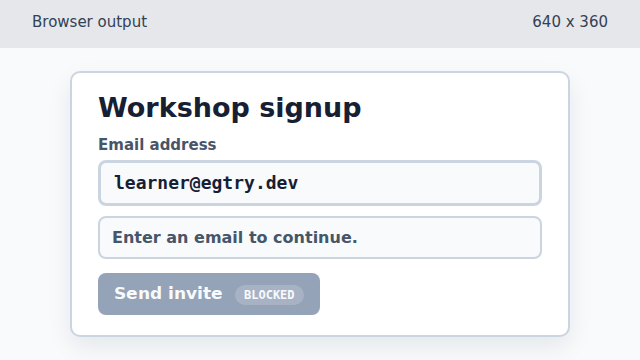
The input value appears in the rendered form before any validation styling changes. Mark the field as touched.
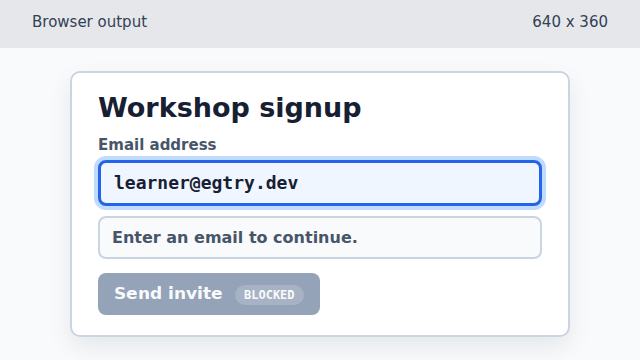
Adding the touched class lets CSS show that this field has been visited. Replace the neutral helper text with validation copy.
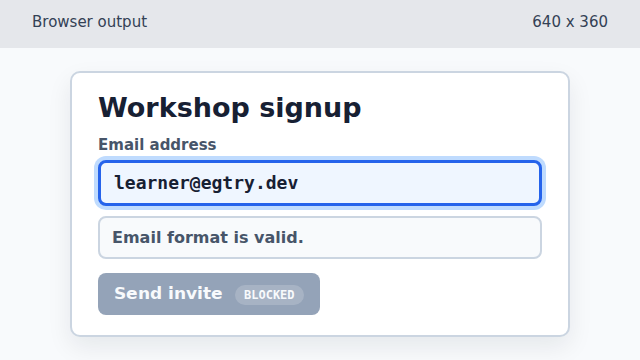
The helper message changes first; it is still neutral until the valid class is added. Apply valid styling to the helper message.
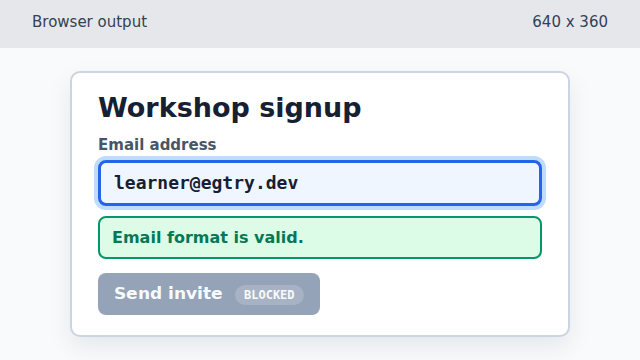
The same text becomes a positive validation state once CSS sees the valid class. Enable the submit button.
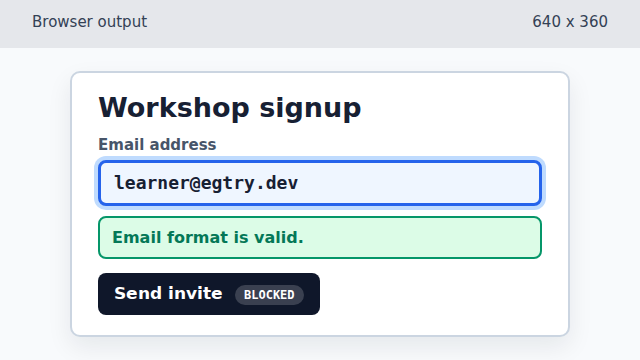
Removing disabled makes the button usable before the display state label is updated. Mark the enabled button as ready.
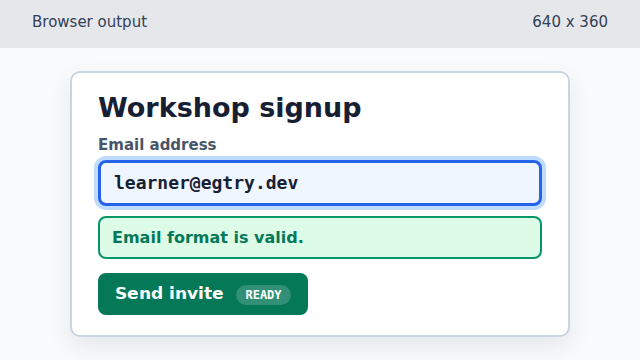
The data-state attribute lets CSS present the final ready state without changing the button text.
form state
Form state is the current data and UI status of form controls, such as an input value or a disabled button.
disabled control
A disabled control cannot be submitted or clicked. Removing `disabled` is often the final step after validation passes.
data attribute
A data attribute stores small UI state on an element so CSS and JavaScript can both read it.