Html Css
Class State
Source Changes Become Rendered State
A DOM card moves from draft to active to ready. Each step connects the source mutation to the browser-rendered card state.
Program
The source updates one card element. Follow how the data attribute, class list, and badge text change the rendered status.
class_state.js
Visuals: captured from real browser rendering
const card = document.querySelector('#status-card');
const badge = card.querySelector('.badge');

card.dataset.state = 'draft';
badge.textContent = 'Draft';

card.classList.add('active');
card.dataset.state = 'active';
badge.textContent = 'Active';

card.classList.add('ready');
card.dataset.state = 'ready';
badge.textContent = 'Ready';
Set the draft DOM state and badge text.
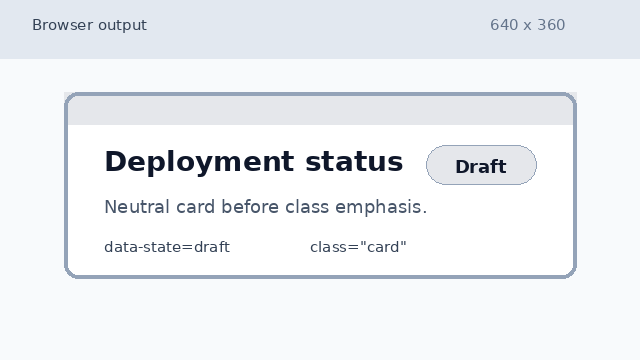
The card is in the draft state, with neutral styling and a Draft badge. Apply the active class, state, and badge text.
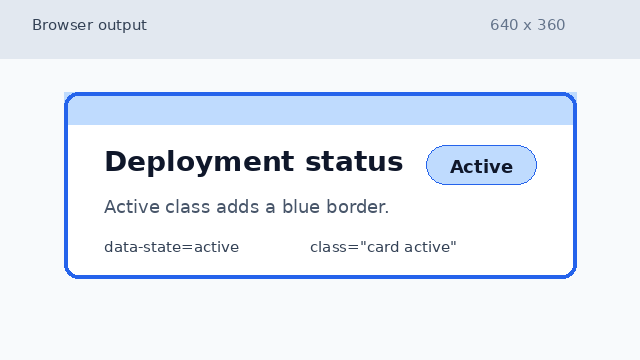
The active class adds a blue border and the badge changes to Active. Apply the ready class and final badge text.
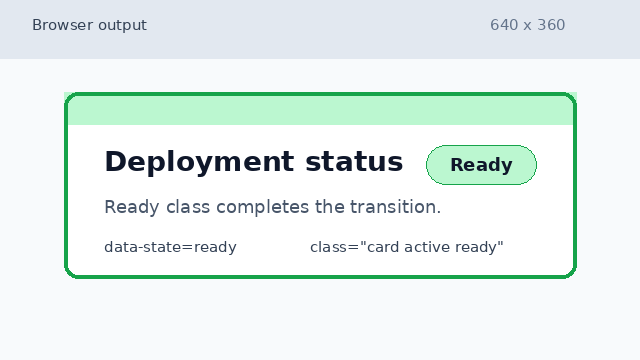
The ready class completes the state change and the badge reads Ready.
DOM state
DOM state is the data and class information currently attached to elements in the page.
class selector
A CSS class selector applies visual rules when an element has the matching class name.