Html Css
DOM Event Counter
Clicks Mutate Rendered State
A button click handler updates a counter, visible text, and a data attribute. The replay connects the event path to the browser-rendered counter.
Program
The same handler runs for each click. Watch how count, the output text, and the button's data-count attribute move together.
dom_event_counter.js
Visuals: captured from real browser rendering
const button = document.querySelector('#add-button');
const total = document.querySelector('#total-count');
let count = 0;

button.addEventListener('click', () => {
  count += 1;
  total.textContent = String(count);
  button.dataset.count = String(count);
});

button.click();
button.click();
Initialize the counter value.
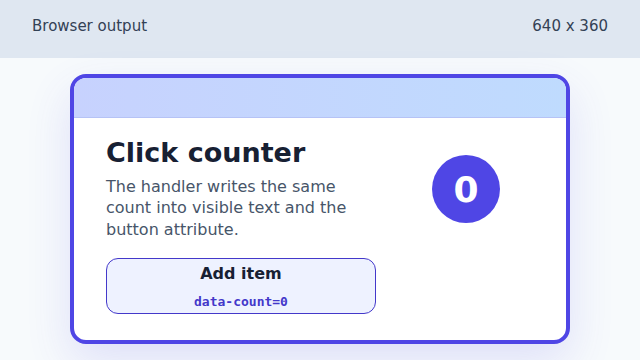
The counter starts at zero before any click event runs. Mirror the count into a data attribute.
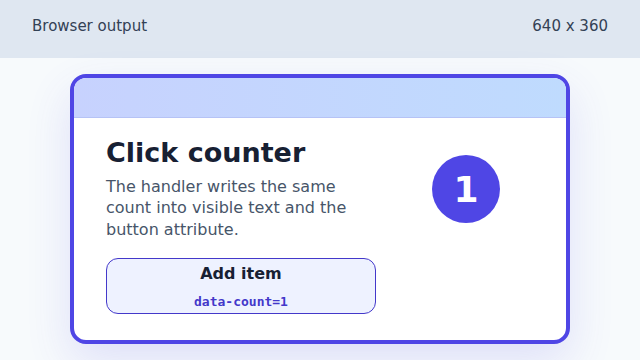
The first click updates count, output text, and data-count together. Keep the attribute state in sync with the text.
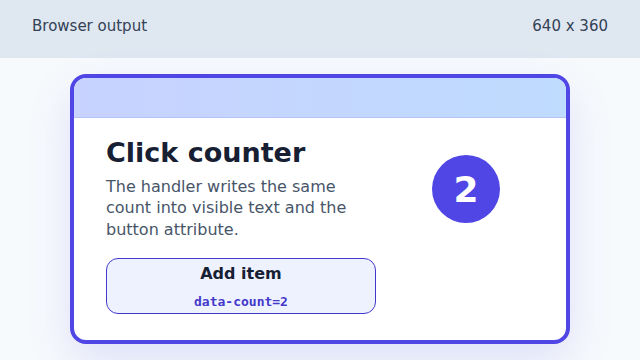
A second click repeats the handler path and moves the rendered count to two.
event handler
An event handler is a function the browser calls when an event such as `click` happens on an element.
rendered state
Rendered state is the visible page output after JavaScript changes DOM properties or attributes.