Html Css
Cascade Priority
Later Classes Meet Stronger Selectors
A card gains classes one at a time. Each replay step shows which CSS selector wins and how the rendered card changes.
Program
The source only adds classes. CSS selectors decide the final border, background, and status label.
cascade_priority.js
Visuals: captured from real browser rendering
const card = document.querySelector('#cascade-card');

card.classList.add('notice');

card.classList.add('warning');

card.classList.add('confirmed');
Add the notice class.
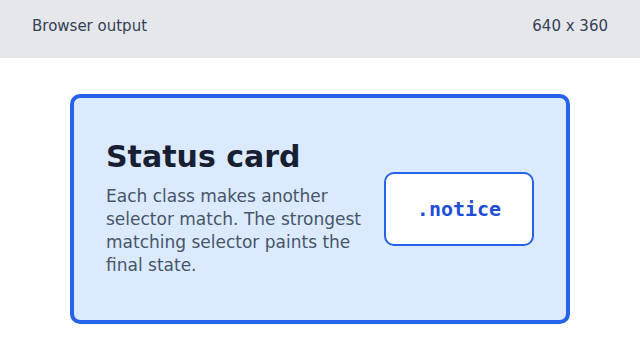
The simple .notice selector applies the first visible style. Add the warning class.
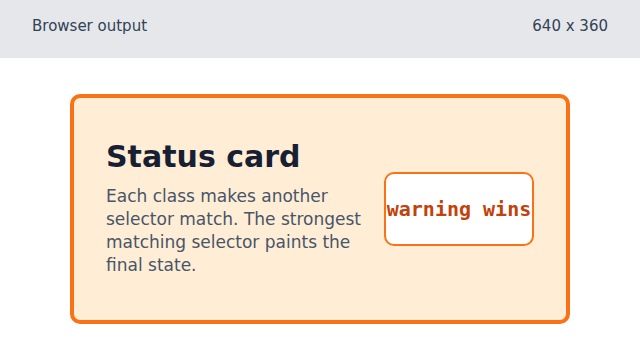
The compound .notice.warning selector is more specific, so it overrides the notice colors. Add the confirmed class.
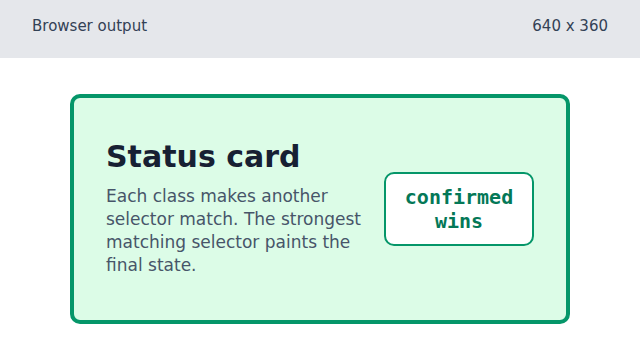
The three-class selector is the most specific rule, so the final confirmed style wins.
cascade
The cascade is the browser's rule for choosing one style when several CSS rules target the same element.
specificity
Specificity measures how strongly a selector targets an element. A more specific selector can override a simpler one.
compound selector
A compound selector such as `.notice.warning` matches an element that has both classes.