Applied Browser Projects
Responsive Validation Summary
A failed signup form shows a short error summary, field-level messages, and a responsive layout that keeps the summary first.
Program
A validation replay can keep the failure path visible: first the summary, then each invalid field, then the responsive layout rule that keeps the summary above both columns.
responsive_validation_summary.html
Visuals: captured from real browser rendering
<form class="signup" aria-labelledby="signup-title" novalidate>
  <h2 id="signup-title">Create account</h2>
  <div class="validation-summary" role="alert">
    <p>Please fix 2 fields:</p>
    <a href="#email">Email needs an address.</a>
    <a href="#password">Password is too short.</a>
  </div>
  <label for="email">Email</label><input id="email" aria-invalid="true" aria-describedby="email-error">
  <p id="email-error">Enter an email address.</p>
  <label for="password">Password</label><input id="password" aria-invalid="true" aria-describedby="password-error">
  <p id="password-error">Use at least 8 characters.</p>
</form>
<style>
  .signup { display: grid; gap: 12px; max-width: 36rem; }
  @media (min-width: 42rem) { .signup { grid-template-columns: 1fr 1fr; } .validation-summary { grid-column: 1 / -1; } }
</style>
Name the signup form.
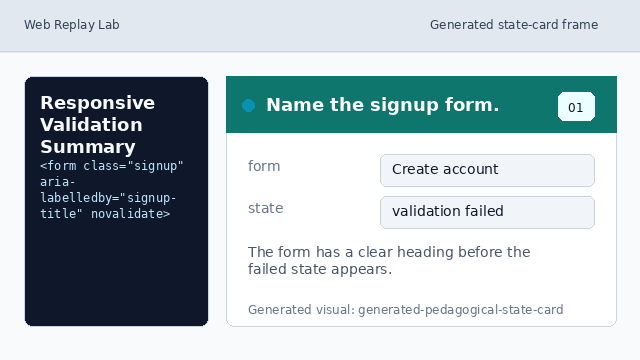
The form has a clear heading before the failed state appears. Show the validation summary.
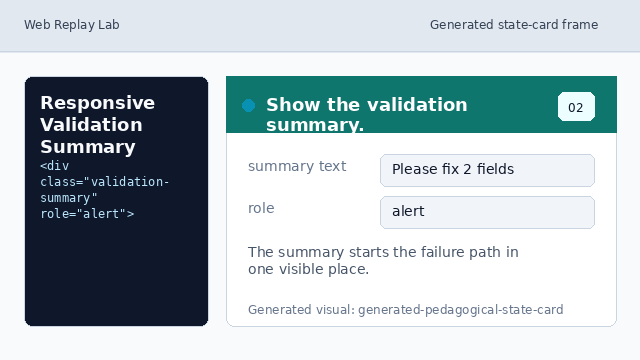
The summary starts the failure path in one visible place. Link the first summary item.
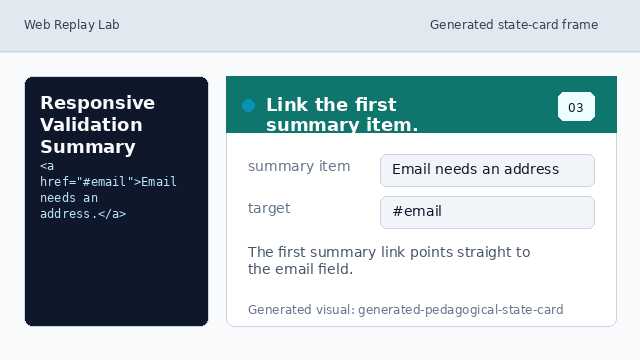
The first summary link points straight to the email field. Mark the email field invalid.
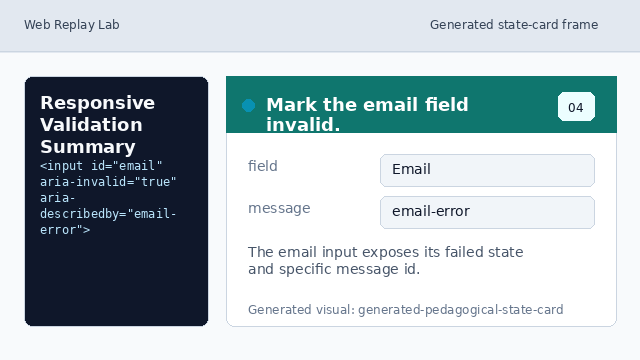
The email input exposes its failed state and specific message id. Mark the password field invalid.
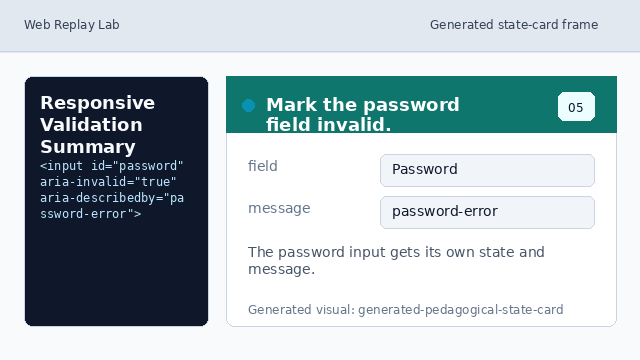
The password input gets its own state and message instead of sharing one generic error. Keep the summary above both columns.
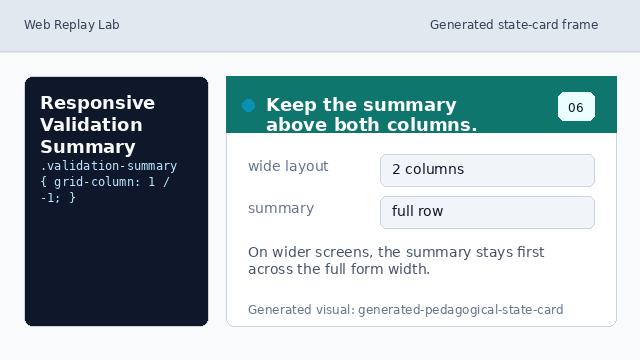
On wider screens, the summary stays first across the full form width.
validation summary
The summary gives users one visible starting point for fixing a failed form.
field state
aria-invalid and aria-describedby keep each failed control tied to its message.
responsive flow
The summary spans both columns so it stays first when the form widens.