Applied Browser Projects
Component Storage Replay
A small component reads localStorage, updates DOM state, and renders keyframes that distinguish source changes from browser output.
Program
Client API lessons become clearer when the replay shows storage, DOM state, and rendered output as separate frames.
component_storage_replay.html
Visuals: captured from real browser rendering
<button id="mode">Toggle mode</button><section id="panel">Light mode</section>
<script>
  const modeButton = document.querySelector("#mode");
  const panel = document.querySelector("#panel");
  const saved = localStorage.getItem("mode") || "light";
  panel.dataset.mode = saved;
  modeButton.addEventListener("click", () => {
    const next = panel.dataset.mode === "light" ? "dark" : "light";
    panel.dataset.mode = next;
    localStorage.setItem("mode", next);
    panel.textContent = next + " mode";
  });
</script>
Read saved mode from storage.
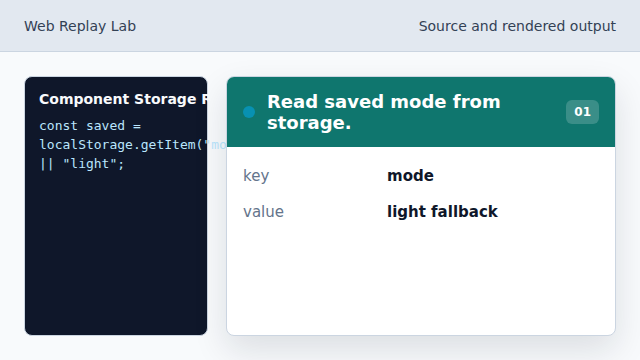
The replay starts with persistent browser state. Apply mode to the panel dataset.
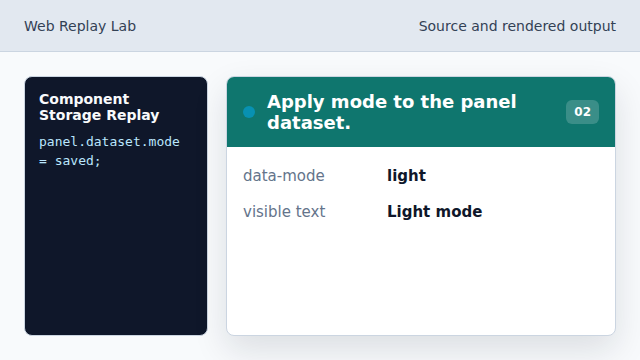
The dataset value is the styling hook. Start an interaction frame.
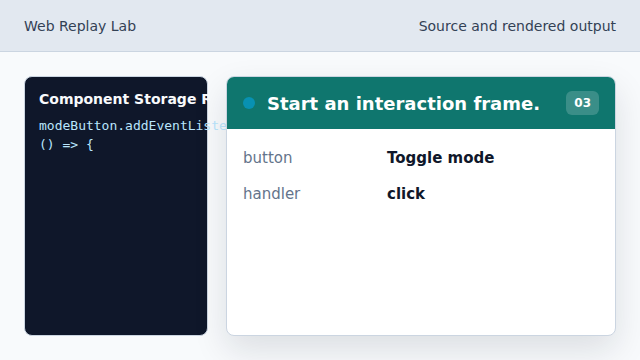
A user action begins the state transition. Compute the next mode.
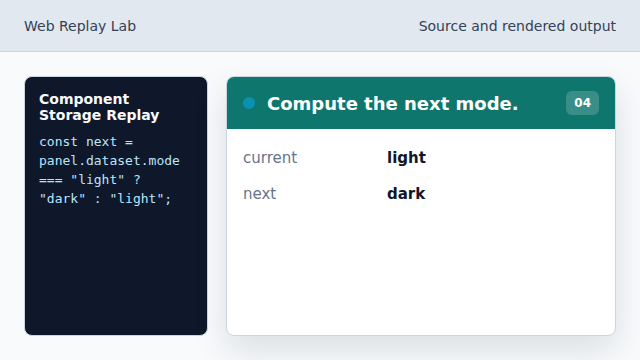
The component chooses the opposite state. Persist the new mode.
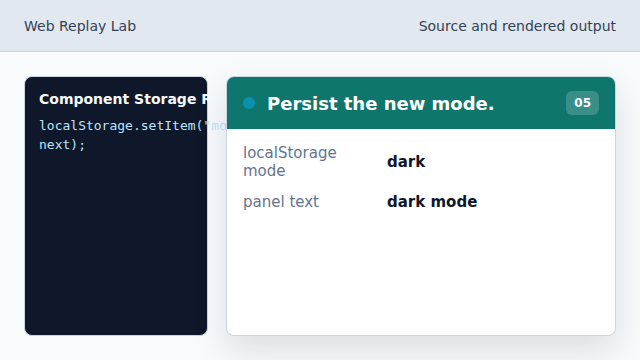
The next visit will restore dark mode.
selected capture
A teaching replay can choose storage and DOM keyframes instead of every executed line.
state mutation
The page state changes in storage, dataset, and visible text.