Applied Browser Projects
Error Summary Replay
A failed checkout form shows one field error as a summary link, an invalid input state, and a nearby field message.
Program
Failure-path replays are useful when the source needs to show both what changed and where a reader should look next.
error_summary_replay.html
Visuals: captured from real browser rendering
<form aria-labelledby="checkout-title" novalidate>
  <h2 id="checkout-title">Checkout</h2>
  <div class="error-summary" role="alert" tabindex="-1">
    <p>Please fix one field:</p>
    <a href="#email">Email needs an address.</a>
  </div>
  <label for="email">Email</label>
  <input id="email" aria-invalid="true" aria-describedby="email-error">
  <p id="email-error">Enter an email address.</p>
  <button>Continue</button>
</form>
Name the checkout form.
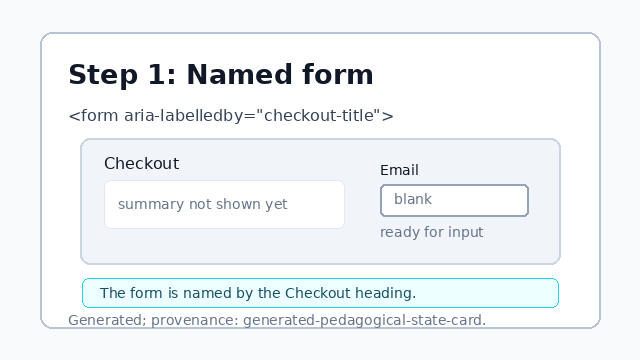
The form is named by the Checkout heading. Create an alert summary.
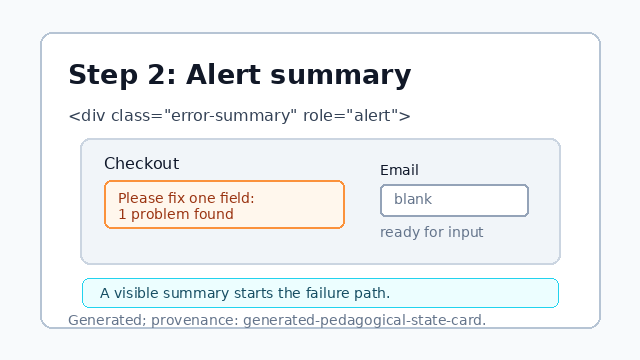
The summary gives the failure path one visible starting point. Link the summary to the email field.
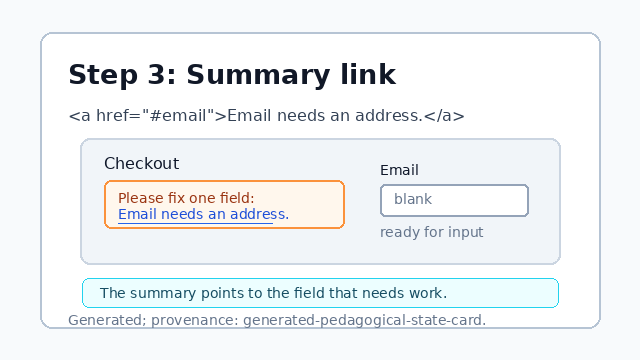
The link turns the summary into a path back to the field. Mark the email input invalid.
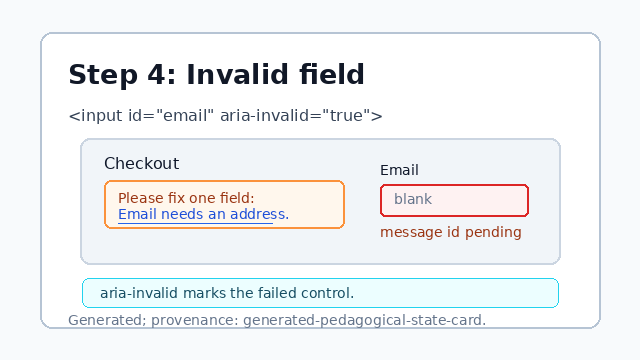
aria-invalid tells assistive technology which control failed validation. Attach the field error message.
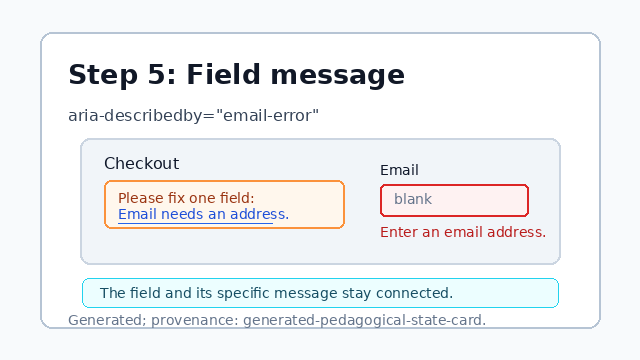
aria-describedby keeps the specific field message tied to the input.
error summary
The summary gives the page one visible place to start fixing problems.
field connection
The input uses `aria-invalid` and `aria-describedby` so the field state and message stay connected.