Accessible Structure
Skip Link Target
Jump Past Repeated Navigation
A page adds a skip link, repeated navigation, and a focusable main target so keyboard users can bypass repeated links.
Program
Skip links are ordinary anchors. They work because the href points to an id on the main content region.
skip_link_target.html
Visuals: captured from real browser rendering
<a class="skip-link" href="#main">Skip to content</a>
<nav><a href="/home">Home</a><a href="/settings">Settings</a></nav>
<main id="main" tabindex="-1">
  <h1>Settings</h1>
</main>
Create the skip link.
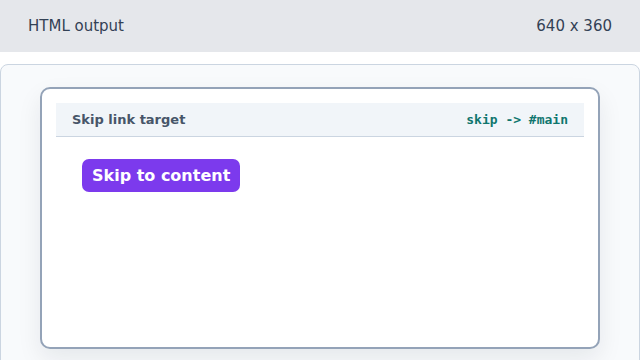
The href points to the future main region id. Render repeated navigation.
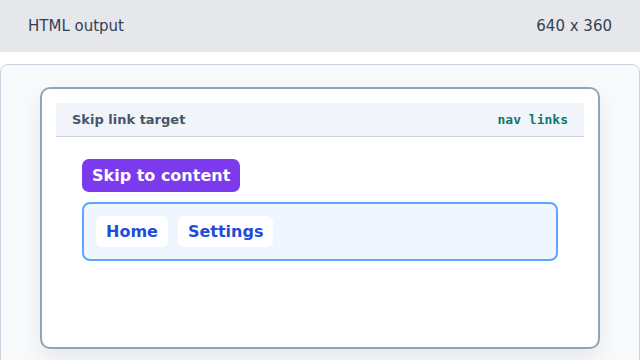
The skip link gives keyboard users a way around repeated navigation. Create the main target id.
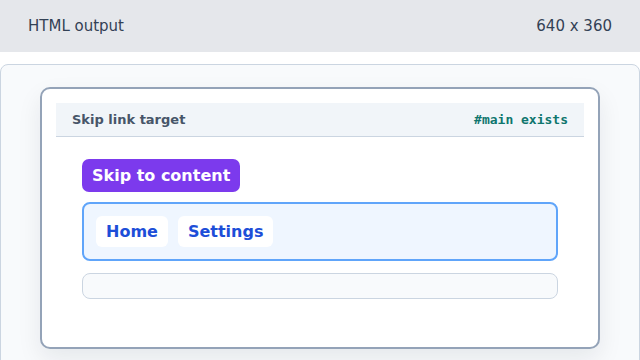
The id creates the destination for the skip link. Allow the main target to receive focus.
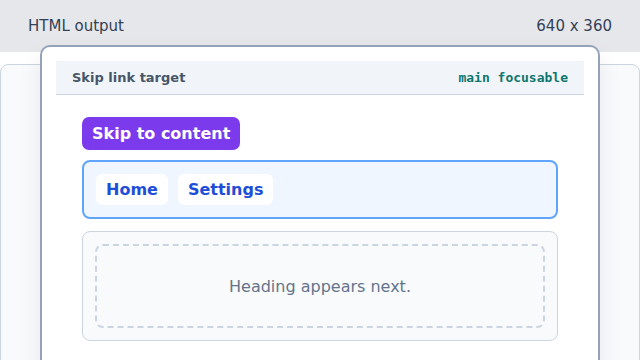
tabindex -1 makes the target programmatically focusable without adding it to normal tab order. Add the target heading.
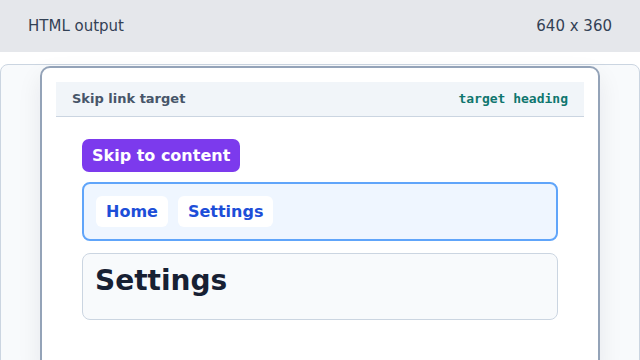
The destination now lands on meaningful page content.
skip link
A skip link is an early page anchor that jumps to the primary content.
focus target
A target with an id and tabindex can receive keyboard focus after the jump.