Accessible Structure
Landmark Labeling
Regions Make Pages Navigable
A small portal layout grows landmark by landmark so readers can scan both the visual page and the document structure.
Program
Landmark elements help people jump through a page. Visible layout and accessible page regions should describe the same structure.
books/html/06accessible_structure/landmark_labeling/diagrams/a11y_tree.semantic.json.
landmark_labeling.html
Visuals: captured from real browser rendering
<header>Portal</header>
<nav aria-label="Primary"><a href="/docs">Docs</a></nav>
<main><h1>Account</h1></main>
<aside aria-label="Tips">Use strong passwords.</aside>
<footer>Support</footer>
Add the site header.
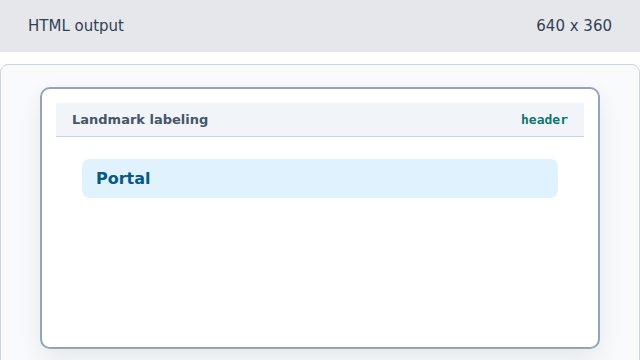
Header marks introductory site content. Add labeled primary navigation.
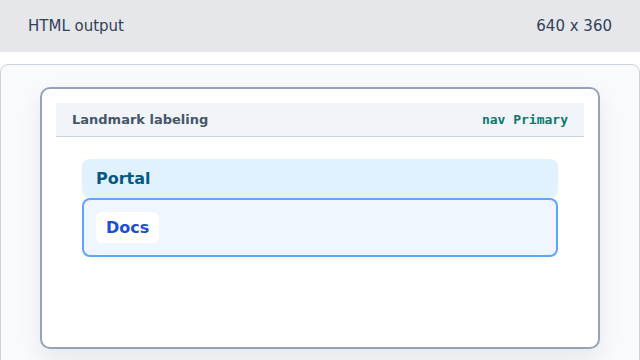
The nav landmark is named Primary by aria-label. Add the main account region.
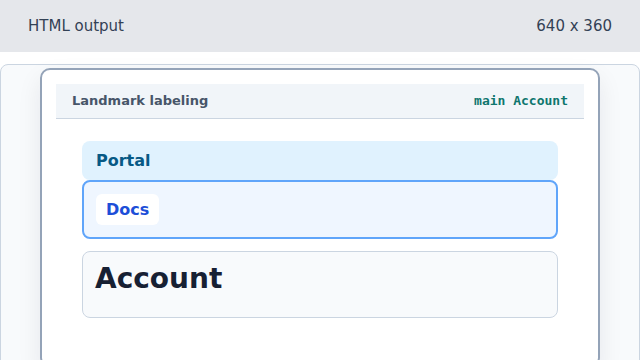
Main identifies the page-specific content. Add complementary tips.
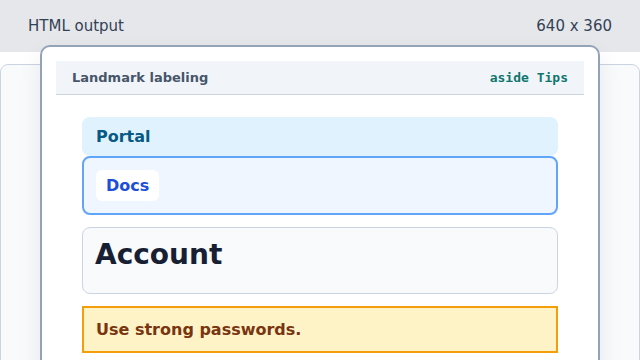
Aside marks complementary content rather than the primary task. Add support footer content.
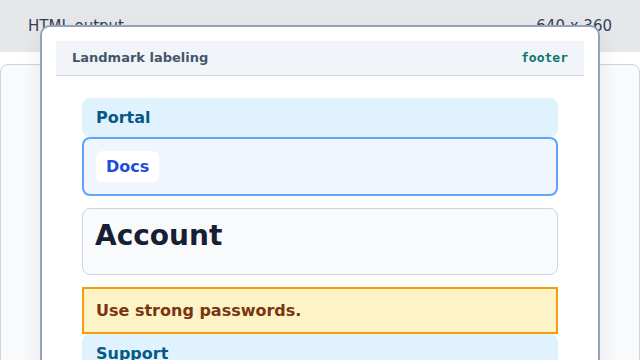
Footer completes the page landmarks with support information.
landmark region
A landmark is a major page region such as navigation, main content, complementary content, or footer.
aria-label
An aria-label distinguishes regions when visible text alone is not enough.