Accessible Structure
Breadcrumb Current Page
A breadcrumb uses a named navigation landmark, an ordered list, and aria-current to show the current page.
Program
Breadcrumbs are a short path back through the site. The markup should show the path order and mark the page the user is on now.
breadcrumb_current.html
Visuals: captured from real browser rendering
<nav aria-label="Breadcrumb">
  <ol>
    <li><a href="/">Home</a></li>
    <li><a href="/orders/">Orders</a></li>
    <li><a href="/orders/42" aria-current="page">Order 42</a></li>
  </ol>
</nav>
Name the breadcrumb navigation.
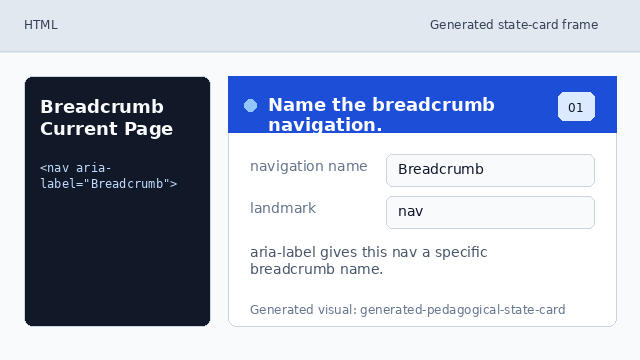
aria-label gives this nav a specific breadcrumb name. Use an ordered path list.
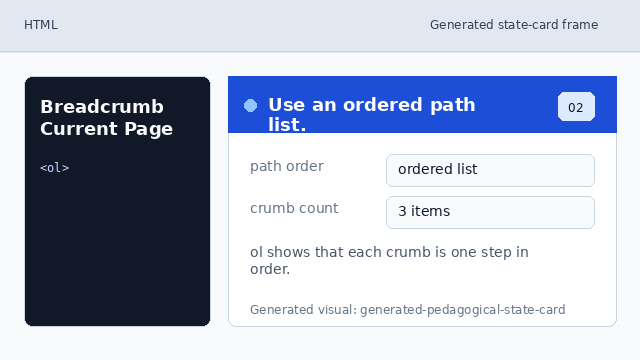
ol shows that each crumb is one step in order. Add the home crumb.
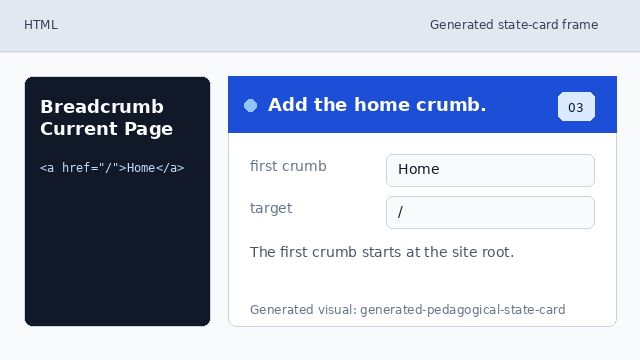
The first crumb starts at the site root. Add the parent section crumb.
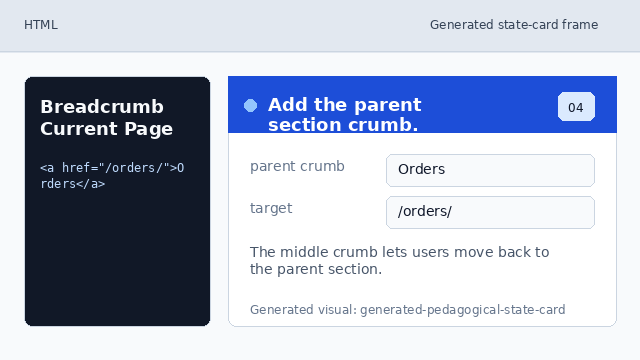
The middle crumb lets users move back to the parent section. Mark the current page crumb.
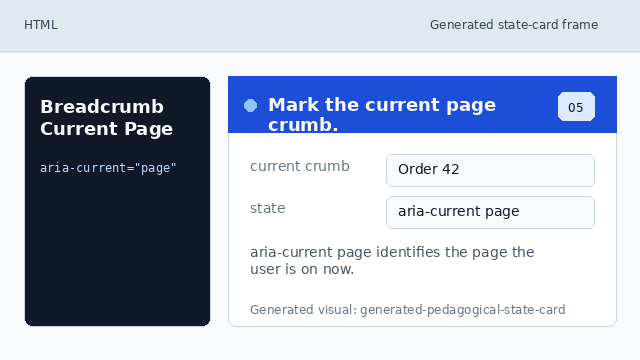
aria-current page identifies the page the user is on now.
breadcrumb landmark
A nav element with aria-label gives the breadcrumb trail a clear name.
aria-current
aria-current="page" marks the link that represents the current page in a set.