Accessible Structure
Icon Button Name
Make Symbol Buttons Speak
An icon-only search button gets a clear accessible name while the decorative SVG stays out of the spoken label.
Program
Icon buttons need a text name even when the visible control is only a symbol. The name belongs on the button; the SVG is decoration.
icon_button_name.html
Visuals: captured from real browser rendering
<button type="button" aria-label="Search catalog">
  <svg aria-hidden="true" viewBox="0 0 20 20">
    <circle cx="8" cy="8" r="5"></circle>
  </svg>
</button>
Create a named button.
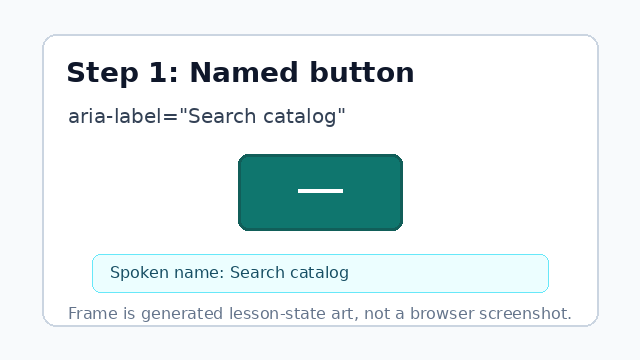
aria-label gives the icon-only button the spoken name Search catalog. Start a decorative SVG icon.
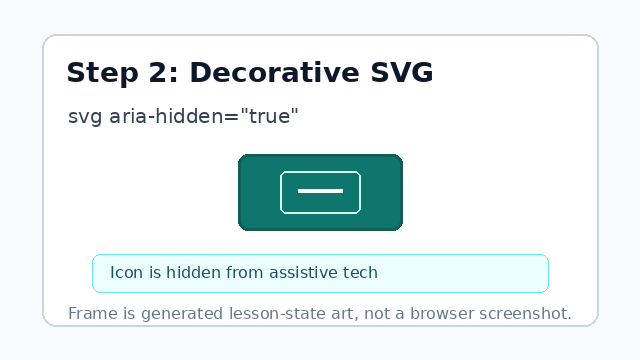
aria-hidden keeps the icon markup from becoming a second spoken label. Draw the visible search mark.
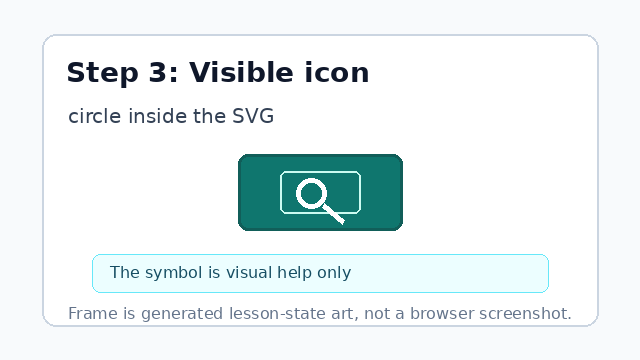
The circle is visual help; the accessible name still comes from the button. Close the decorative SVG.
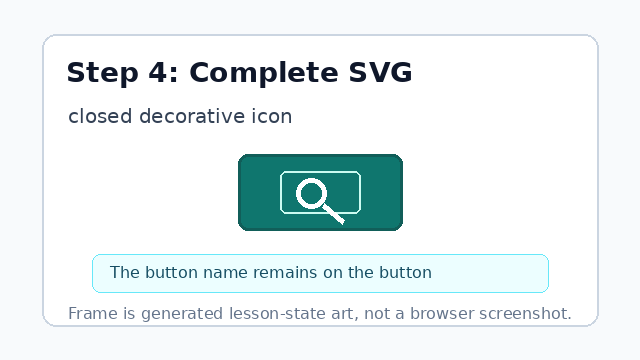
The hidden SVG supplies the visible symbol without changing the spoken button name. Finish the icon button.
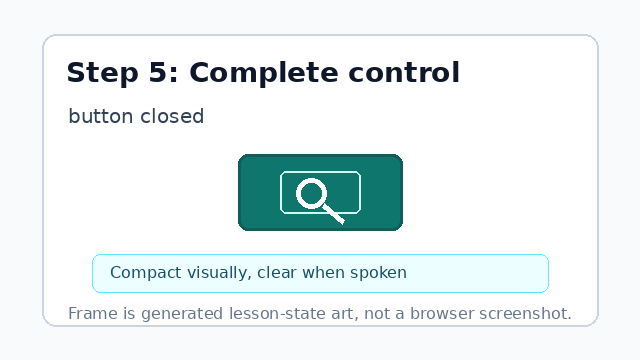
The final control is compact visually and clear to assistive technology.
accessible name
The accessible name is the text assistive technology announces for a control.
aria-hidden
aria-hidden keeps decorative markup out of the accessibility tree.