Accessible Structure
Output Status Message
Report Calculated Results
A ticket form adds a numeric input and an output element so the browser page shows the calculated total as a status message.
Program
The output element represents a calculated result. When the result should be announced as it changes, role status describes that behavior.
output_status_message.html
Visuals: captured from real browser rendering
<label for="qty">Tickets</label>
<input id="qty" name="qty" type="number" value="2">
<output for="qty" role="status">Total: $40</output>
Label the ticket quantity input.
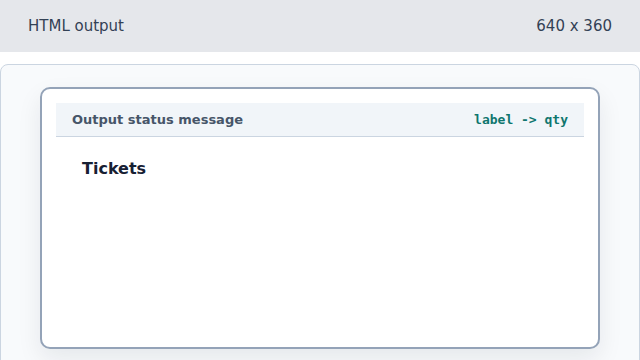
The label names the future quantity control. Add the numeric ticket input.
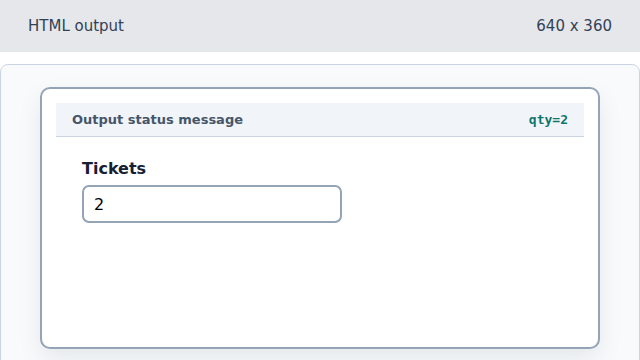
The input holds the data used for the calculated result. Display the calculated total.
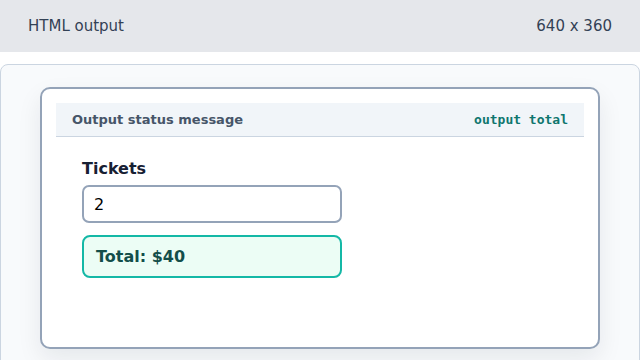
The output element represents the calculated result of the form state. Expose the result as a status message.
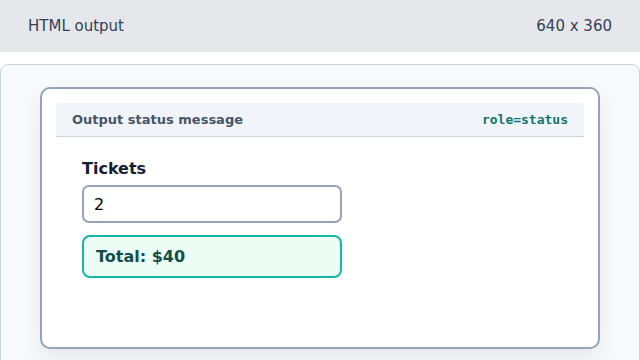
The status role tells assistive technology that this result can update politely.
output
An output element displays a value calculated from other inputs.
status role
A status region announces important updates without taking focus.