Browser Apis
URLSearchParams
Query Values Drive Rendered State
A tiny browser UI reads query-string values, stores them as DOM state, and lets CSS repaint the preview.
Program
The source reads query parameters first. The browser output changes only after those values are written into DOM attributes and text.
url_search_params.js
Visuals: captured from real browser rendering
const params = new URLSearchParams('?view=compact&theme=contrast');
const preview = document.querySelector('#preview');
const label = document.querySelector('#label');

const view = params.get('view');
const theme = params.get('theme');

preview.dataset.view = view;

preview.dataset.theme = theme;

label.textContent = `${view} view / ${theme} theme`;
Read the view value from the query string.
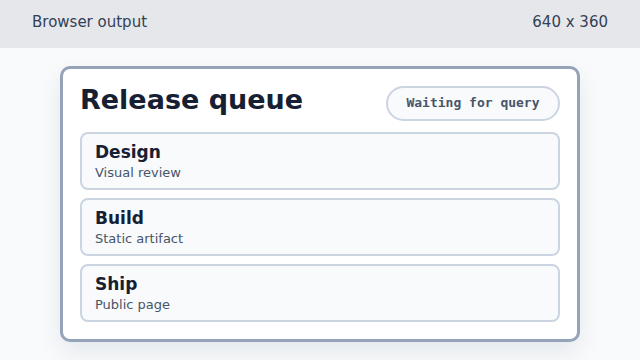
Reading a query value changes JavaScript data, but the rendered preview is still in its default state. Read the theme value from the query string.
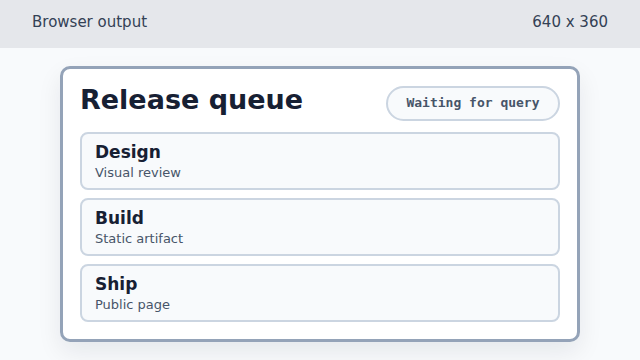
The theme value is now available in code, but no DOM state has been written yet. Store the view value as a data attribute.
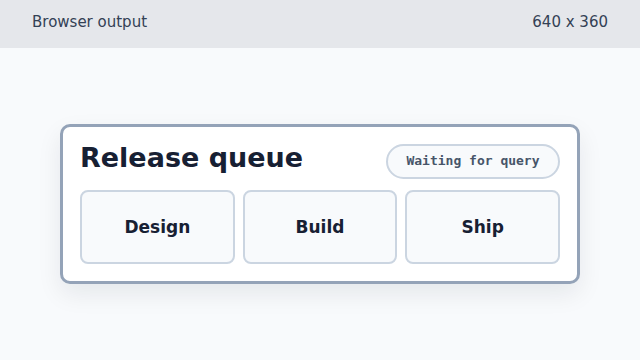
Writing data-view lets CSS switch the preview into the compact layout. Store the theme value as a data attribute.
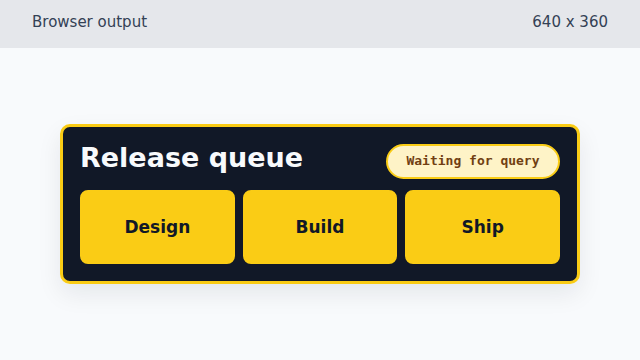
Writing data-theme changes colors without changing the card content. Show the applied query values in the label.
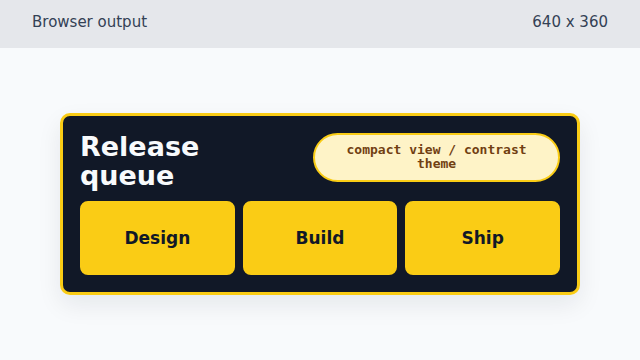
The final text makes the applied query-driven state visible to the learner.
query string
A query string is the part of a URL after `?`. Web pages often use it for filters, modes, or shareable state.
URLSearchParams
`URLSearchParams` parses query text and lets code ask for a value by name.
dataset
`dataset` writes `data-*` attributes. CSS selectors can react to those attributes without more JavaScript.