Browser Apis
Local Storage State
Saved Values Drive the Page
A small browser UI saves a mode in localStorage, reads it back, and then turns that stored value into visible DOM state.
Program
The source writes and reads browser storage before it changes the page. The rendered output updates only after JavaScript maps the stored value onto DOM attributes and text.
local_storage_state.js
Visuals: captured from real browser rendering
const storage = window.localStorage;
const panel = document.querySelector('#storage-panel');
const label = document.querySelector('#storage-label');

storage.setItem('mode', 'focus');

const mode = storage.getItem('mode');

panel.dataset.mode = mode;

label.textContent = `stored: ${mode}`;
Save the focus mode in browser storage.
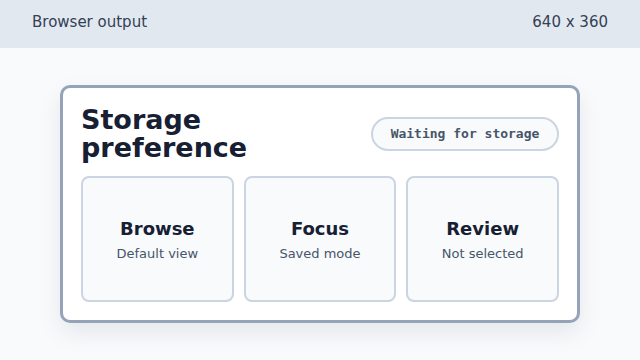
setItem writes browser storage, but it does not repaint the DOM. Read the saved mode from localStorage.
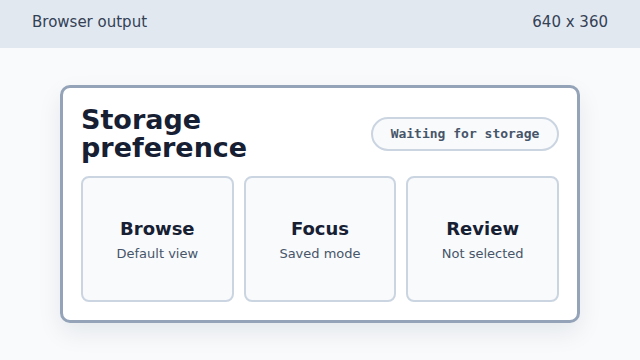
The value is now in JavaScript, but the page still shows the waiting state. Store the saved mode as DOM state.
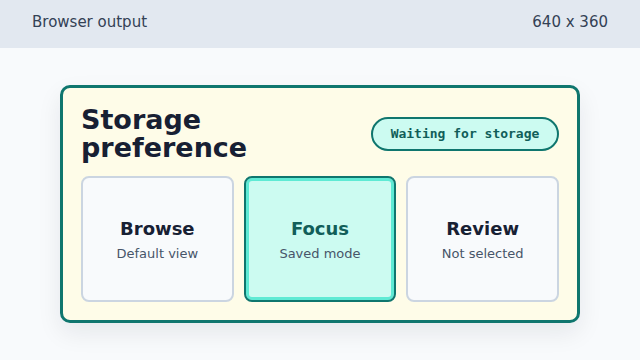
Writing data-mode lets CSS show the saved preference as an active state. Show the stored mode in the label.
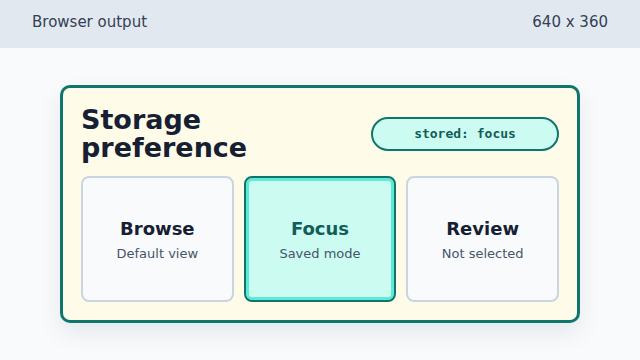
The final label makes the localStorage-derived page state explicit.
localStorage
`localStorage` is browser-managed key-value storage that survives page reloads for the same origin.
stored value
Reading from storage gives code a string value. That value is not visible until the program uses it.
DOM state
Data attributes and text content turn stored browser data into page state that CSS and learners can see.