Browser Apis
History State
Browser State Becomes Page State
The History API stores a section choice without repainting the page. The replay shows when that browser state becomes visible DOM state.
Program
The source writes history state, reads it back, then maps that value to a data attribute and label.
history_state.js
Visuals: captured from real browser rendering
const panel = document.querySelector('#history-panel');
const label = document.querySelector('#history-label');

history.replaceState({ section: 'activity' }, '', '?section=activity');

const section = history.state.section;

panel.dataset.section = section;

label.textContent = `history: ${section}`;
Replace the current history entry with activity state.
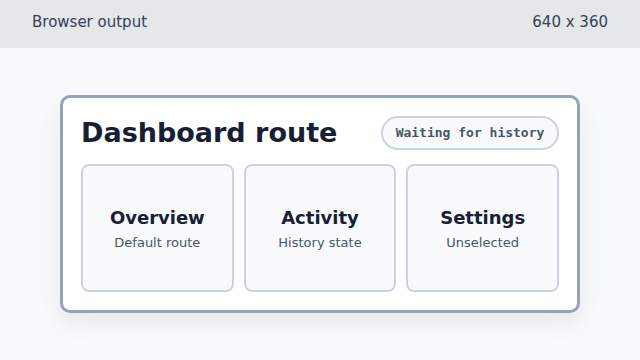
replaceState updates browser navigation state, but it does not repaint the page markup. Read the section value from history state.
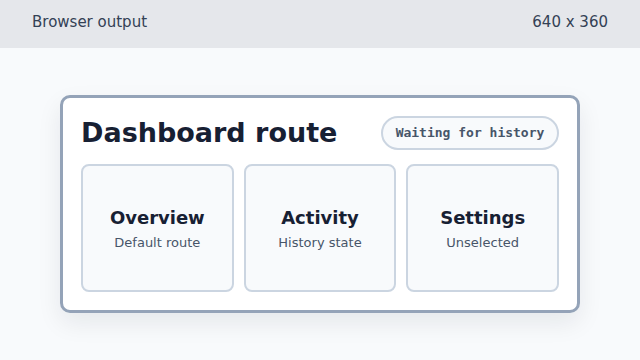
The section value is in JavaScript now, but the DOM still shows the waiting state. Store the history section as DOM state.
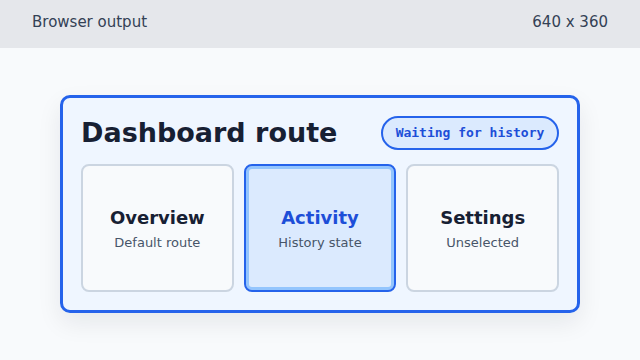
Writing data-section lets CSS highlight the section selected by browser history state. Show the selected history state in the label.
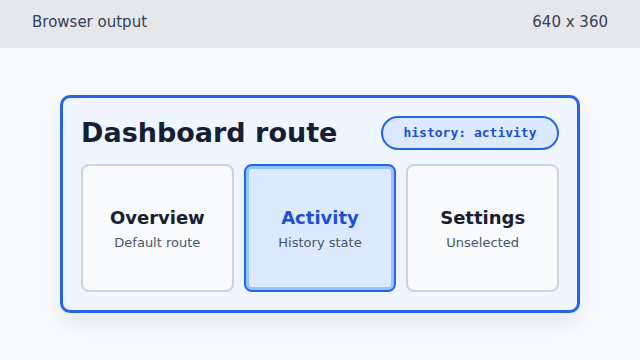
The final label makes the history-derived page state visible.
History API
The History API can update browser navigation state without loading a new page.
replaceState
`history.replaceState(state, title, url)` replaces the current history entry. It changes browser state, not page markup.
state mapping
Browser state becomes useful to learners when code maps it onto DOM attributes, text, or styles.