Network Data
Fetch Retry Backoff
Failed Attempts Lead to Success
A browser module retries a failed API call, shows each waiting state, and renders the result after the third response succeeds.
Program
The source loops through a small retry budget. Failed responses update the attempt list and wait before the next request; the successful response supplies the data for the final UI state.
const panel = document.querySelector('#sync-panel');
const attempts = document.querySelectorAll('.attempt');
const result = document.querySelector('#sync-result');

const wait = (ms) => new Promise((resolve) => setTimeout(resolve, ms));

let report;

for (let attempt = 1; attempt <= 3; attempt += 1) {
  const response = await fetch('/api/sync');

  if (response.ok) {
    report = await response.json();
    attempts[attempt - 1].dataset.state = 'ok';
    attempts[attempt - 1].textContent = 'success';
    break;
  }

  attempts[attempt - 1].dataset.state = 'retry';
  attempts[attempt - 1].textContent = `retry in ${attempt * 250}ms`;
  await wait(attempt * 250);
}

panel.dataset.state = 'ready';
result.textContent = `${report.items} items synced`;
Attempt 1 requests the sync endpoint.
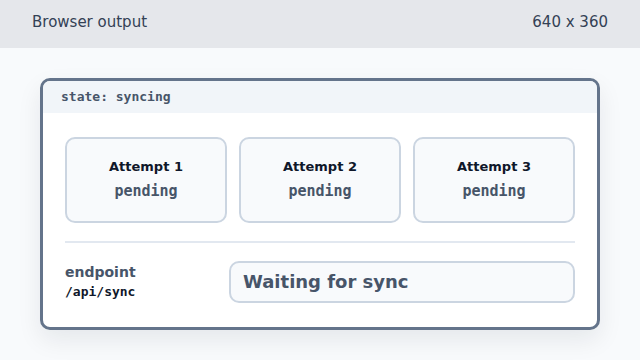
The first failed response is known in JavaScript, but the page still shows all attempts as pending. Check whether attempt 1 succeeded.
The condition is false, so execution falls through to the retry branch. Mark attempt 1 as a retry.
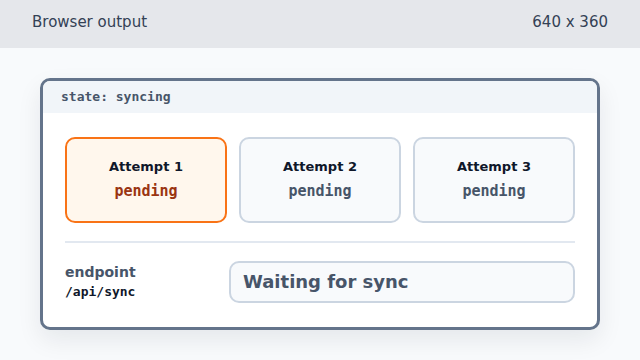
A failed response becomes visible when the first attempt card changes state. Render the first backoff delay.
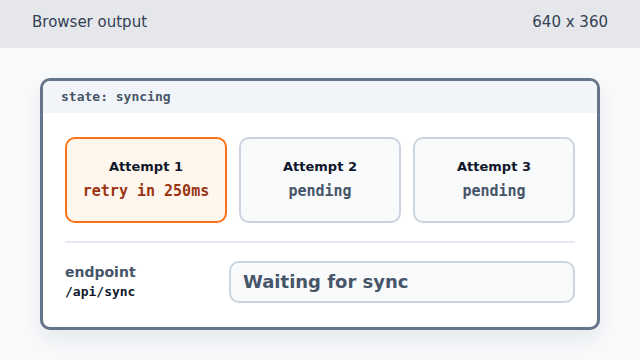
The first delay is short because the attempt number is 1. Wait before trying again.
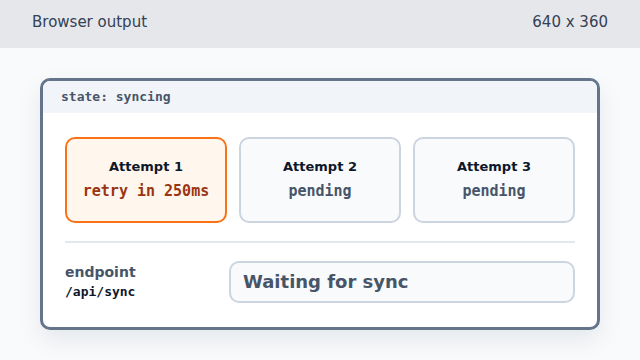
Waiting changes time, not pixels, so the browser output stays the same. Attempt 2 requests the same endpoint.
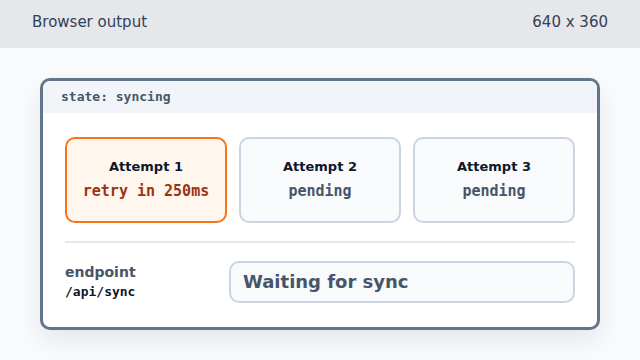
The second response is also a failure, but attempt 2 is not painted yet. Mark attempt 2 as a retry.
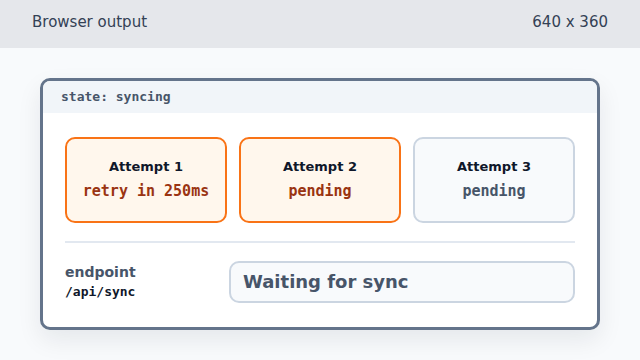
The second failed response adds a second visible retry card. Render the second backoff delay.
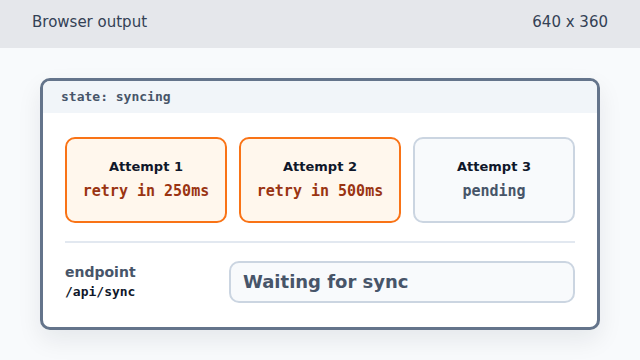
The delay grows on the second failed attempt. Wait longer before the final retry.
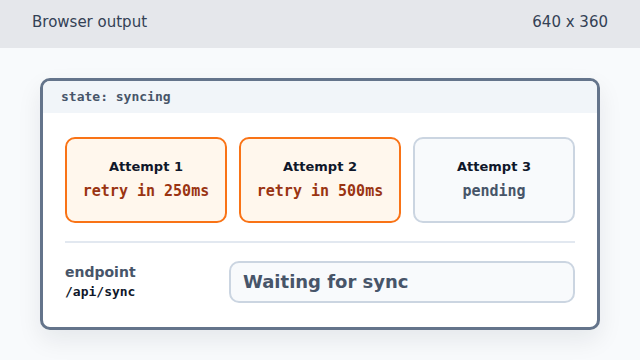
The longer wait still leaves the rendered state unchanged. Attempt 3 receives a successful response.
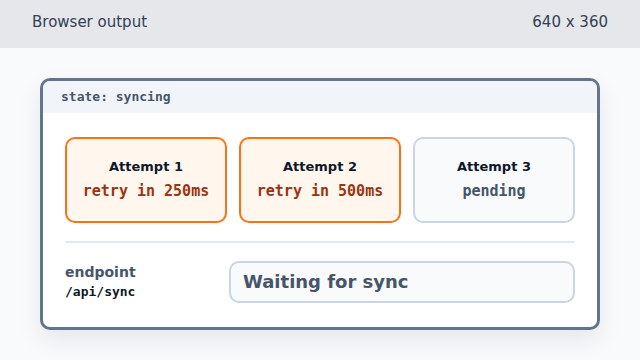
The successful response exists before the green attempt card appears. Check whether attempt 3 succeeded.
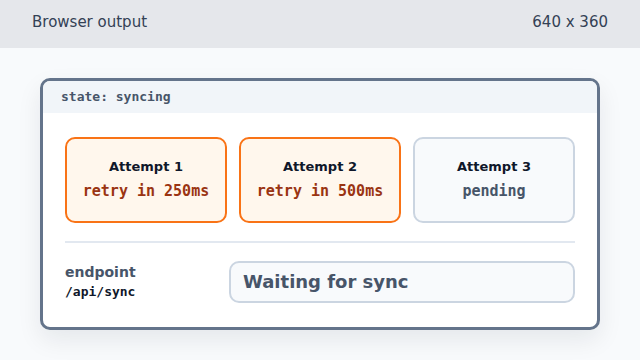
The true condition moves execution into the success branch before any DOM writes. Parse the successful JSON body.
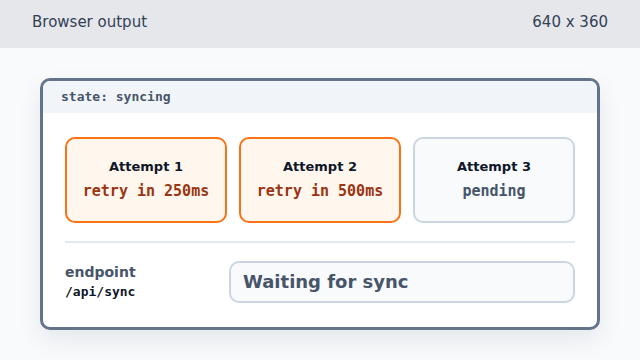
Parsing the body creates data for the final render, but the page has not used it yet. Mark attempt 3 as successful.
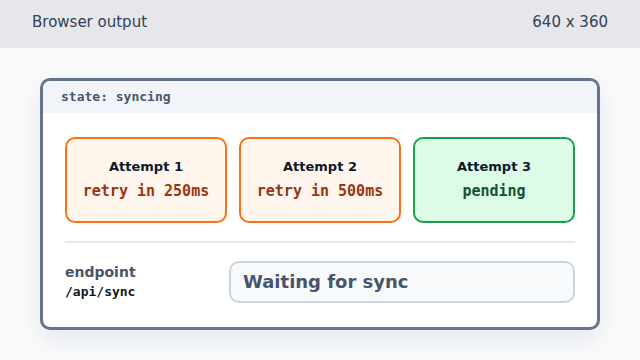
The green state appears before the success text is written. Render the success label for the final attempt.
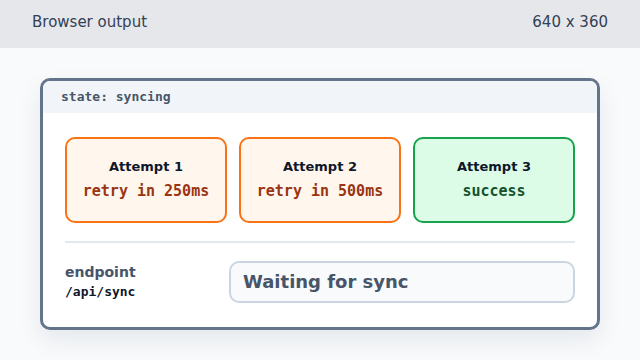
The third attempt now visibly explains why the retry loop can stop. Break out of the retry loop.
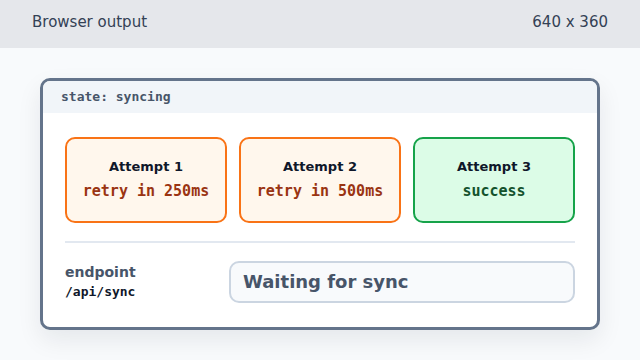
Breaking changes control flow, not the rendered output. Mark the whole sync panel as ready.
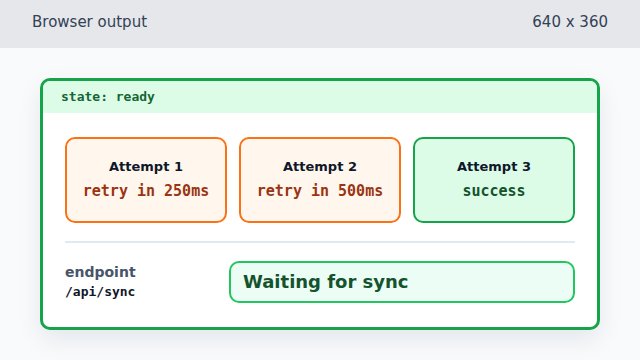
The page-level state changes after the loop has completed. Render the successful sync result.
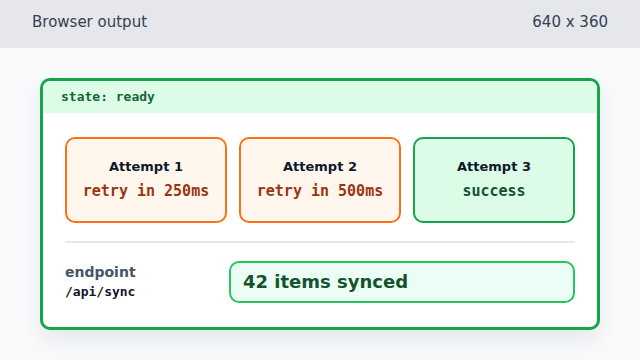
The final frame uses data from the successful third response.