Network Data
Fetch JSON Profile
API Data Becomes UI State
A browser module fetches JSON profile data, parses it, and then maps the response into a visible profile card.
Program
The source waits for network data first. The rendered profile changes only after the parsed JSON is written into DOM attributes and text.
books/web-lab/06network_data/fetch_json_profile/diagrams/request_render.semantic.json.
fetch_json_profile.js
Visuals: captured from real browser rendering
const card = document.querySelector('#profile-card');
const nameLabel = document.querySelector('#profile-name');
const roleLabel = document.querySelector('#profile-role');

const response = await fetch('/api/profile.json');

const profile = await response.json();

card.dataset.role = profile.role;

nameLabel.textContent = profile.name;

roleLabel.textContent = profile.role;
Request profile JSON from the API.
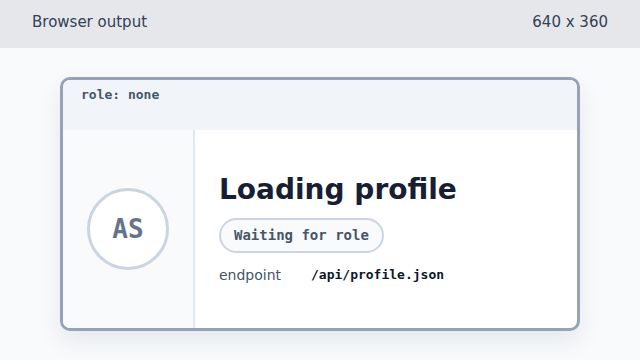
fetch resolves with a response object, but the profile card is still in its loading state. Parse the response body as JSON data.
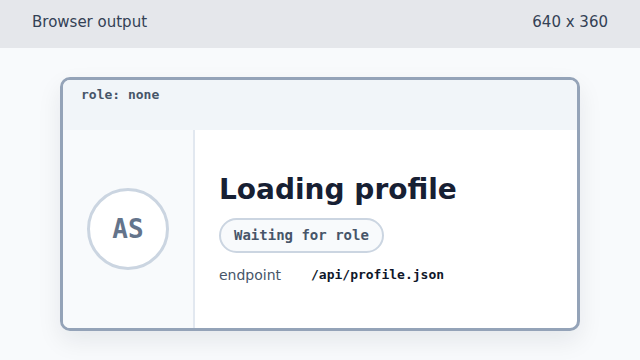
The parsed object exists in JavaScript, but it has not changed DOM state yet. Store the profile role as a data attribute.
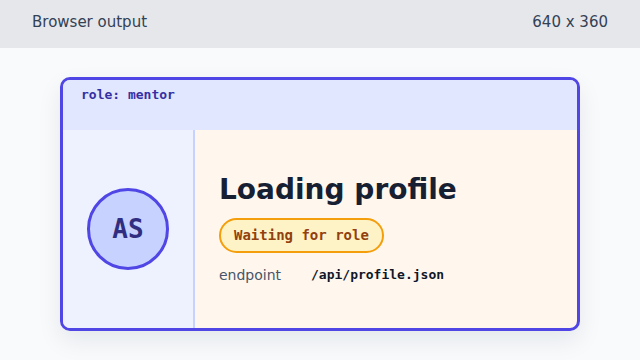
Writing data-role lets CSS show that the API profile is a mentor before text changes. Render the profile name from JSON data.
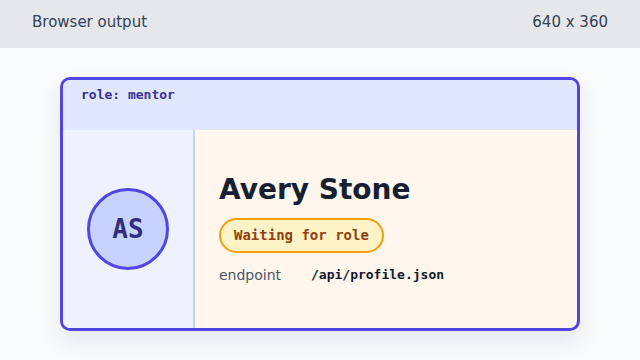
The first text write makes the API profile name visible. Render the profile role from JSON data.
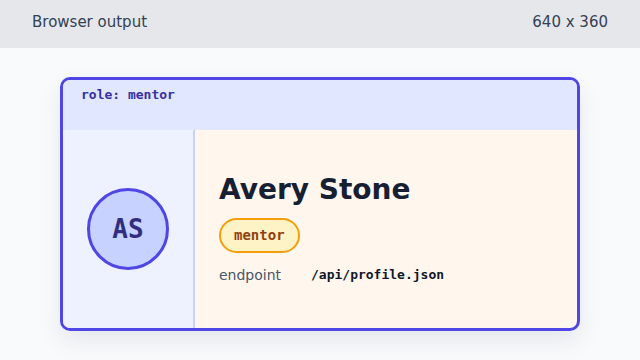
The final text write completes the API-driven card.
fetch
`fetch()` starts an HTTP request and resolves with a response object when the browser receives headers.
JSON response
`response.json()` parses the response body into JavaScript data that code can read.
top-level await
Modern JavaScript modules can use `await` at the top level, so the example can show the network steps without wrapping them in a function.
API-driven UI
API data becomes visible when the program writes it into DOM state such as data attributes and text nodes.