Network Data
Fetch POST Form
Form Fields Become a Saved Record
A browser module turns form controls into URL-encoded request data, sends a POST request, and renders the server confirmation.
Program
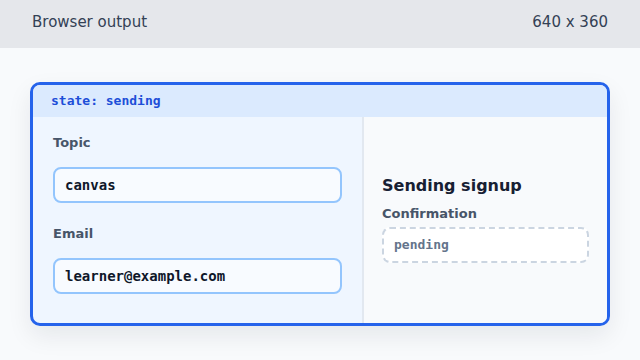
The source collects the current form values before it changes the UI. The rendered output shows the sending state first, then the saved state after the API response is parsed.
fetch_post_form.js
Visuals: captured from real browser rendering
const form = document.querySelector('#signup-form');
const status = document.querySelector('#signup-status');
const confirmation = document.querySelector('#confirmation-code');

const fields = new URLSearchParams(new FormData(form));

form.dataset.state = 'sending';
status.textContent = 'Sending signup';

const response = await fetch('/api/signups', {
  method: 'POST',
  body: fields
});

const result = await response.json();

form.dataset.state = 'saved';
status.textContent = `Saved ${result.topic} for ${result.email}`;
confirmation.textContent = result.id;
Read the visible form controls into an encoded request body.
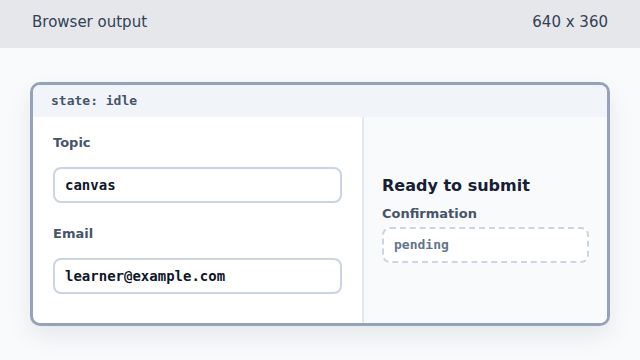
The request body exists in JavaScript, but the form still renders as ready to submit. Mark the form as sending before the network request is made.
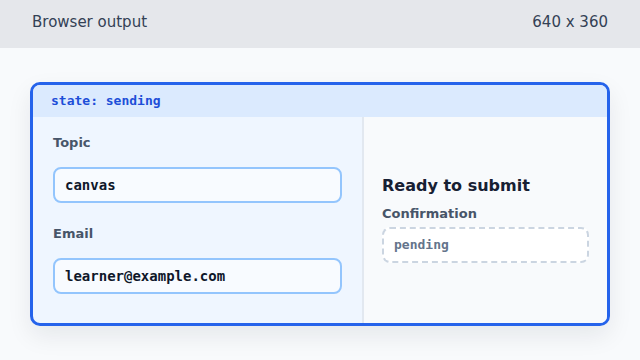
A data attribute lets CSS communicate that the form is now in progress. Render a sending message while the request is in flight.
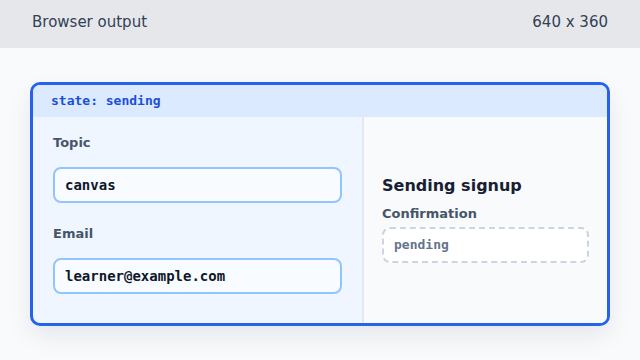
Text content gives the sending state a label that users can read. POST the encoded fields to the signup endpoint.
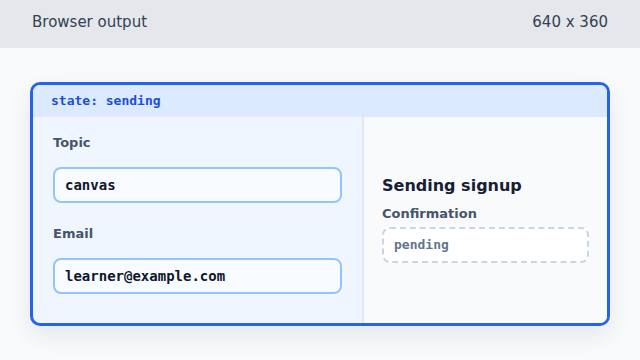
The browser has a response object, but the response body has not been parsed yet. Parse the server confirmation JSON.
Parsing JSON gives JavaScript confirmation data before the DOM changes. Switch the form to its saved visual state.
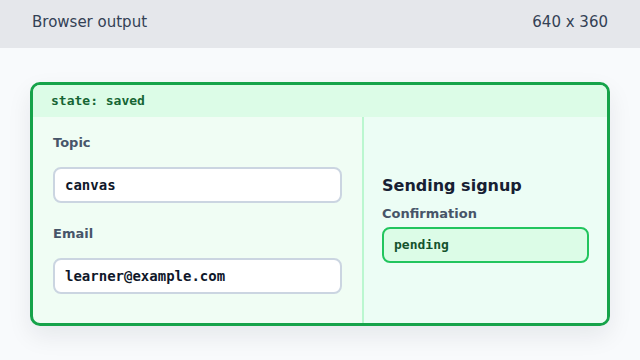
The saved state is visible before the confirmation text is updated. Render a saved message from the parsed response data.
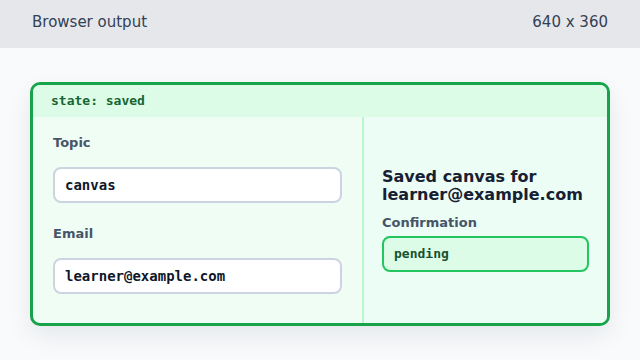
The response data is now user-facing text in the browser output. Show the server-generated confirmation id.
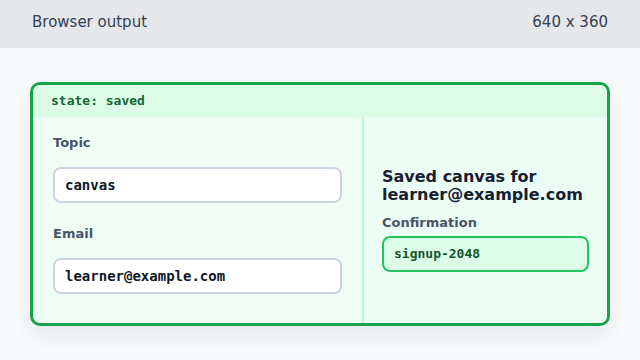
The final frame includes the server-generated id that did not exist before the POST.
FormData
`FormData` reads named controls from a form, so the request starts from what the user can already see on the page.
URLSearchParams
Wrapping form data in `URLSearchParams` produces a stable URL-encoded body for a simple POST request.
POST request
The `method: 'POST'` option tells `fetch()` to send data to the server instead of only reading a resource.
confirmation UI
The response becomes useful when code writes the server confirmation back into visible page state.