Network Data
Fetch Error State
Failed Responses Become UI Feedback
A browser module receives a failed API response, throws an error, and then renders a clear error state for the learner.
Program
The source checks the HTTP response before it changes the page. The rendered output updates only after the catch block maps the error into DOM state.
fetch_error_state.js
Visuals: captured from real browser rendering
const panel = document.querySelector('#status-panel');
const title = document.querySelector('#status-title');
const detail = document.querySelector('#status-detail');

try {
  const response = await fetch('/api/report.json');

  if (!response.ok) {
    throw new Error(`HTTP ${response.status}`);
  }
} catch (error) {
  panel.dataset.state = 'error';

  title.textContent = 'Report unavailable';

  detail.textContent = error.message;
}
Request a report from the API.
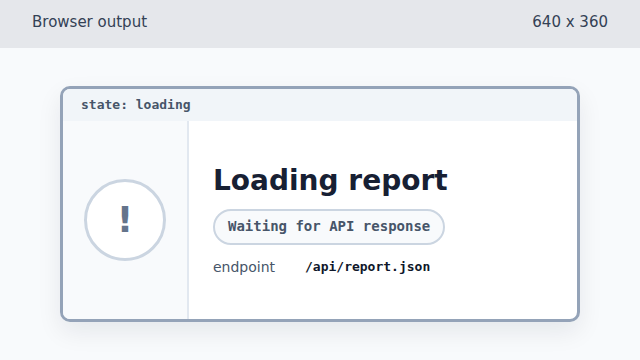
fetch resolves with a response object, but the page still shows its loading state. Check whether the response status was successful.
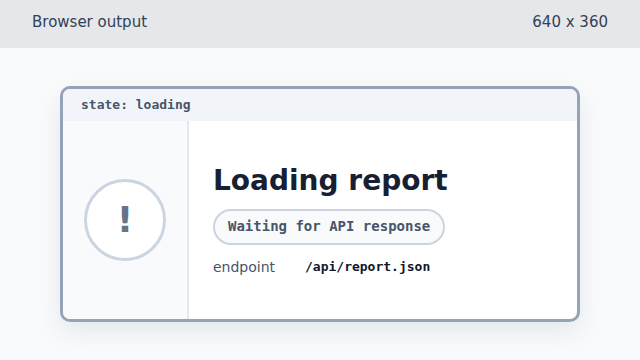
The failed status is known in JavaScript, but the DOM has not changed yet. Throw an error for the failed response.
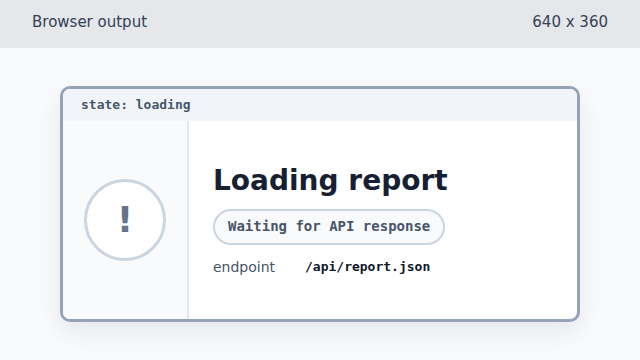
Throwing changes control flow, but the catch block has not rendered feedback yet. Store the failed state as a data attribute.
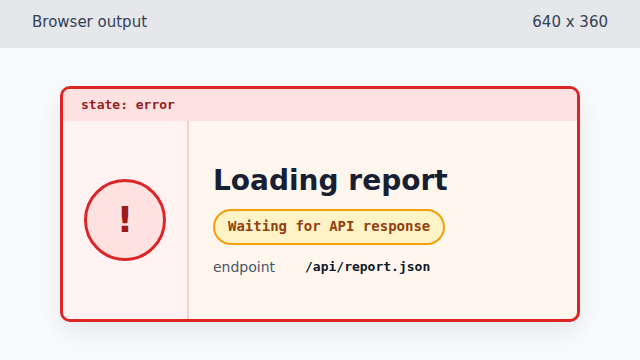
Writing data-state lets CSS make the failure visible before text changes. Render the user-facing error title.
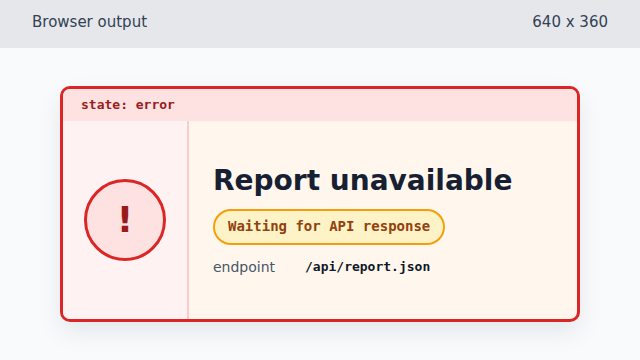
The title write turns the failed API response into user-facing language. Render the caught error message.
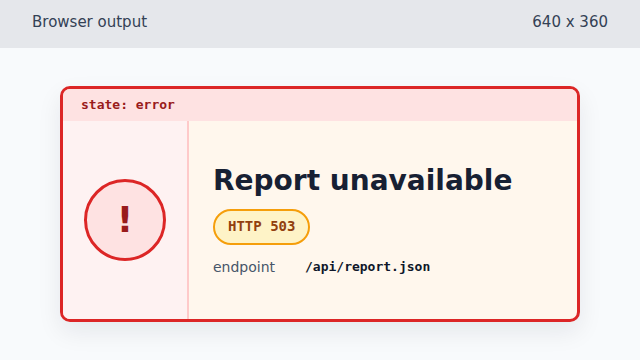
The final detail preserves the technical status for debugging and support.
response.ok
`response.ok` is true for HTTP success statuses. A 503 response arrives from the network, but it is not a successful result.
throwing errors
Throwing an error turns a bad response into control flow that a catch block can handle.
error UI state
An error becomes useful to users when code writes the failure into visible page state.