SVG Structure and Transforms
ViewBox Scale
A small 120 by 80 coordinate system fills the same rendered area, showing how viewBox scales shapes and path geometry.
Program
The viewBox attribute defines the internal coordinate system. The browser scales those units to the rendered SVG size.
viewbox_scale.html
Visuals: captured from real browser rendering
<svg class="demo-svg" viewBox="0 0 120 80" role="img" aria-label="ViewBox scale">
  <rect width="120" height="80" fill="#f8fafc" />
  <rect x="10" y="10" width="44" height="28" fill="#0f766e" />
  <circle cx="86" cy="24" r="14" fill="#f59e0b" />
  <path d="M 16 62 L 52 48 L 86 62 L 108 42" fill="none" stroke="#1d4ed8" stroke-width="4" />
</svg>
Define the SVG coordinate system.
The same viewport can render any chosen internal coordinate range. Draw a rectangle in viewBox units.
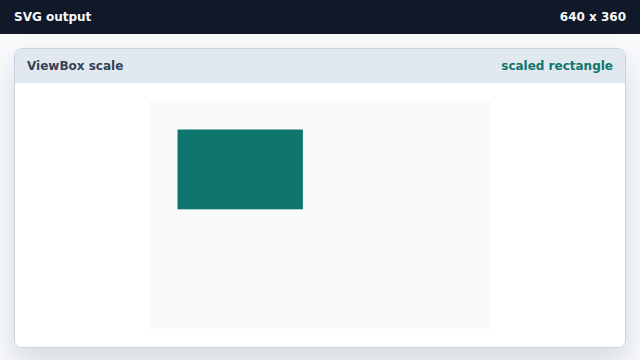
The shape uses viewBox units, not CSS pixels. Add a circle using the same coordinate system.
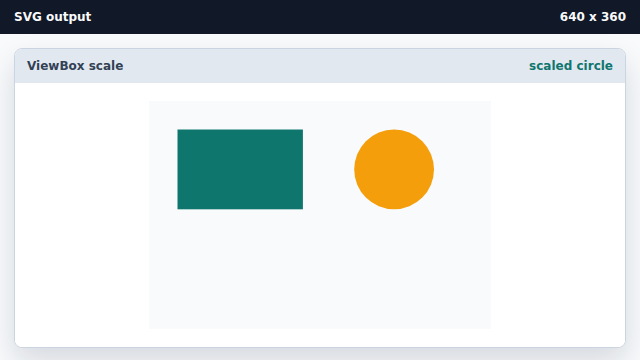
All child geometry is mapped through the viewBox. Draw a path in the compact coordinate space.
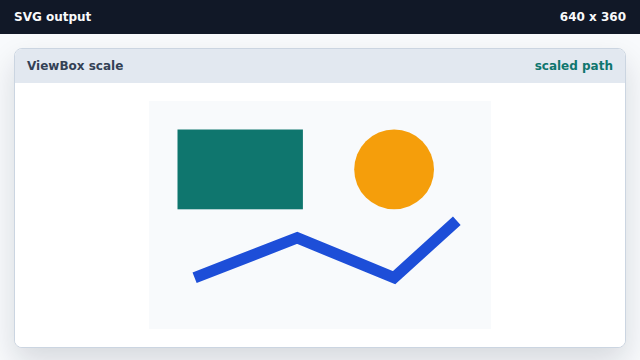
Path coordinates are scaled by the viewBox just like shapes.
viewBox
viewBox defines the internal SVG coordinate system.
scaling
The browser scales viewBox units into the rendered SVG box.