SVG Structure and Transforms
Text Label Layer
A panel receives a banner, a title, a smaller label, and an underline, showing how text and shapes layer together in source order.
Program
SVG text is part of the vector scene. It can be positioned with x and y and layered with shapes by source order.
text_label_layer.html
Visuals: captured from real browser rendering
<svg class="demo-svg" viewBox="0 0 360 220" role="img" aria-label="SVG text">
  <rect width="360" height="220" fill="#f8fafc" />
  <rect x="44" y="48" width="272" height="104" rx="14" fill="#ecfeff" stroke="#0891b2" stroke-width="4" />
  <text x="72" y="94" font-family="Inter, sans-serif" font-size="30" font-weight="800" fill="#164e63">Build Ready</text>
  <text x="74" y="124" font-family="Inter, sans-serif" font-size="16" fill="#0f766e">SVG text stays selectable and scalable</text>
  <line x1="74" y1="136" x2="286" y2="136" stroke="#f59e0b" stroke-width="5" />
</svg>
Draw the rounded label panel.
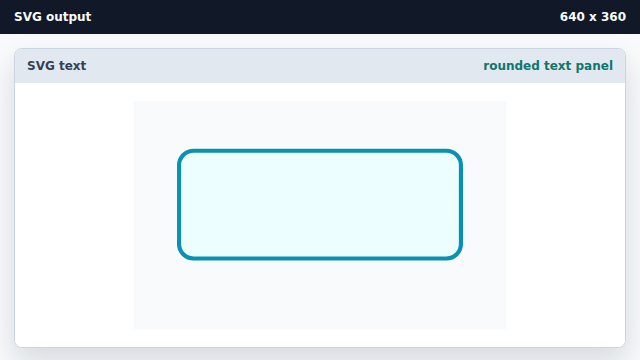
Shapes can frame later text layers. Add the main SVG text label.
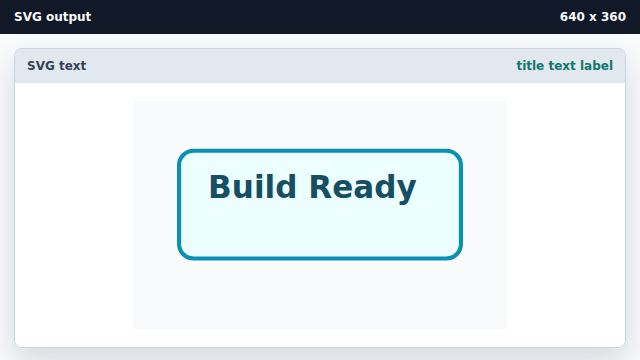
SVG text uses x and y coordinates for placement. Add a smaller supporting label.
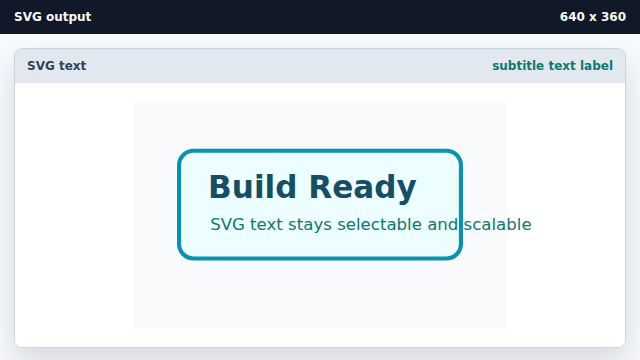
Font size and source order create hierarchy inside SVG. Layer an underline after the text.
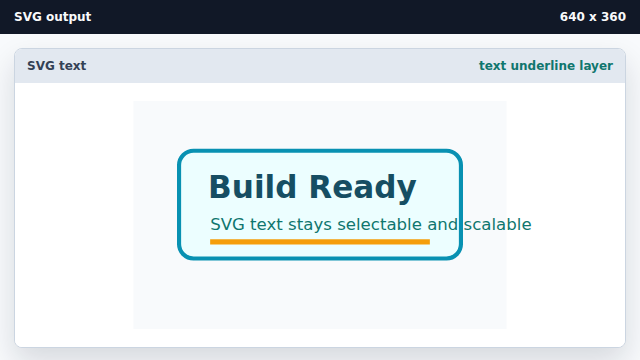
Later elements paint above earlier ones unless layering is changed.
text element
The text element places editable vector text in an SVG scene.
paint order
SVG elements paint in source order, so later elements appear above earlier ones.