SVG Structure and Transforms
Group Transform
Grouped shapes share a translation, then another group uses translation and rotation to place a second badge.
Program
The g element groups SVG children without drawing anything itself. A transform on the group changes the coordinate system for every child inside it.
group_transform.html
Visuals: captured from real browser rendering
<svg class="demo-svg" viewBox="0 0 360 220" role="img" aria-label="Group transform">
  <rect width="360" height="220" fill="#f8fafc" />
  <g transform="translate(62 38)">
    <rect width="132" height="78" rx="10" fill="#dbeafe" />
    <circle cx="104" cy="28" r="18" fill="#1d4ed8" />
  </g>
  <g transform="translate(184 108) rotate(-8)">
    <rect width="118" height="58" rx="8" fill="#fde68a" stroke="#b45309" stroke-width="4" />
  </g>
</svg>
Draw the viewport background.
The background keeps later translated groups visible. Translate the first group.
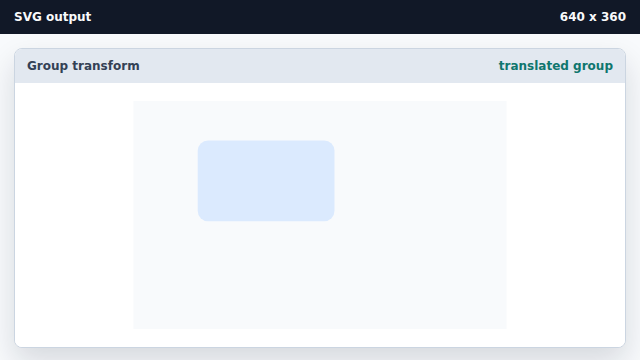
The transform on g moves every child shape in that group. Add another child inside the translated group.
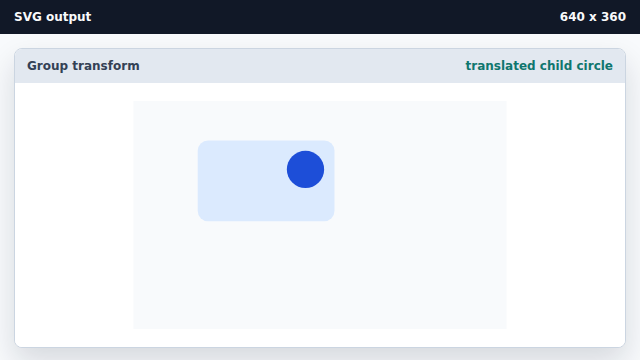
Child shapes inherit the group transform together. Translate and rotate a second group.
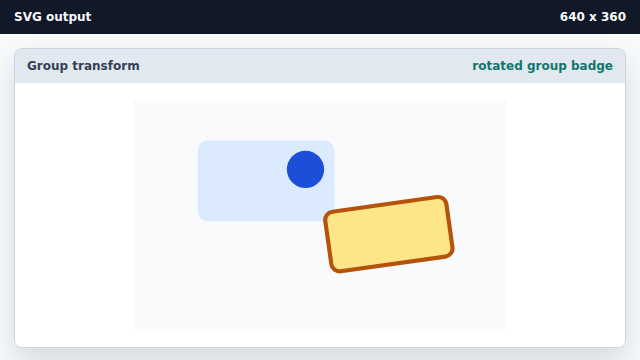
Transforms compose from left to right on the grouped coordinate system.
g element
The g element groups SVG children so attributes can apply to them together.
transform
A transform changes the coordinate system used to draw an element.