SVG Shapes
Rectangle Fill and Stroke
An inline SVG starts with a viewport background, then layers a filled rectangle, a stroked outline, and an inner highlight rectangle.
Program
SVG elements are declarative shapes. A rectangle is described by attributes, and the browser turns those attributes into a scalable vector drawing.
rect_fill_stroke.html
Visuals: captured from real browser rendering
<svg class="demo-svg" viewBox="0 0 360 220" role="img" aria-label="Rectangle">
  <rect width="360" height="220" fill="#f8fafc" />
  <rect x="56" y="48" width="180" height="96" fill="#0f766e" />
  <rect x="56" y="48" width="180" height="96" fill="none" stroke="#134e4a" stroke-width="8" />
  <rect x="78" y="70" width="136" height="52" fill="#ccfbf1" />
</svg>
Draw the SVG viewport background.
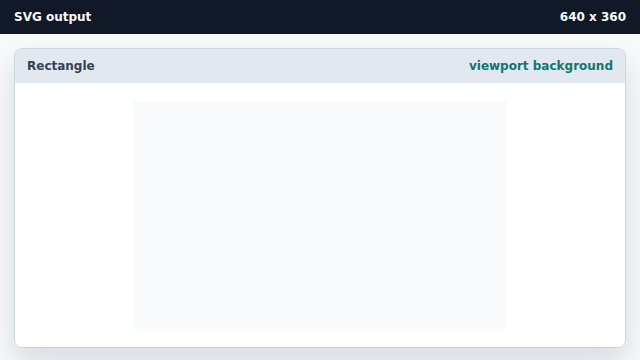
A background rectangle makes the coordinate area visible. Add the main filled rectangle.
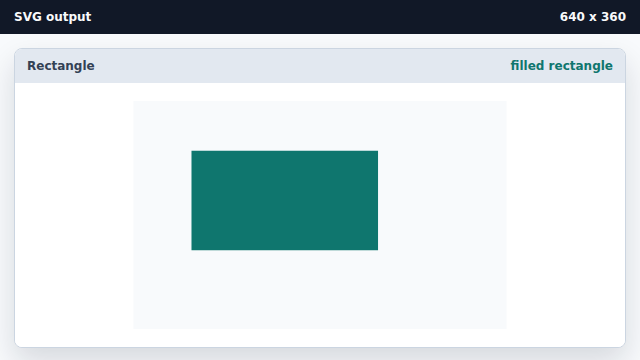
The rect element uses x, y, width, height, and fill attributes. Layer a stroke around the same rectangle.
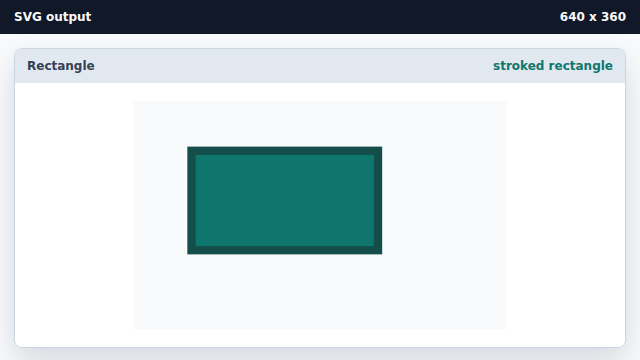
A second rect with fill none can provide a crisp stroke layer. Add a smaller highlight rectangle.
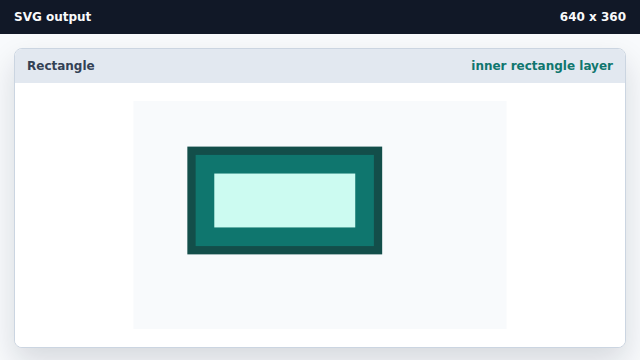
Later SVG elements paint above earlier elements by default.
rect
The rect element draws a rectangle from x, y, width, and height attributes.
stroke
A stroke paints the outline of a vector shape.