SVG Shapes
Line, Polyline, and Path
A drawing starts with a single line, then adds a polyline and a curved path to compare straight segments with path commands.
Program
SVG can draw direct line elements, point lists, or path commands. Paths are the most flexible because the d attribute encodes drawing instructions.
line_polyline_path.html
Visuals: captured from real browser rendering
<svg class="demo-svg" viewBox="0 0 360 220" role="img" aria-label="Lines and paths">
  <rect width="360" height="220" fill="#f8fafc" />
  <line x1="36" y1="176" x2="324" y2="176" stroke="#64748b" stroke-width="6" />
  <polyline points="58,148 116,92 174,132 228,70" fill="none" stroke="#0f766e" stroke-width="8" />
  <path d="M 248 154 C 280 106 310 130 326 76" fill="none" stroke="#dc2626" stroke-width="7" />
</svg>
Draw the viewport background.
The same SVG coordinate space holds each line type. Draw one straight line.
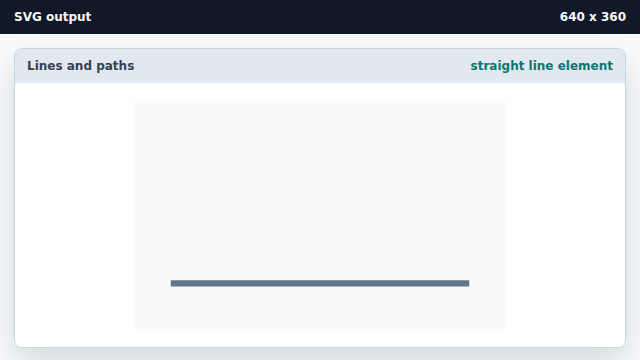
The line element connects two endpoints. Add a polyline through several points.
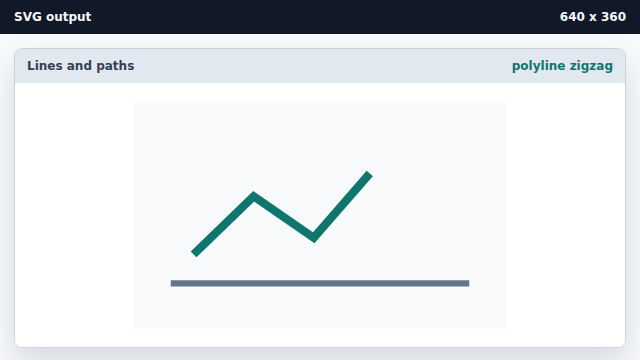
A polyline follows each coordinate pair in its points list. Add a curved path command.
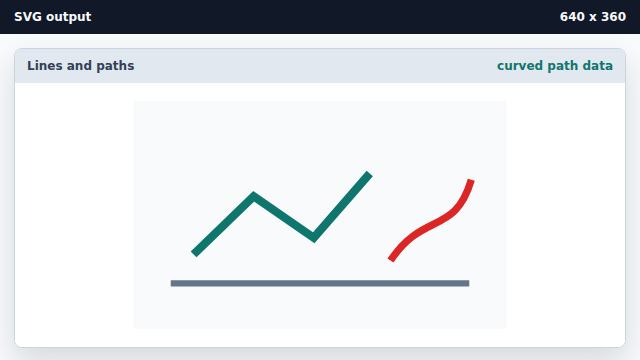
The path d attribute can encode moves, lines, and curves.
polyline
A polyline connects a list of coordinate points with straight segments.
path data
The d attribute stores path drawing commands such as M and C.