SVG Shapes
Ellipse Status Badge
Build a Named SVG Mark
An inline SVG combines an accessible name, an oval badge, a dot, and a check path into a simple status mark.
Program
SVG drawings can be small, readable components. The drawing stays visual, while title and desc text explain the mark to assistive technology.
ellipse_status_badge.html
Visuals: captured from real browser rendering
<svg class="demo-svg" viewBox="0 0 360 220" role="img" aria-labelledby="badge-title badge-desc">
  <title id="badge-title">Status badge</title>
  <desc id="badge-desc">An oval badge with a check mark.</desc>
  <ellipse cx="180" cy="110" rx="120" ry="54" fill="#0f766e" />
  <circle cx="126" cy="110" r="18" fill="#ccfbf1" />
  <path d="M162 112l18 18 40-48" fill="none" stroke="#ffffff" stroke-width="12" stroke-linecap="round" stroke-linejoin="round" />
</svg>
Create the SVG viewport and label relationship.
aria-labelledby connects the visual mark to its text name and description. Add the SVG title.
The title supplies the short accessible name. Add the SVG description.
The description gives more detail than the short title. Draw the oval badge body.
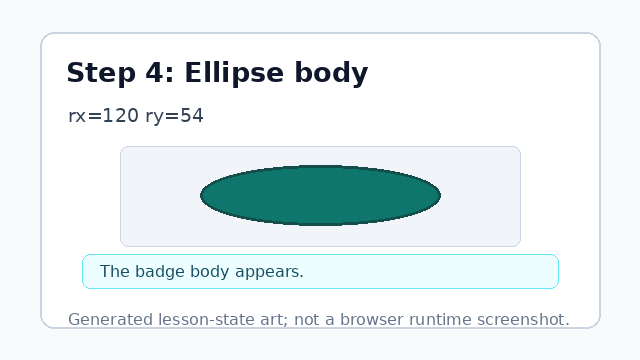
rx and ry set the horizontal and vertical radius of the oval. Add a small dot accent.
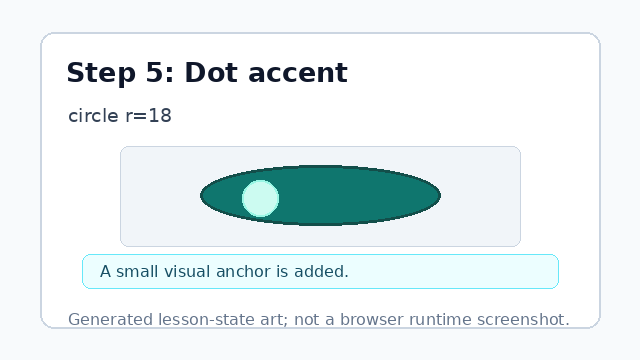
The circle gives the badge a simple visual anchor. Draw the check mark path.
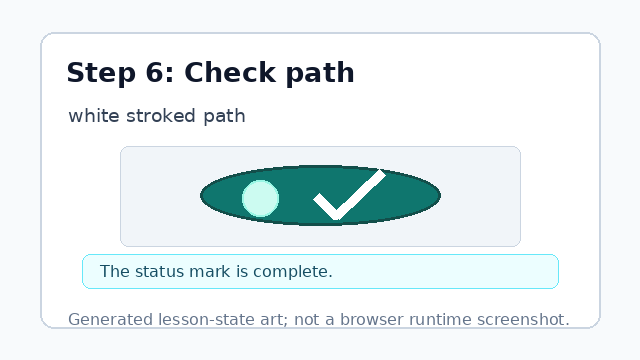
The path adds a custom mark using stroke attributes.
ellipse
An ellipse uses cx, cy, rx, and ry to place an oval around a center point.
path
A path can draw a custom mark from compact coordinate commands.