SVG Shapes
Circle Radius and Position
Two circles use center coordinates and radius values before a small center dot makes the larger circle position explicit.
Program
A circle is defined by a center point and a radius. Changing cx, cy, or r changes geometry without changing pixel density.
circle_radius_position.html
Visuals: captured from real browser rendering
<svg class="demo-svg" viewBox="0 0 360 220" role="img" aria-label="Circle">
  <rect width="360" height="220" fill="#f8fafc" />
  <circle cx="112" cy="110" r="46" fill="#2563eb" />
  <circle cx="236" cy="110" r="68" fill="#f59e0b" opacity="0.86" />
  <circle cx="236" cy="110" r="10" fill="#7c2d12" />
</svg>
Draw the viewport background.
The background is just another SVG shape painted first. Place the first circle center.
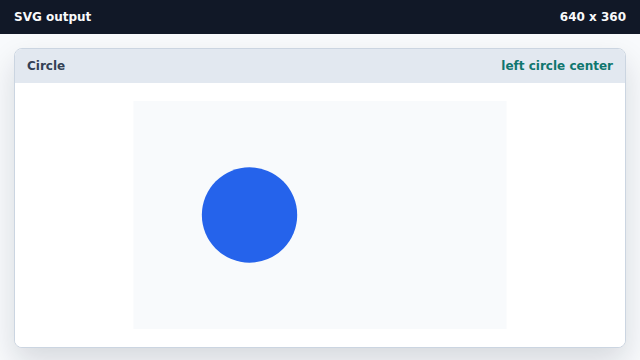
cx and cy place the center point inside the viewBox. Add a larger circle with a bigger radius.
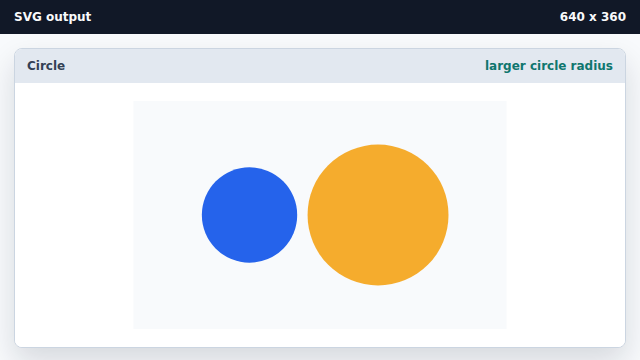
The r attribute controls the circle radius in SVG units. Mark the large circle center.
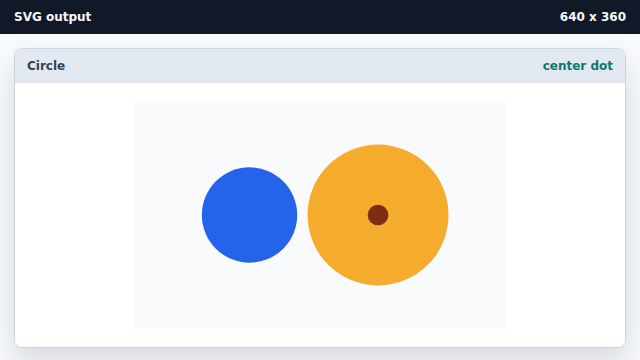
A small circle can annotate the same coordinate used by the larger circle.
cx and cy
cx and cy define the circle center point.
radius
The r attribute sets the circle radius.