Browser Integration
Navigator Online Status
navigator.onLine and browser online/offline events update one accessible status output.
Program
The browser already knows whether it thinks the page is online. A small status output can show that state and update when the connection changes.
navigator_online_status.html
Visuals: captured from real browser rendering
<output id="connection" role="status">Checking connection</output>
<script>
  const statusEl = document.querySelector("#connection");
  function renderOnline(isOnline) {
    statusEl.textContent = isOnline ? "Online" : "Offline";
    statusEl.dataset.state = isOnline ? "online" : "offline";
  }
  renderOnline(navigator.onLine);
  window.addEventListener("online", () => renderOnline(true));
  window.addEventListener("offline", () => renderOnline(false));
</script>
Create an accessible status output.
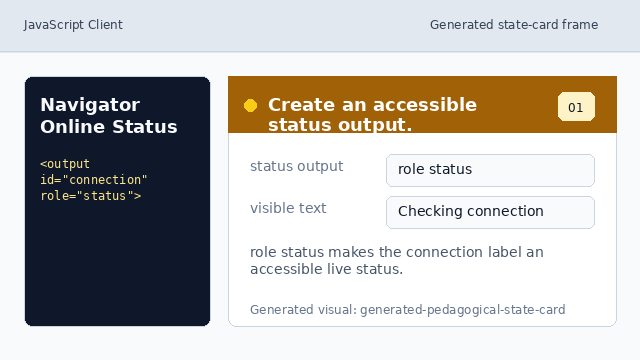
role status makes the connection label an accessible live status. Find the status element.
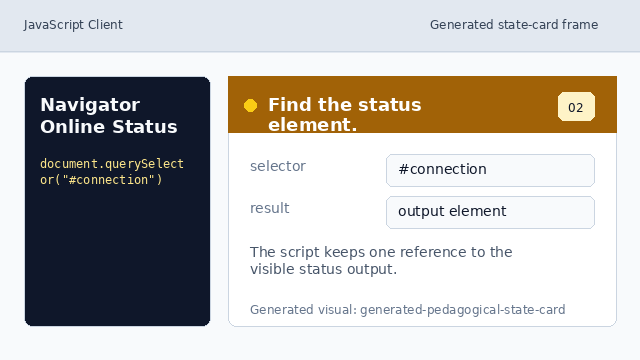
The script keeps one reference to the visible status output. Define one renderer for connection state.
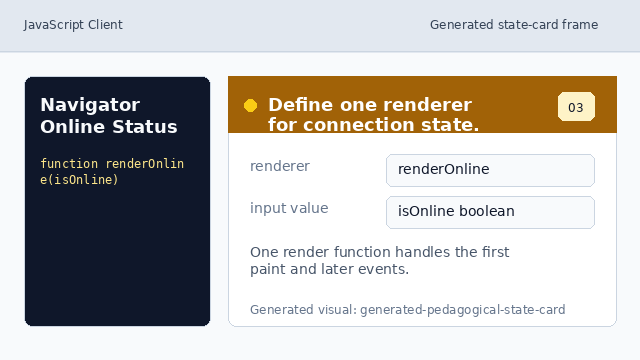
One render function handles both the first paint and later events. Render the online or offline text.
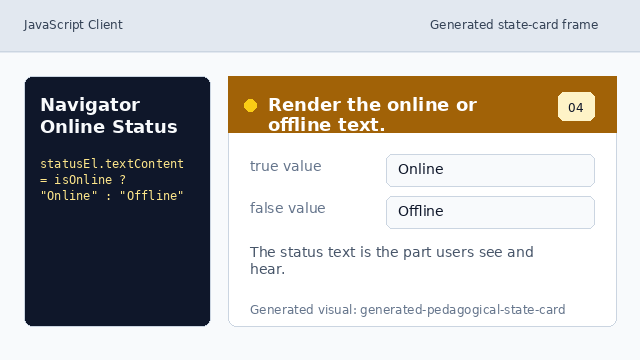
The status text is the part users see and hear. Read the browser's initial online hint.
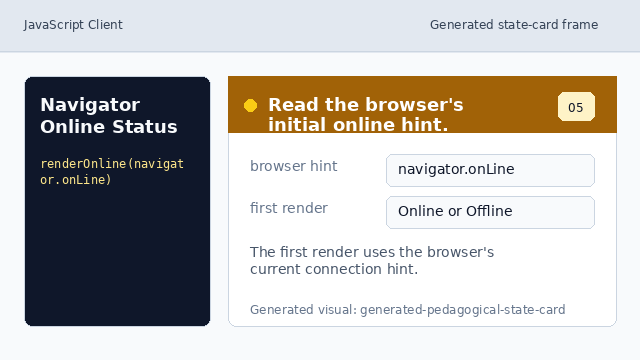
The first render uses the browser's current connection hint. Listen for future connection changes.
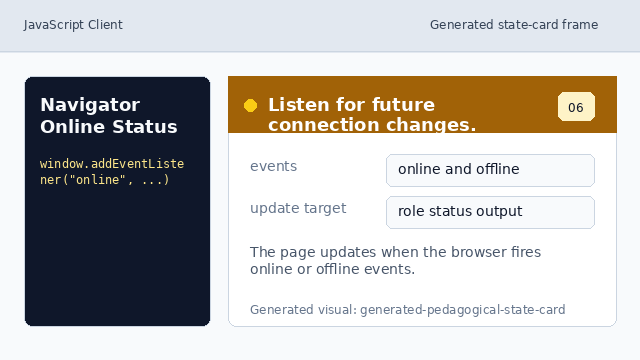
The page updates when the browser fires online or offline events.
navigator.onLine
navigator.onLine is the browser's current online/offline hint.
status output
role="status" lets the page announce a short state change without moving focus.