Browser Integration
Clipboard Copy Status
The Clipboard API copies text after a button click and updates an output element when the promise resolves.
Program
Clipboard writes require user intent. A click handler can copy a generated value and report success to the user.
clipboard_copy_status.html
Visuals: captured from real browser rendering
<button id="copy">Copy invite</button>
<output id="status">Ready</output>
<script>
  const copyButton = document.querySelector("#copy");
  const statusEl = document.querySelector("#status");
  copyButton.addEventListener("click", async () => {
    const invite = "EGTRY-2026";
    await navigator.clipboard.writeText(invite);
    statusEl.textContent = "Copied " + invite;
  });
</script>
Start from a user click.
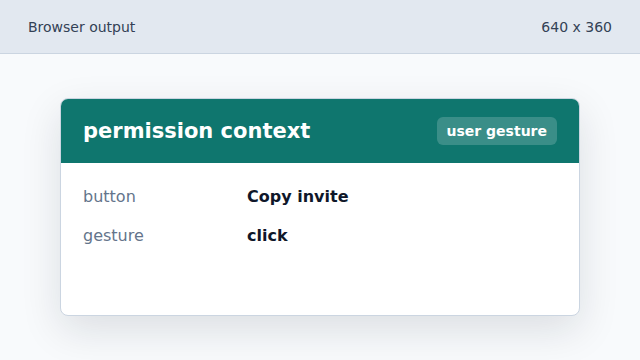
The copy action runs inside a click handler. Prepare the text to copy.
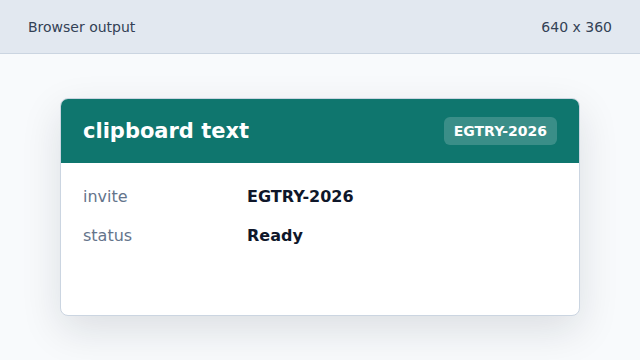
The invite code is a normal JavaScript string before it reaches the clipboard. Write text to the clipboard.
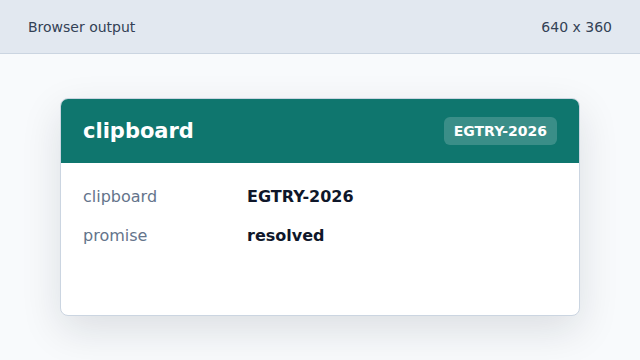
navigator.clipboard.writeText returns a promise for the copy operation. Show a copied status.
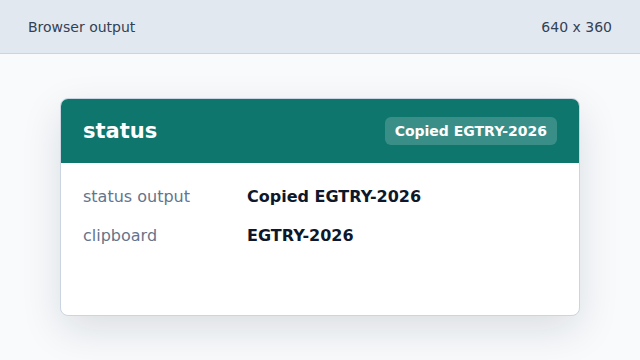
The output changes only after the write promise resolves.
Clipboard API
navigator.clipboard exposes asynchronous clipboard read and write methods.
user gesture
Browsers generally require a trusted user action before writing clipboard data.