Browser Integration
Match Media Theme
matchMedia reads a CSS media query from JavaScript and updates the page when the preference changes.
Program
matchMedia connects JavaScript to media query state such as viewport width or color scheme preference.
match_media_theme.html
Visuals: captured from real browser rendering
<main id="shell" class="panel">Theme follows system</main>
<script>
  const shellEl = document.querySelector("#shell");
  const query = matchMedia("(prefers-color-scheme: dark)");
  function apply(event) {
    shellEl.dataset.scheme = event.matches ? "dark" : "light";
  }
  apply(query);
  query.addEventListener("change", apply);
</script>
Create a media query object.
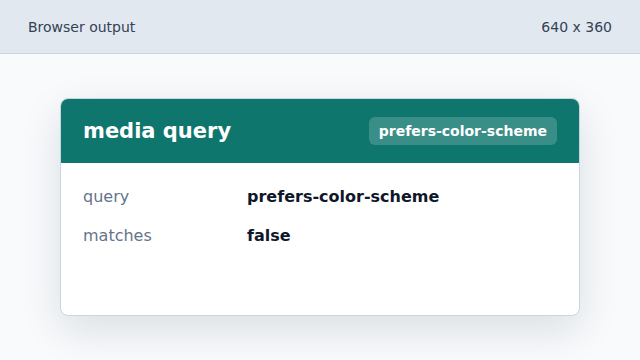
JavaScript receives a live object for the CSS media query. Map the match result into page state.
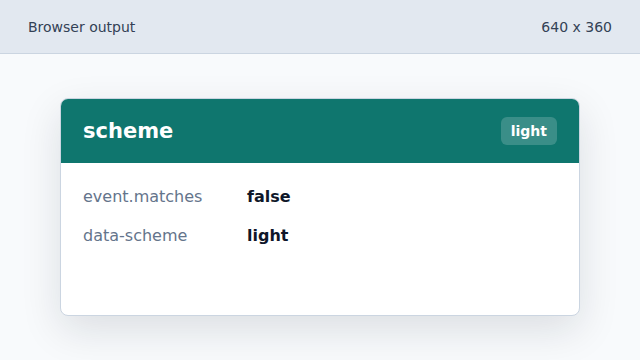
The current system preference becomes a data attribute. Apply the current query value.
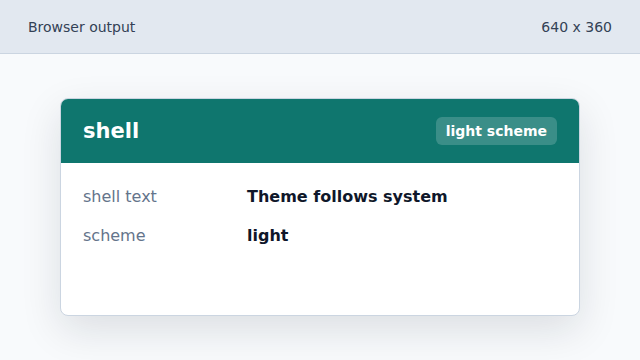
The first render uses the current media query value. Listen for preference changes.
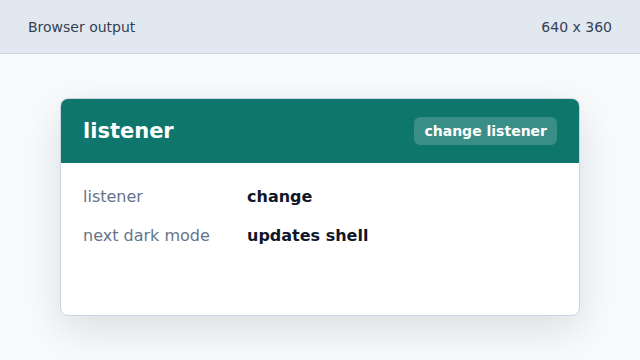
Future system theme changes will re-run apply.
matchMedia
matchMedia evaluates a CSS media query from JavaScript.
change event
A media query list can notify code when its matches value changes.