Browser Integration
History State Tabs
A tab selection is stored in history state so the URL and back button follow the visible panel.
Program
The History API lets client apps update the address bar and restore state without full page reloads.
history_state_tabs.html
Visuals: captured from real browser rendering
<nav><button data-tab="overview">Overview</button><button data-tab="logs">Logs</button></nav>
<section id="panel">Overview panel</section>
<script>
  const panelEl = document.querySelector("#panel");
  function show(tab) { panelEl.textContent = tab + " panel"; }
  document.addEventListener("click", event => {
    const tab = event.target.dataset.tab;
    history.pushState({ tab }, "", "#" + tab);
    show(tab);
  });
  addEventListener("popstate", event => show(event.state?.tab || "overview"));
</script>
Render the initial tab panel.
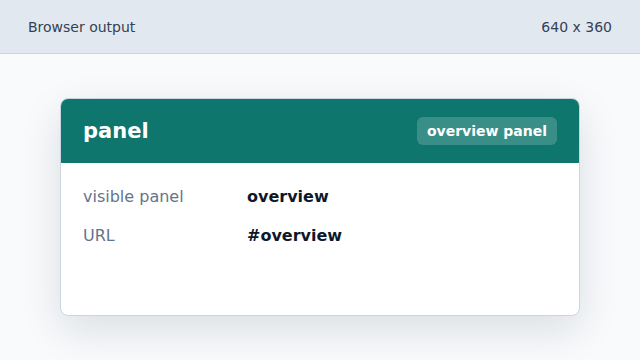
A function centralizes how visible tab state is rendered. Read the clicked tab from a data attribute.
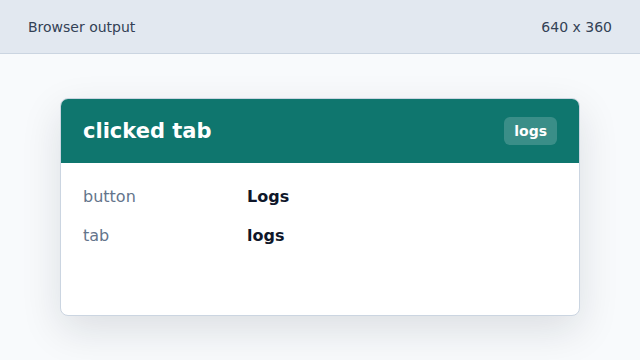
The clicked button carries the tab id in dataset. Push the selected tab into history.
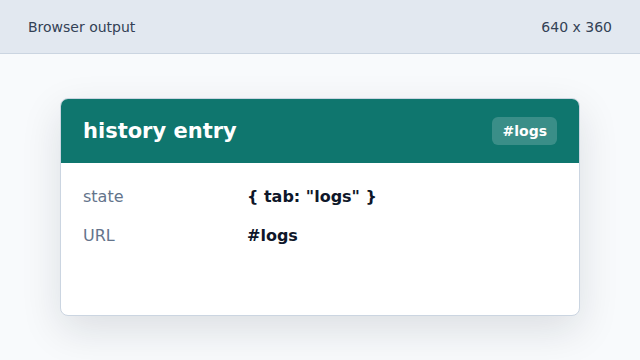
The address bar changes without reloading the document. Render the selected tab.
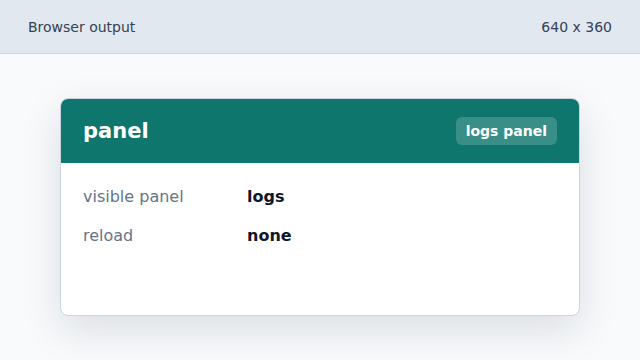
The visible panel follows the history state. Restore a tab when the user goes back.
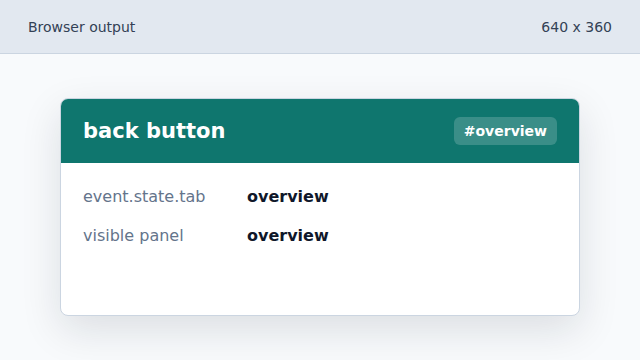
popstate lets the UI follow browser navigation.
history.pushState
pushState adds a browser history entry without loading a new document.
popstate
popstate fires when the active history entry changes.