Embedded Media
Iframe Srcdoc Title
Embed a Small Document
A preview frame starts as an empty embedded document, receives an accessible title, then renders inline srcdoc content.
Program
Iframes embed a separate document inside the current page. The title describes the frame, and srcdoc can provide inline HTML for static examples.
iframe_srcdoc_title.html
Visuals: captured from real browser rendering
<iframe title="Schedule preview" srcdoc="<h1>Day 1</h1><p>Setup lab</p>"></iframe>
Create an embedded document frame.
The iframe reserves space for another document. Name the embedded frame.
The title tells readers what the embedded document contains. Render the inline document.
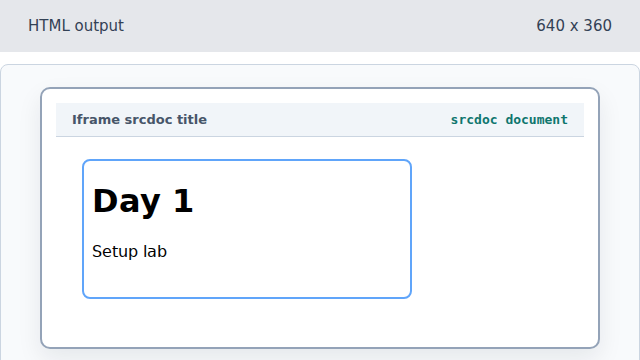
The srcdoc attribute gives the iframe its own HTML content.
iframe
An iframe creates a nested browsing context inside the page.
srcdoc
The srcdoc attribute supplies inline HTML for the embedded document.