Embedded Media
Figure Image Caption
Media With Context
An image becomes easier to understand when the browser receives its source, useful alternate text, stable dimensions, and caption.
Program
Images are content when they carry information. The img element needs a source and alternate text, while figure and figcaption keep explanatory text attached.
figure_image_caption.html
Visuals: captured from real browser rendering
<figure>
  <img src="status-card.svg" alt="Green launch status card" width="240" height="120">
  <figcaption>Launch checks passed</figcaption>
</figure>
Create a figure container.
The figure groups media and its caption as one unit. Load the status image source.
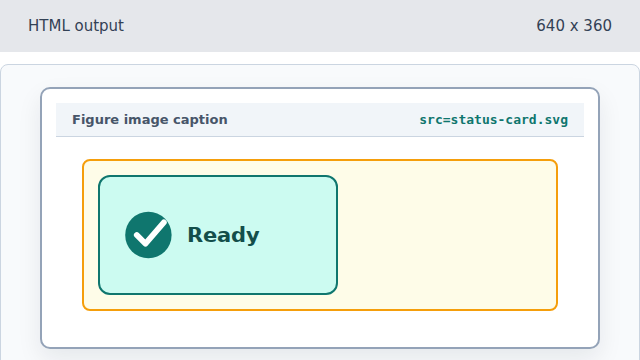
The src attribute tells the browser which image resource to render. Describe the image with alt text.
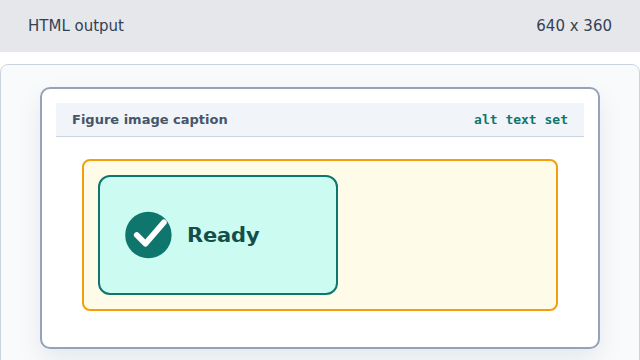
Alt text is not decoration; it is the replacement description for the image content. Reserve stable image dimensions.
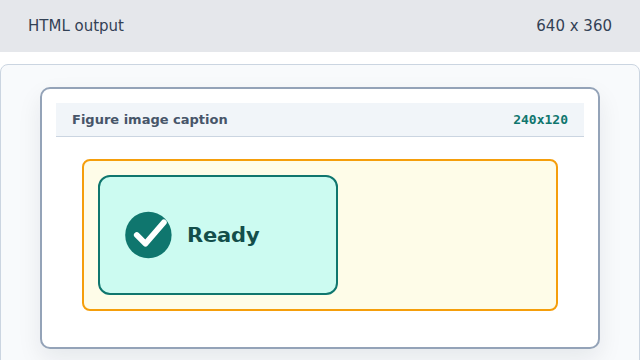
Width and height reduce layout shift while the image loads. Attach a visible caption.
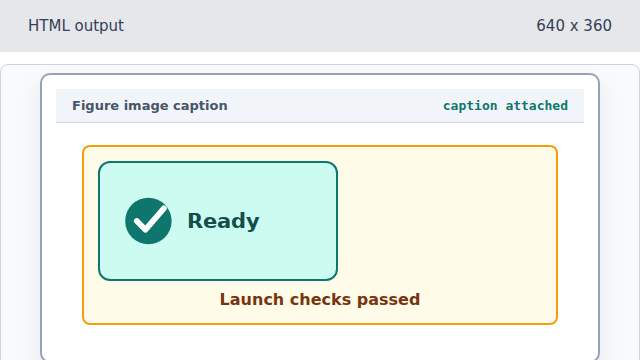
The figcaption keeps visible context tied to the image.
alt text
Alt text describes the image when the pixels are unavailable or not useful to the reader.
figcaption
A figcaption gives a figure visible context that stays grouped with the media.