Filter and Summarize
Totals Footer
Quantity and price columns are multiplied per row and then reduced into a table footer total.
Program
CSV-backed tables can show both source rows and computed summaries. The footer should come from data, not hand-entered totals.
totals_footer.html
Visuals: captured from real browser rendering
<script>
  const rows = [
    { item: "Cable", qty: 3, price: 12.50 },
    { item: "Hub", qty: 1, price: 39.00 }
  ];
  const lineTotals = rows.map(row => row.qty * row.price);
  const total = lineTotals.reduce((sum, value) => sum + value, 0);
  renderWithFooter(rows, total);
</script>
Start with two invoice rows.
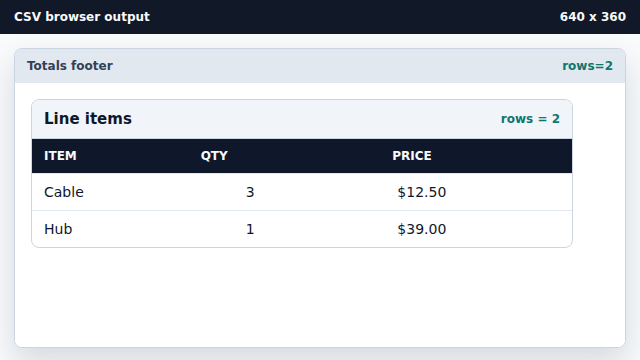
Rows hold the source values for the summary. Multiply quantity by price per row.
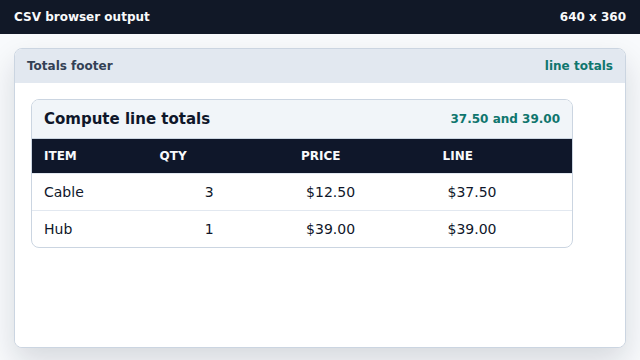
map derives one computed value for each source row. Add line totals into one total.
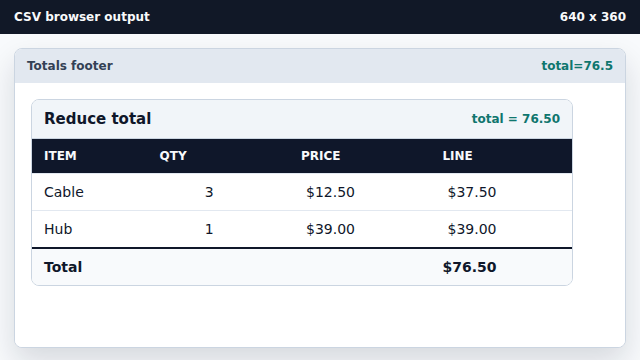
reduce combines the line totals into one summary value. Render rows with a computed footer.
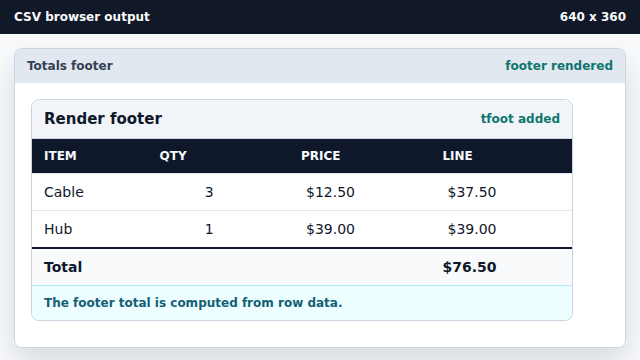
The footer is derived from data and stays consistent with rows.
map
map derives one computed value for each source row.
reduce
reduce combines many values into one summary value.