Filter and Summarize
Sort Table
A schedule table is sorted by due date so the earliest item appears first.
Program
Tables often need a display order that is different from file order. Sorting creates that order in memory before rendering.
sort_table.html
Visuals: captured from real browser rendering
<script>
  const rows = [
    { item: "Docs", due: "2026-06-14" },
    { item: "Build", due: "2026-06-11" },
    { item: "Review", due: "2026-06-12" }
  ];
  rows.sort((a, b) => a.due.localeCompare(b.due));
  render(rows);
</script>
Start with rows in file order.
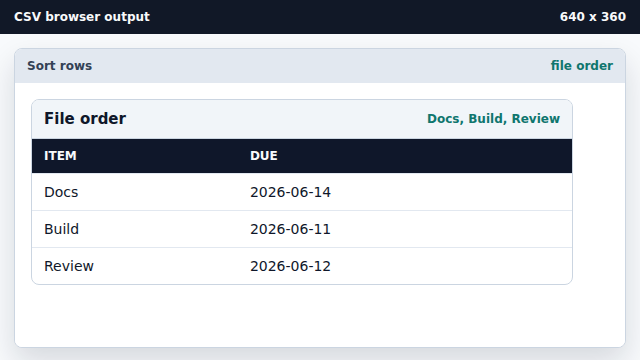
File order is often not the order learners need to inspect. Sort rows by due date.
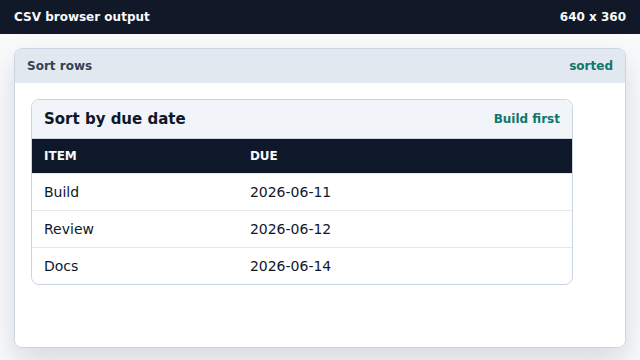
localeCompare works for ISO date strings because they sort lexicographically. Render the sorted rows.
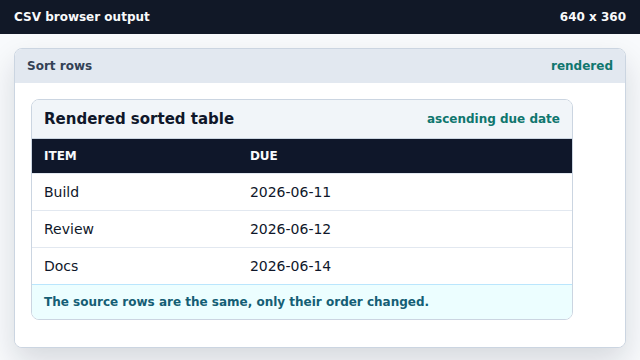
The rendered table follows the sorted array order.
sort key
A sort key is the field used to compare rows.
ISO date
ISO date strings sort correctly as text when all values use YYYY-MM-DD.