Motion and Feedback
Transform Origin Menu
A popover menu scales open from its top-right corner by pairing transform-origin with an open class.
Program
transform-origin changes the pivot point for scale and rotate transforms. Popovers often grow from the edge that anchors them.
transform_origin_menu.html
Visuals: captured from real browser rendering
<style>
  .menu { transform-origin: top right; transform: scale(.85); opacity: .45; }
  .menu.open { transform: scale(1); opacity: 1; }
</style>
<nav class="menu open"><a>Profile</a><a>Settings</a><a>Sign out</a></nav>
Pin transforms to the top-right corner.
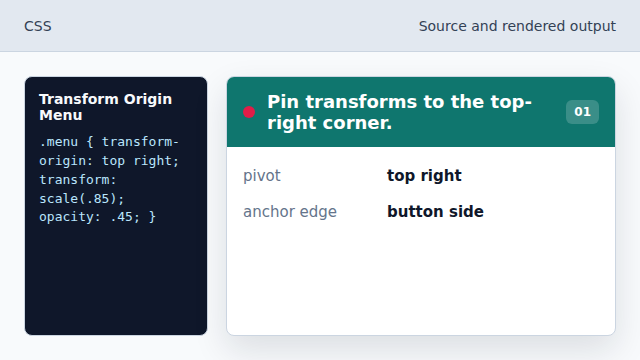
The menu will appear to grow from its anchor corner. Start slightly scaled down.
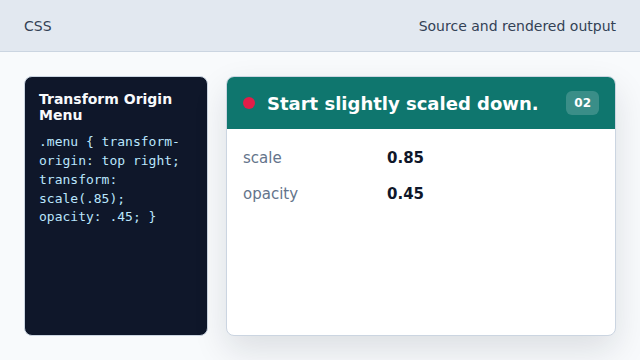
The closed state is smaller and less prominent. Create the open state.
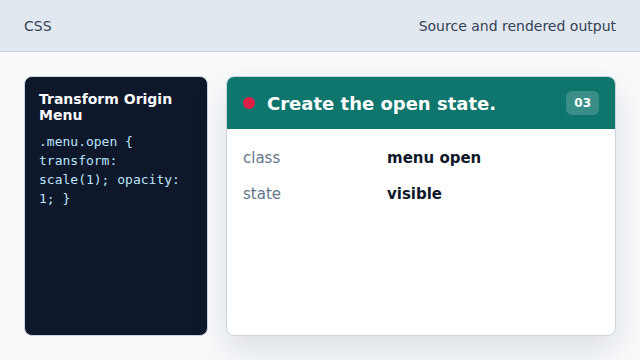
Adding open switches the menu to its visible style. Scale to full size.
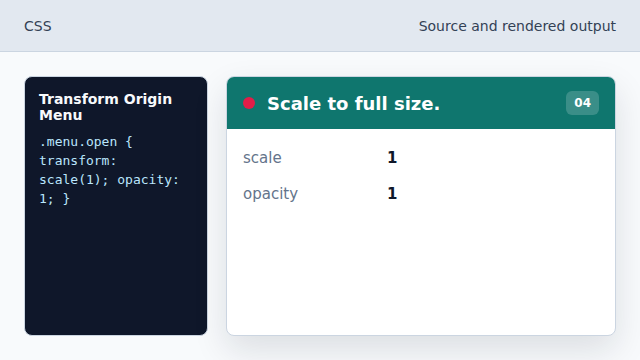
The popover finishes at normal size. Render the menu in the open state.
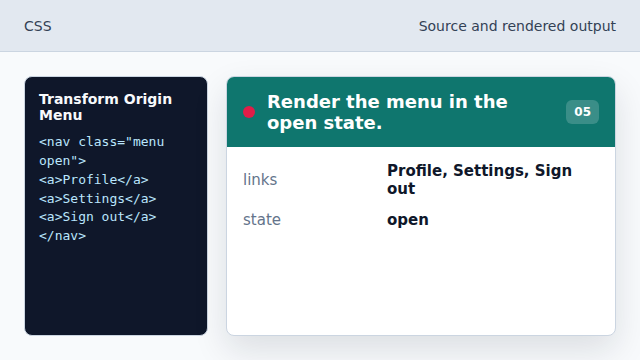
The HTML class chooses the open style.
transform-origin
transform-origin chooses the pivot point for transforms.
scale
scale grows or shrinks an element without changing document flow.