Motion and Feedback
Reduced Motion Pulse
Keep Status Visible Without Movement
A recording dot can pulse by default, then become steady when the user asks for reduced motion.
Program
Motion can draw attention, but it should not be required. A reduced-motion media query keeps the status visible while removing the loop.
reduced_motion_pulse.html
Visuals: captured from real browser rendering
<style>
  @keyframes pulse {
    50% { opacity: 1; transform: scale(1.2); }
  }
  .status { display: inline-block; width: 1rem; height: 1rem; border-radius: 999px; background: #dc2626; opacity: 0.55; animation: pulse 1.2s infinite; }
  @media (prefers-reduced-motion: reduce) {
    .status { animation: none; opacity: 1; }
  }
</style>
<span class="status" aria-label="Recording"></span>
Name the pulse keyframes.
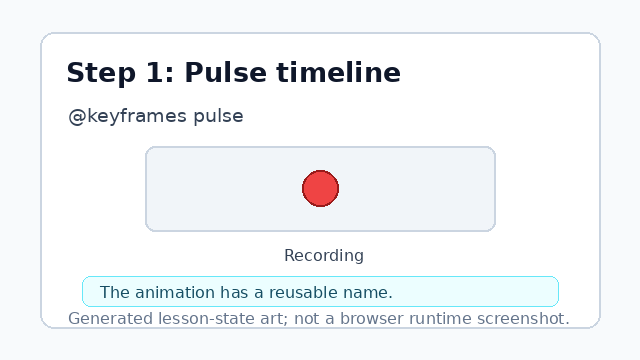
The keyframes name gives the motion a reusable timeline. Define the bright midpoint.
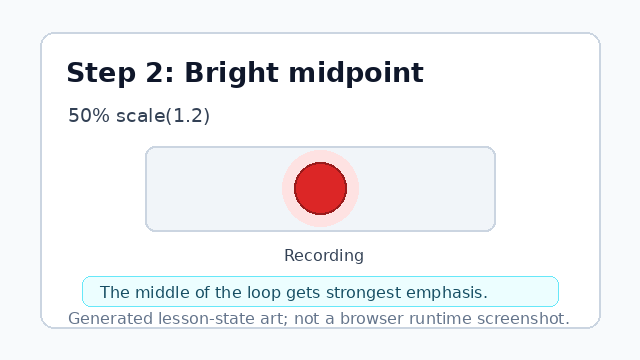
The midpoint is the strongest visual emphasis in the loop. Apply the repeating pulse to the status dot.
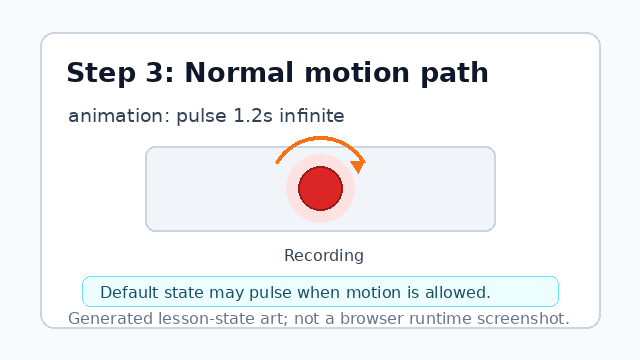
The default path can pulse for users who have not reduced motion. Listen for reduced motion.
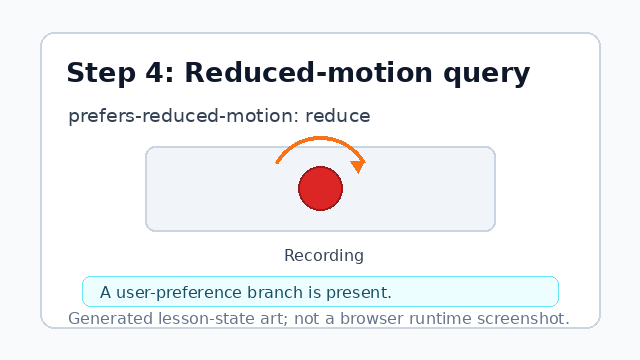
The media query lets CSS respond to the user's motion setting. Replace the pulse with a steady state.
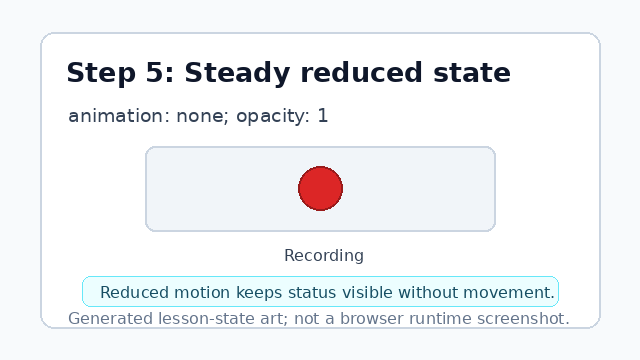
Reduced motion keeps the status visible without movement. Attach the status class to the recording dot.
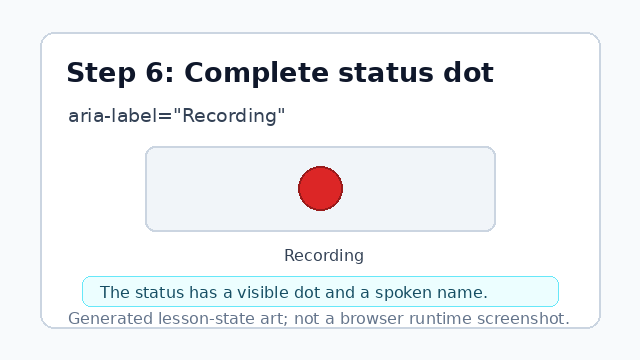
The component now supports both motion settings.
prefers-reduced-motion
prefers-reduced-motion lets CSS respond to a user's motion preference.
animation
animation applies keyframes over time; setting it to none removes the motion.