Motion and Feedback
Keyframes Status Pulse
A status dot uses keyframes to loop opacity and scale changes that call attention to live work.
Program
@keyframes names intermediate animation states. animation applies those states repeatedly to an element.
keyframes_status_pulse.html
Visuals: captured from real browser rendering
<style>
  @keyframes pulse {
    0%, 100% { opacity: 0.45; transform: scale(1); }
    50% { opacity: 1; transform: scale(1.25); }
  }
  .status { width: 16px; height: 16px; border-radius: 50%; background: #dc2626; animation: pulse 1.2s infinite; }
</style>
<span class="status" aria-label="Recording"></span>
Name the animation timeline.
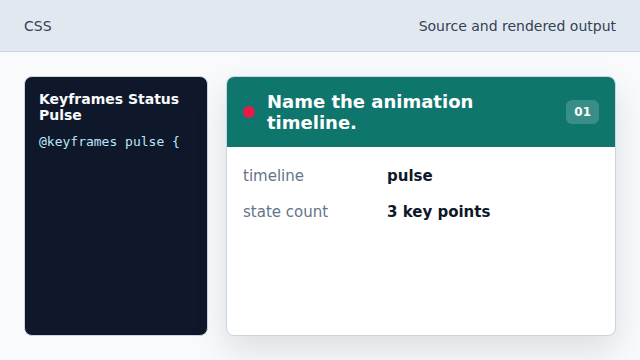
The keyframes block creates a reusable timeline. Set the start and end state.
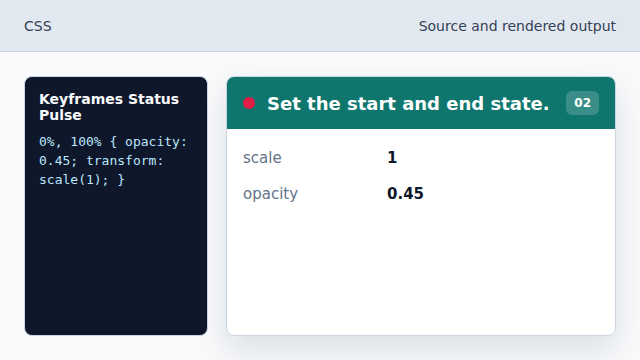
The loop begins and ends with the same dim dot. Define the emphasized midpoint.
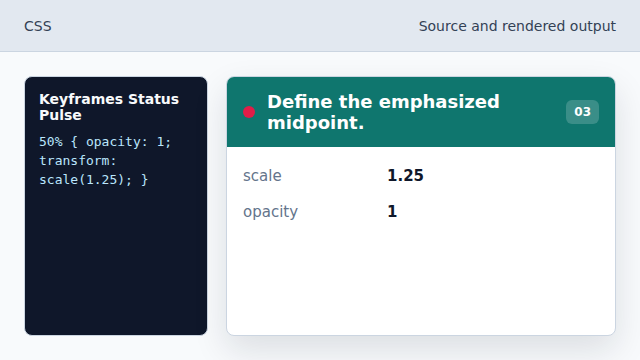
Halfway through, the dot becomes brighter and larger. Shape the status mark as a circle.
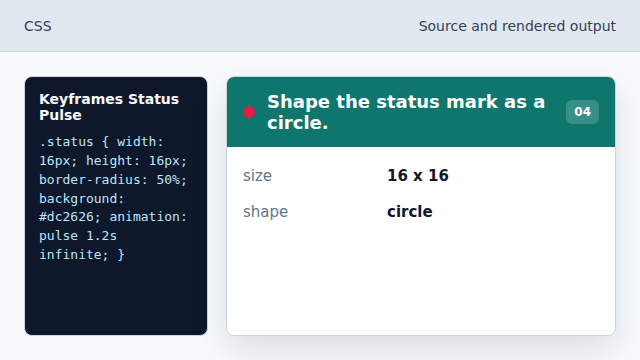
A 50 percent radius turns the square box into a dot. Apply the looping animation.
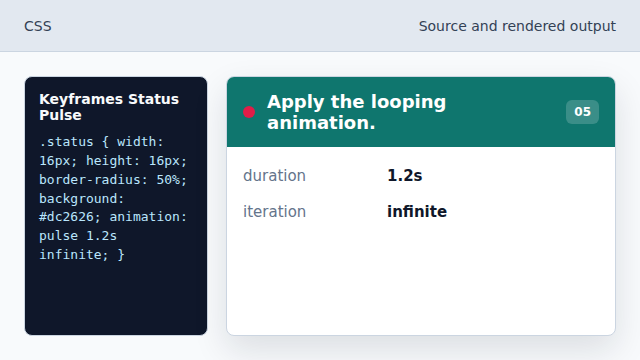
The dot now repeats the pulse timeline.
@keyframes defines named animation steps.
@keyframes
animation
animation applies keyframes to an element over time.