Responsive Styles and States
Reduced Motion State
Keep Movement Optional
A saved-message toast keeps its layout but removes sliding motion when the user asks for reduced motion.
Program
Motion can help show change, but some users need less movement. A reduced-motion media query keeps the same content visible without the slide.
reduced_motion_state.html
Visuals: captured from real browser rendering
<style>
.toast { padding: 12px 16px; border-radius: 8px; background: #0f766e; color: white; }
.toast { transform: translateX(0); transition: transform 300ms ease; }
.toast.entering { transform: translateX(18px); }
@media (prefers-reduced-motion: reduce) {
  .toast { transition: none; transform: translateX(0); }
}
</style>

<aside class="toast entering">Saved</aside>
Style the toast as a visible status card.
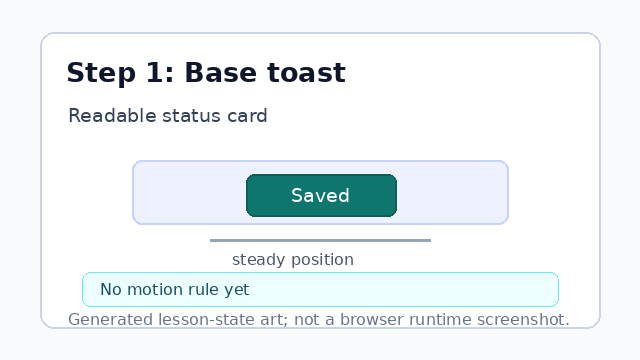
The base style makes the status message easy to see before any motion rules. Declare the normal motion transition.
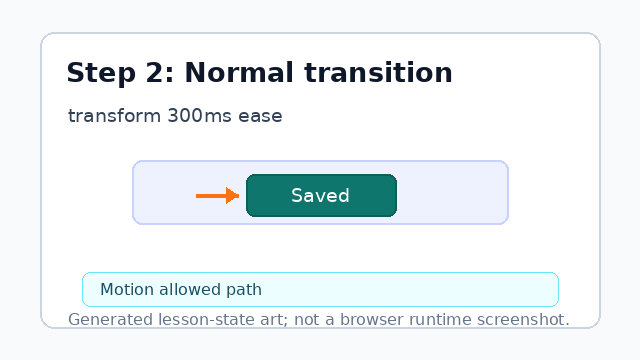
The transition animates transform changes for users who have not reduced motion. Offset the entering toast.
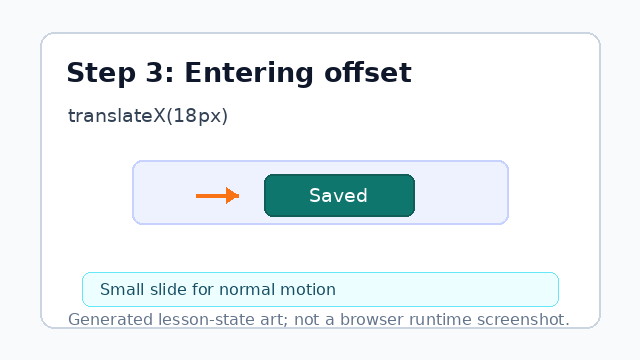
The entering class gives the normal-motion path a small movement. Listen for the reduced-motion preference.
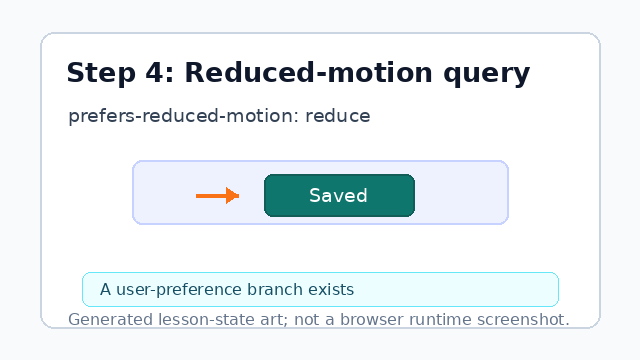
The media query lets the same component respect a user setting. Remove animation in the reduced-motion branch.
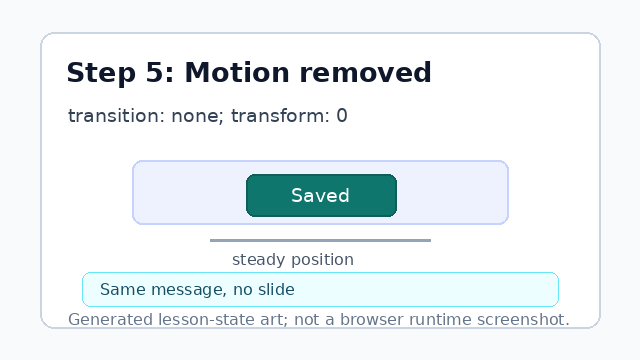
The message still appears, but the slide is removed. Attach the classes to the status message.
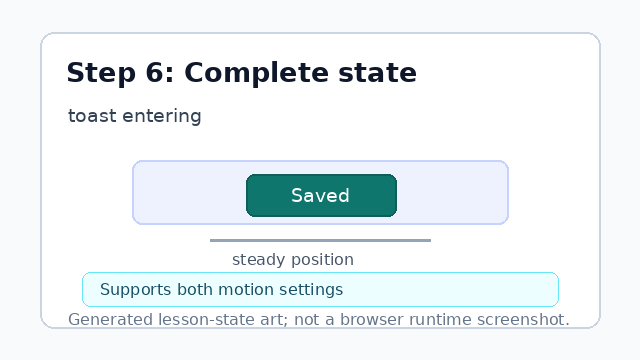
One component now supports motion and reduced-motion users.
prefers-reduced-motion
prefers-reduced-motion lets CSS respond to a user's motion preference.
transition
A transition animates a change between two CSS values.