Responsive Styles and States
Media Query Card
A compact profile card starts stacked, then a min-width media query switches it to a two-column layout.
Program
Media queries apply rules only when the environment matches. They are a core tool for responsive design.
books/css/04responsive_states/media_query_card/diagrams/media_query_breakpoint.semantic.json.
media_query_card.html
Visuals: captured from real browser rendering
<style>
.profile { display: grid; gap: 12px; padding: 18px; }
.avatar { width: 72px; height: 72px; border-radius: 50%; background: #0f766e; color: white; display: grid; place-items: center; }
@media (min-width: 520px) { .profile { grid-template-columns: 90px 1fr; } }
@media (min-width: 520px) { .profile { align-items: center; } }
</style>

<article class="profile">
  <div class="avatar">A</div>
  <div><h2>Ada</h2><p>Systems designer</p></div>
</article>
Create the stacked profile layout.
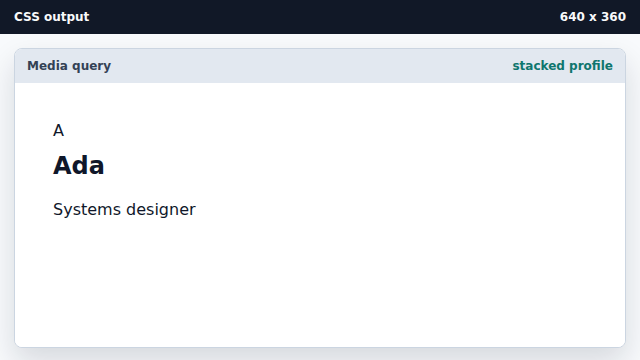
The base style works before any media query matches. Style the avatar circle.
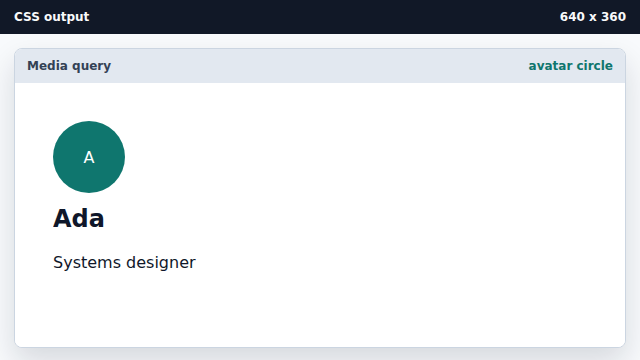
The avatar is still part of the stacked layout. Add a wide-viewport rule.
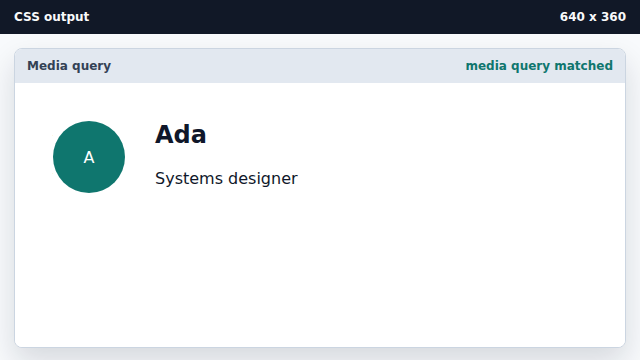
The media query matches this viewport and changes the grid columns. Center the two-column content vertically.
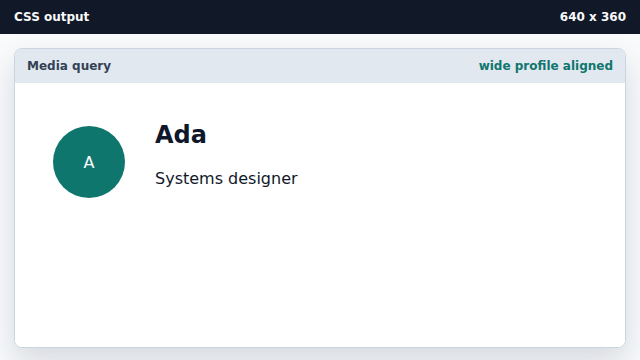
A second media-query rule refines the wide layout.
media query
A media query applies rules only when a condition is true.
responsive layout
Responsive layout changes with viewport or device conditions.