Responsive Styles and States
Focus Visible Button
A button gains a normal style, hover style, and keyboard-focused outline through pseudo-class selectors.
Program
Pseudo-classes target state rather than extra markup. They let CSS respond to hover, focus, checked, and other browser states.
focus_visible_button.html
Visuals: captured from real browser rendering
<style>
.save { padding: 14px 20px; border: 0; border-radius: 8px; }
.save { background: #1d4ed8; color: white; }
.save:hover { background: #164374; }
.save:focus-visible { outline: 4px solid #f59e0b; outline-offset: 3px; }
</style>

<button class="save">Save changes</button>
Style the base button shape.
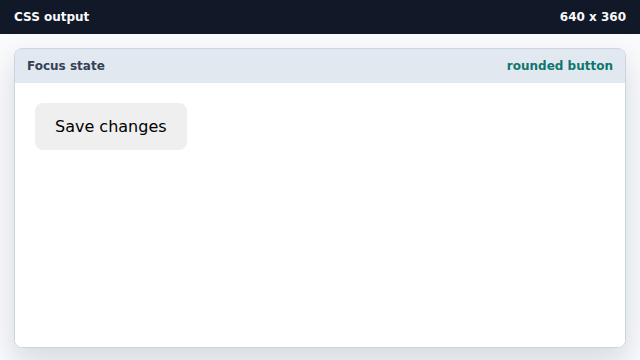
The base selector handles the normal state. Apply the normal button colors.
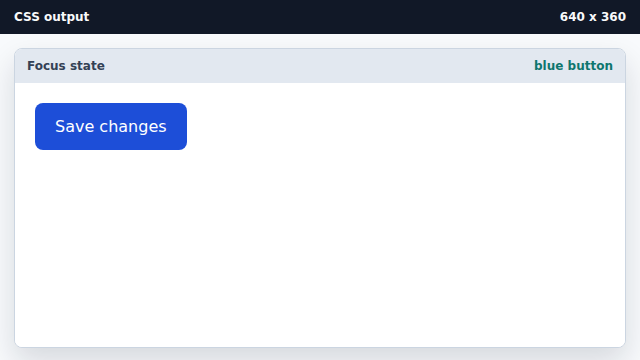
Normal state colors must be readable on their own. Describe the hover state.
The hover pseudo-class matches pointing-device hover. Add a keyboard focus indicator.
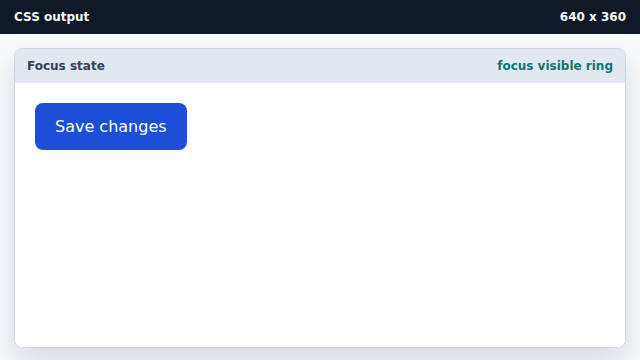
Focus-visible supports keyboard navigation without changing markup.
pseudo-class
A pseudo-class selects an element in a browser-defined state.
focus-visible
Focus-visible targets focus that should be visibly indicated.