Flex and Grid Layout
Grid Columns
A dashboard switches from normal flow into a three-column grid with a card that spans two columns.
Program
CSS Grid lays content into rows and columns. Track definitions describe the grid before individual items are placed.
books/css/03flex_grid_layout/grid_columns/diagrams/grid_columns.semantic.json.
grid_columns.html
Visuals: captured from real browser rendering
<style>
.dashboard { display: grid; }
.dashboard { grid-template-columns: repeat(3, 1fr); }
.dashboard { gap: 12px; }
.wide { grid-column: span 2; background: #fef3c7; }
</style>

<section class="dashboard">
  <article class="wide">Revenue</article>
  <article>Costs</article>
  <article>Quality</article>
</section>
Turn the dashboard into a grid container.
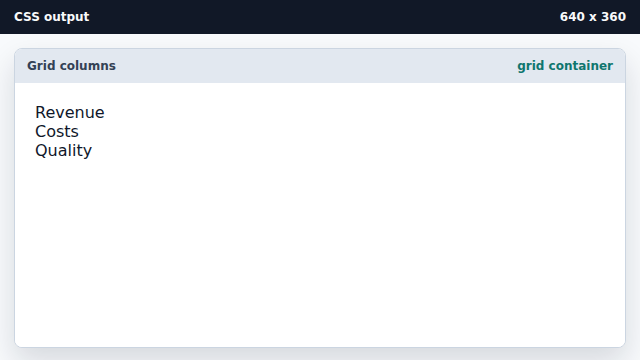
Grid enables row and column track placement. Define three equal columns.
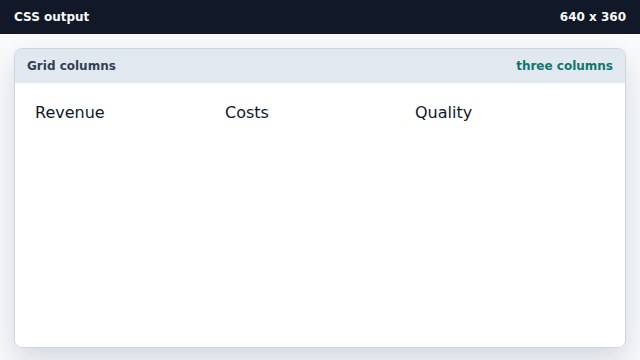
The repeat function creates equal grid tracks. Separate grid cells with a gap.
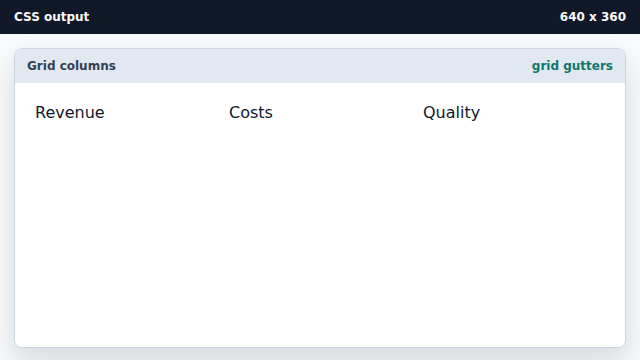
Grid gap creates row and column spacing. Let the revenue card span two columns.
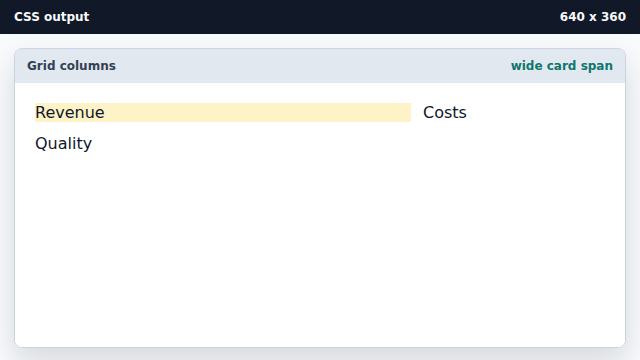
Individual grid items can span multiple tracks.
grid track
A grid track is a row or column in the grid.
span
A grid item can span across multiple tracks.
Exercise: grid_columns_exercise.html
Build a three-column dashboard layout