Textures Uniforms and Viewport
Uniform Color Slider
A slider value is converted into a fragment shader uniform so JavaScript can recolor a WebGL draw.
Program
Uniforms are values supplied by JavaScript to shader programs. This lesson assumes the shader program from the earlier pipeline setup is already active and focuses on updating one uniform.
uniform_color_slider.html
Visuals: generated teaching cards from captured state
- state written by this keyframe
1<canvas id="gl" width="320" height="180"></canvas><input id="red" type="range" min="0" max="1" step=".1" value=".8">
2<script>
3  const gl = document.querySelector("#gl").getContext("webgl");
4  const red = document.querySelector("#red");
5  const program = gl.getParameter(gl.CURRENT_PROGRAM);
6  const redLocation = gl.getUniformLocation(program, "u_red");
7  red.addEventListener("input", () => {
8    gl.uniform1f(redLocation, Number(red.value));
9    gl.drawArrays(gl.TRIANGLES, 0, 3);
10  });
11</script>Create a numeric slider
kf: 1event 0kind: lifecycleCreate a numeric slider.
1<canvas id="gl" width="320" height="180"></canvas><input id="red" type="range"→ range 0..1 min="0" max="1" step=".1" value=".8">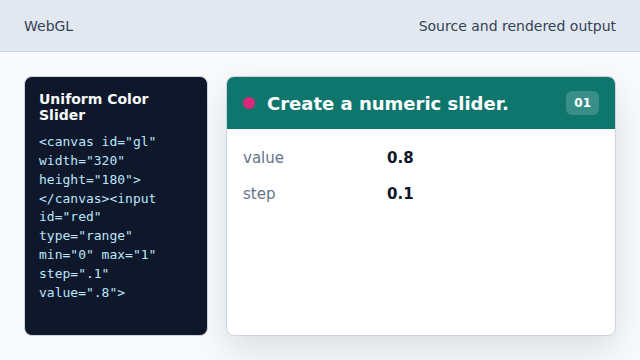
The slider gives JavaScript a color value. State after this keyframemissing → range 0..1red inputCreate the WebGL context
kf: 2event 1kind: lifecycleCreate the WebGL context.
3const gl = document.querySelector→ webgl("#gl").getContext("webgl");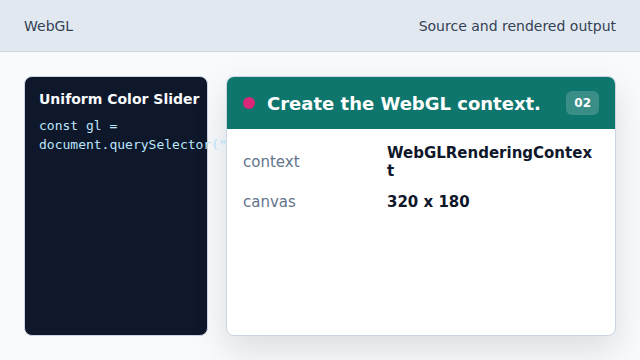
The canvas is ready for GPU commands. State after this keyframenone → webglGL contextRead the active shader program
kf: 3event 2kind: lifecycleRead the active shader program.
5const program = gl.getParameter→ current program(gl.CURRENT_PROGRAM);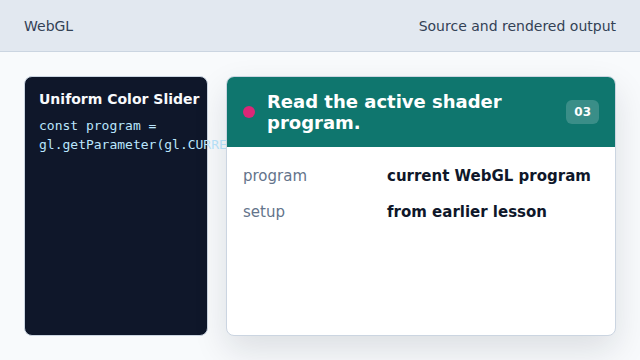
The lesson builds on the linked program from the pipeline setup. State after this keyframeimplicit setup → current programprogramFind the shader uniform
kf: 4event 3kind: lifecycleFind the shader uniform.
6const redLocation = gl.getUniformLocation→ u_red(program, "u_red");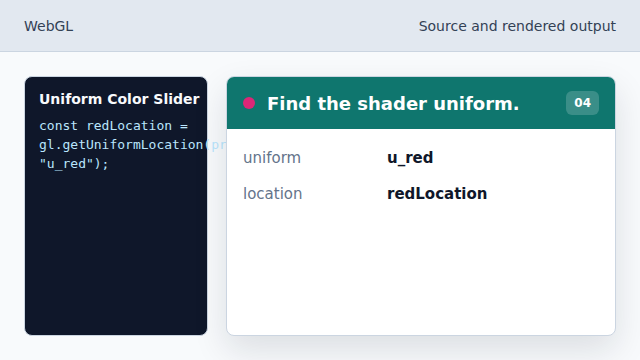
WebGL needs a location handle before setting a uniform. State after this keyframeunknown → u_reduniform locationReact to slider changes
kf: 5event 4kind: lifecycleReact to slider changes.
7red.addEventListener→ interactive("input", () => {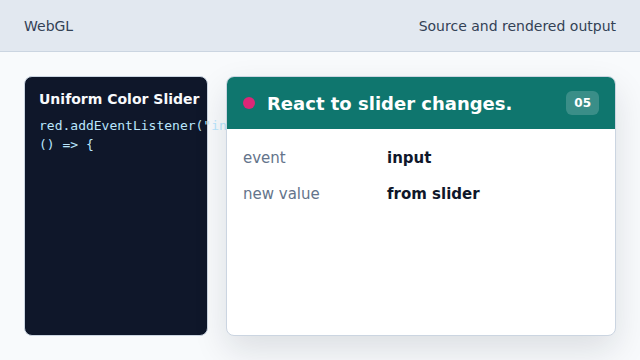
The handler runs whenever the slider value changes. State after this keyframestatic → interactivered channelWrite the red channel uniform
kf: 6event 5kind: lifecycleWrite the red channel uniform.
8gl.uniform1f→ slider red(redLocation, Number(red.value));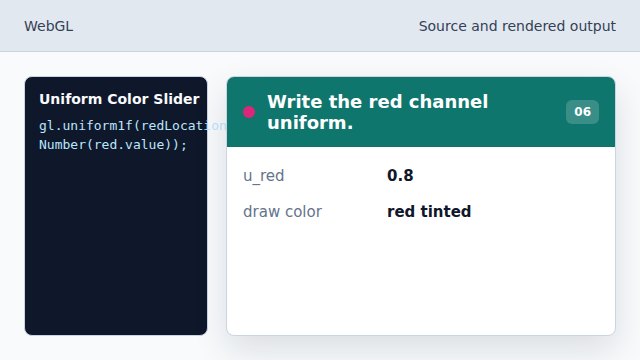
The next draw uses the new fragment color. State after this keyframeold red → slider redshader value
uniform
A uniform supplies one value to all shader invocations in a draw call.
active program
Later WebGL lessons can build on the linked program and buffers introduced in the pipeline chapters.
drawArrays
drawArrays runs the active shader program over vertex data.