Textures Uniforms and Viewport
Texture Checker Upload
A tiny checkerboard array is uploaded into a WebGL texture and sampled by the next draw.
Program
Textures move image data into GPU memory. This lesson assumes the shader program and textured quad from earlier setup are active, then focuses on the texture state introduced here.
texture_checker_upload.html
Visuals: generated teaching cards from captured state
- state written by this keyframe
1<canvas id="gl" width="320" height="180"></canvas>
2<script>
3  const gl = document.querySelector("#gl").getContext("webgl");
4  const texture = gl.createTexture();
5  gl.bindTexture(gl.TEXTURE_2D, texture);
6  const pixels = new Uint8Array([255,255,255,255, 20,20,20,255, 20,20,20,255, 255,255,255,255]);
7  gl.texImage2D(gl.TEXTURE_2D, 0, gl.RGBA, 2, 2, 0, gl.RGBA, gl.UNSIGNED_BYTE, pixels);
8  gl.drawArrays(gl.TRIANGLES, 0, 6);
9</script>Create the texture object
kf: 1event 0kind: lifecycleCreate the texture object.
4const texture = gl.createTexture→ created();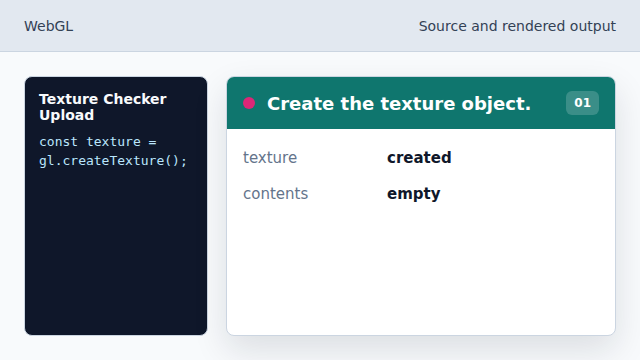
The texture object is a GPU resource handle. State after this keyframemissing → createdtextureBind the texture target
kf: 2event 1kind: lifecycleBind the texture target.
5gl.bindTexture→ TEXTURE_2D(gl.TEXTURE_2D, texture);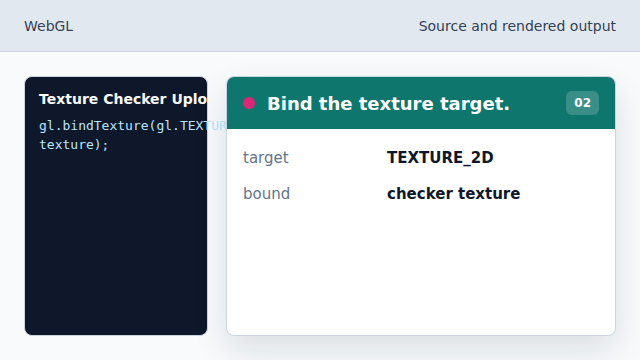
Texture commands now apply to this object. State after this keyframenone → TEXTURE_2Dactive textureBuild a checker pixel array
kf: 3event 2kind: lifecycleBuild a checker pixel array.
6const pixels = new Uint8Array→ 2 by 2 RGBA([255,255,255,255, 20,20,20,255, 20,20,20,255, 255,255,255,255]);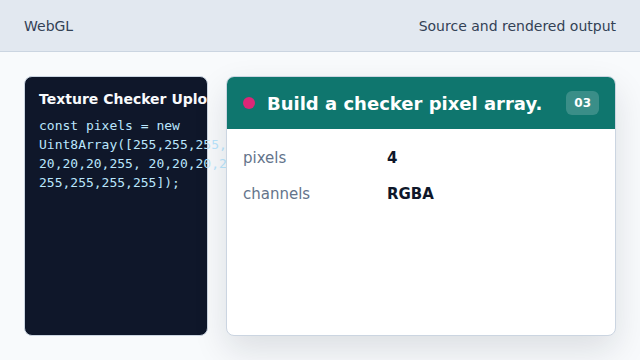
Four RGBA pixels create a tiny checkerboard. State after this keyframemissing → 2 by 2 RGBApixel dataUpload pixels into the texture
kf: 4event 3kind: lifecycleUpload pixels into the texture.
7gl.texImage2D→ checkerboard(gl.TEXTURE_2D, 0, gl.RGBA, 2, 2, 0, gl.RGBA, gl.UNSIGNED_BYTE, pixels);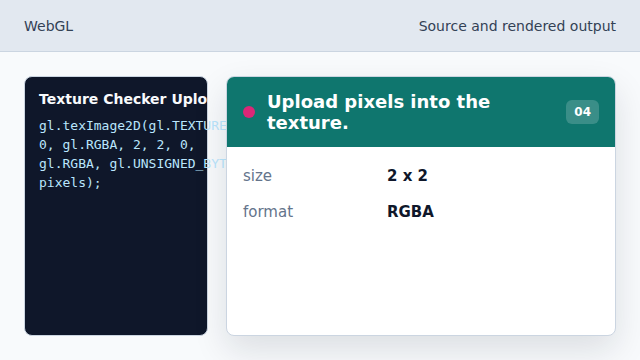
The pixel array moves from JavaScript memory into GPU texture memory. State after this keyframeempty → checkerboardtexture contentsDraw geometry using the texture
kf: 5event 4kind: lifecycleDraw geometry using the texture.
8gl.drawArrays→ textured triangles(gl.TRIANGLES, 0, 6);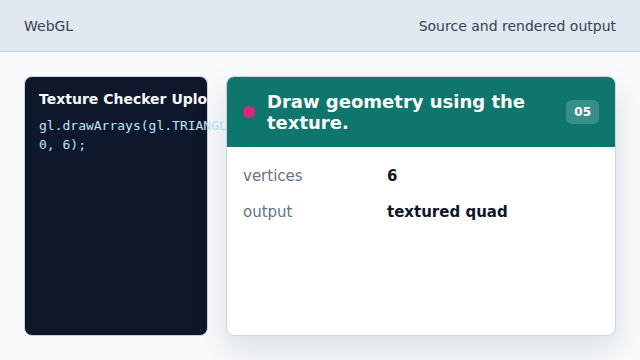
The shader can sample the uploaded checkerboard. State after this keyframeblank → textured trianglesframebuffer
texture
A texture stores image data for shaders to sample.
active draw setup
The texture upload step depends on the shader and geometry setup established earlier in the WebGL book.
texImage2D
texImage2D uploads pixel data into the bound texture.