Textures Uniforms and Viewport
Resize Viewport
Canvas drawing buffer size and WebGL viewport are synchronized so rendering stays sharp after layout changes.
Program
The canvas CSS size and drawing buffer size are separate. WebGL needs viewport dimensions that match the drawing buffer.
resize_viewport.html
Visuals: generated teaching cards from captured state
- state written by this keyframe
1<canvas id="gl" style="width: 320px; height: 180px"></canvas>
2<script>
3  const canvas = document.querySelector("#gl");
4  const gl = canvas.getContext("webgl");
5  canvas.width = canvas.clientWidth * devicePixelRatio;
6  canvas.height = canvas.clientHeight * devicePixelRatio;
7  gl.viewport(0, 0, canvas.width, canvas.height);
8  gl.clear(gl.COLOR_BUFFER_BIT);
9</script>Set the layout size
kf: 1event 0kind: lifecycleSet the layout size.
1<canvas id="gl" style="width: 320px; height: 180px"→ 320 by 180></canvas>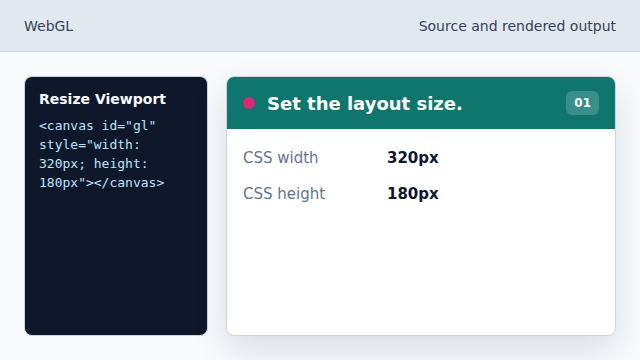
CSS controls how much space the canvas occupies on the page. State after this keyframeauto → 320 by 180CSS sizeSet drawing buffer width
kf: 2event 1kind: lifecycleSet drawing buffer width.
5canvas.width = canvas.clientWidth * devicePixelRatio→ 640;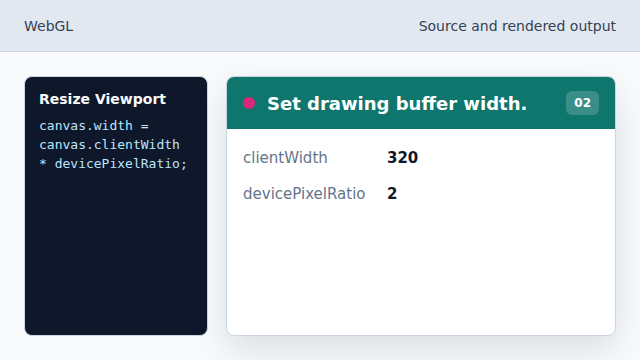
Multiplying by devicePixelRatio keeps the canvas sharp on dense screens. State after this keyframe300 → 640buffer widthSet drawing buffer height
kf: 3event 2kind: lifecycleSet drawing buffer height.
6canvas.height = canvas.clientHeight * devicePixelRatio→ 360;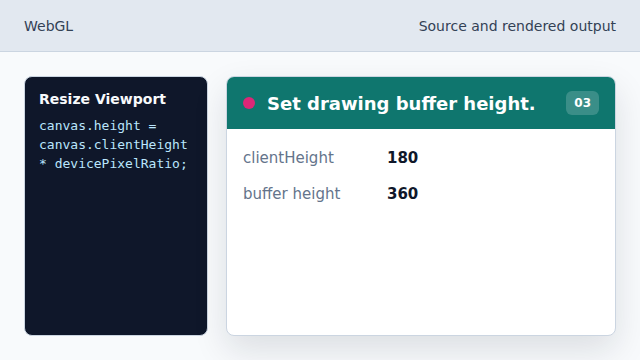
The drawing buffer now matches the display density. State after this keyframe150 → 360buffer heightMatch WebGL viewport to the buffer
kf: 4event 3kind: lifecycleMatch WebGL viewport to the buffer.
7gl.viewport→ 640 by 360(0, 0, canvas.width, canvas.height);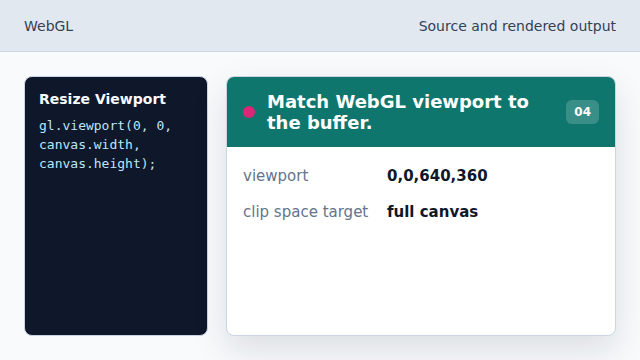
Without this call, drawing would target the wrong pixel rectangle. State after this keyframeold size → 640 by 360viewportClear the resized frame
kf: 5event 4kind: lifecycleClear the resized frame.
8gl.clear→ clean frame(gl.COLOR_BUFFER_BIT);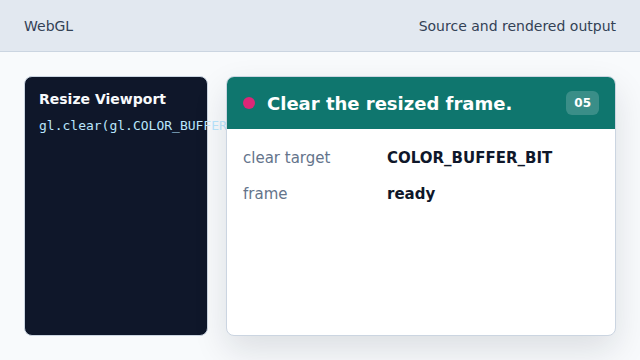
The first draw after resize starts from a clean buffer. State after this keyframeold pixels → clean frameframebuffer
drawing buffer
canvas.width and canvas.height set the bitmap resolution.
viewport
viewport maps normalized device coordinates to drawing buffer pixels.