Browser Diagnostics Ladder
Matched Rule to Computed Style
A class rule matches one paragraph, then computed style explains the visible color and weight.
Program
The second diagnostic ladder follows one CSS rule from source, through rule matching, into computed style, and finally into visible text.
matched_rule_computed_style.html
Visuals: captured from real browser rendering
<style>
.notice { color: #0f766e; font-weight: 700; }
</style>
<p class="notice">Saved locally</p>
Source delta: add a notice rule.
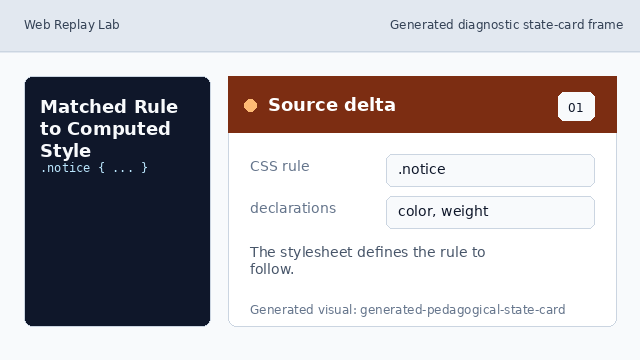
Source delta: the stylesheet defines the rule to follow. Browser structure: find the matching element.
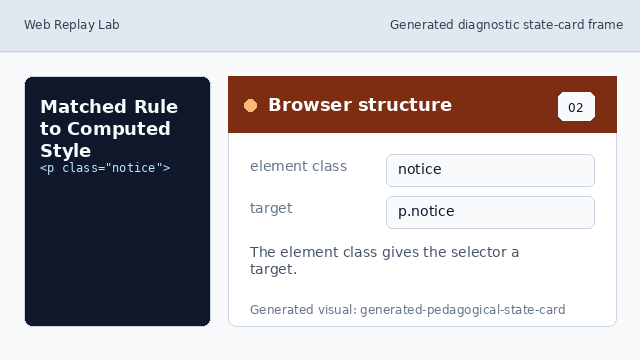
Browser structure: the element class gives the selector a target. Diagnostic surface: show the matched rule.
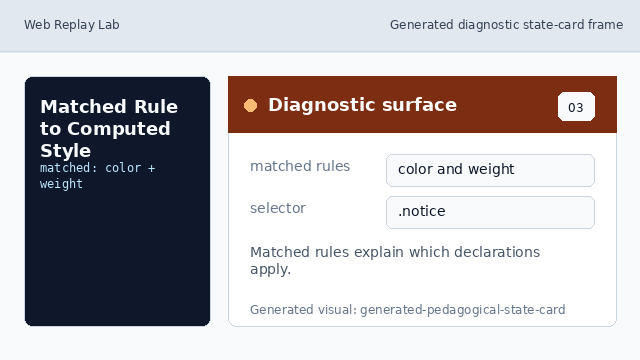
Diagnostic surface: matched rules explain which declarations apply. Rendered consequence: compute visible style.
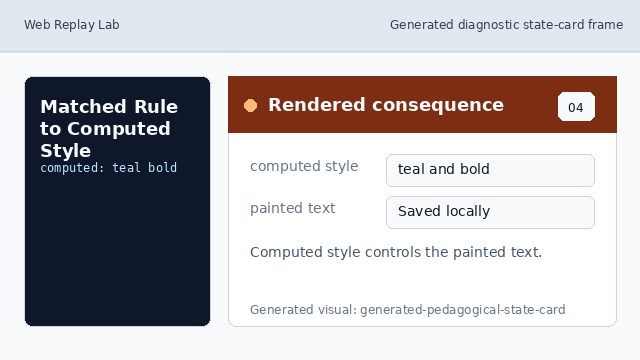
Rendered consequence: computed style controls the painted text. Learner check: name the source of the style.

Learner check: the class match is the reason the text is teal and bold.
matched rule
A matched rule is a CSS selector that applies to the selected element.
computed style
Computed style is the resolved value the browser will use for painting.