Browser Diagnostics Ladder
Layout Box to Painted Result
A small box rule becomes a layout box with content, padding, border, and painted background.
Program
The third diagnostic ladder follows box-model source through layout dimensions and into the final painted result.
layout_box_paint_result.html
Visuals: captured from real browser rendering
<style>
.box { width: 160px; padding: 16px; border: 4px solid #2563eb; background: #dbeafe; }
</style>
<section class="box">Receipt</section>
Source delta: add box dimensions.
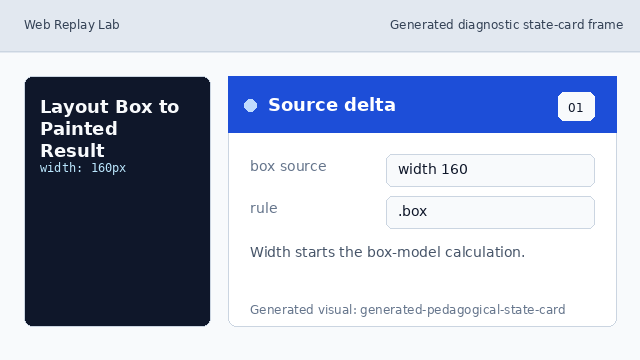
Source delta: width starts the box-model calculation. Browser structure: match the box element.
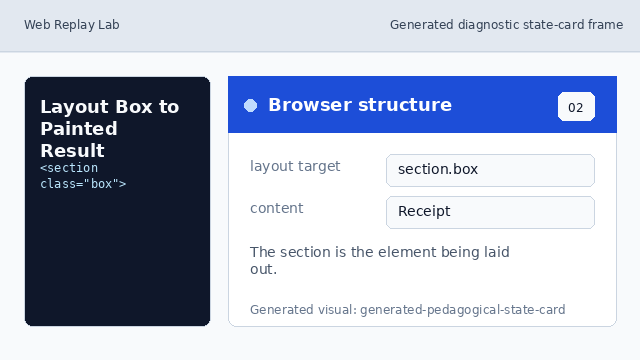
Browser structure: the section is the element being laid out. Diagnostic surface: read the box layers.
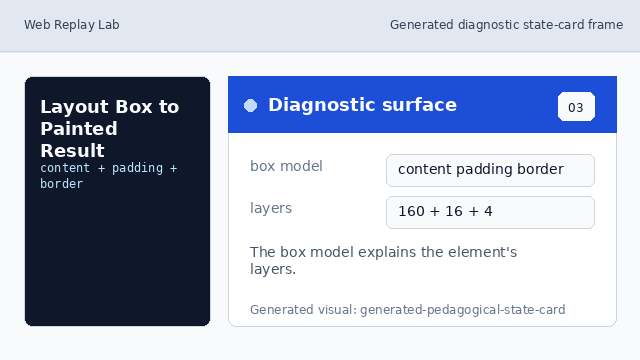
Diagnostic surface: the box model explains the element's layers. Rendered consequence: paint border and background.
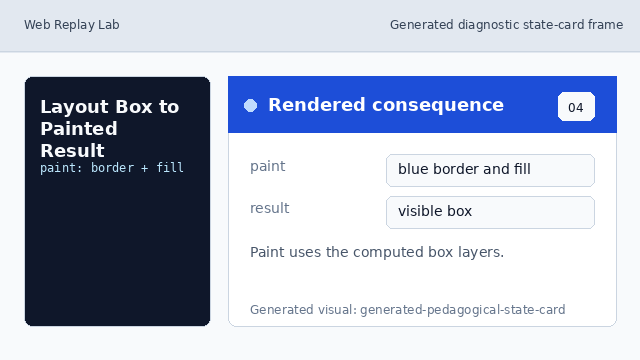
Rendered consequence: paint uses the computed box layers. Learner check: calculate the outer width.
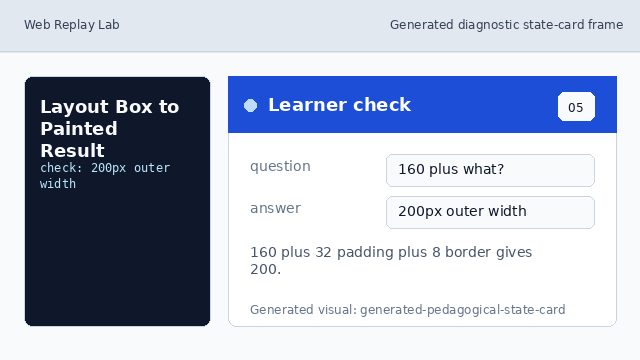
Learner check: 160 plus 32 padding plus 8 border gives 200.
box model
The box model separates content, padding, border, and margin.
painted result
Painting uses the computed box to draw background and border pixels.