Fills, Strokes, and Markers
Linear Gradient Stop
A gradient definition lives inside defs, then a rectangle uses fill="url(#id)" to paint that gradient as its fill.
Program
SVG gradients are paint objects defined once and referenced by URL fragment. The defs block stores reusable paint, and shapes pull it in via the id.
linear_gradient_stop.html
Visuals: captured from real browser rendering
<svg class="demo-svg" viewBox="0 0 360 220" role="img" aria-label="Linear gradient">
  <defs>
    <linearGradient id="ramp" x1="0" y1="0" x2="1" y2="0">
      <stop offset="0%" stop-color="#0ea5e9" />
      <stop offset="100%" stop-color="#4338ca" />
    </linearGradient>
  </defs>
  <rect width="360" height="220" fill="#f8fafc" />
  <rect x="40" y="56" width="280" height="108" rx="14" fill="url(#ramp)" />
</svg>
Paint the viewport background.
Backgrounds make the gradient effect easy to see. Define a linearGradient inside defs.
A gradient inside defs becomes paint that other shapes can reuse. Add the blue start stop.
A first stop pins one end of the color ramp. Add the indigo end stop.
A second stop closes the color ramp. Fill the panel with url(#ramp).
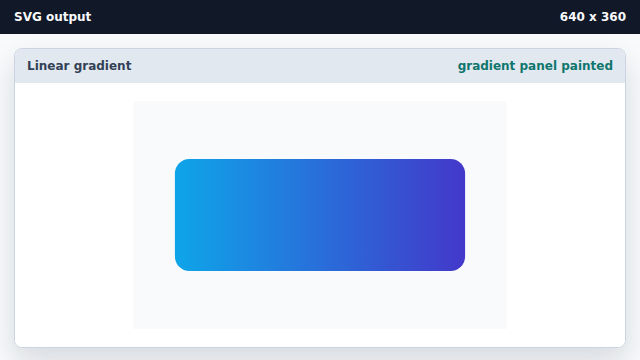
fill="url(#id)" tells the shape to paint with the named gradient.
linearGradient
A linearGradient defines a horizontal or vertical color ramp.
stop
A stop pins one color at a position inside the gradient ramp.
url() paint
fill="url(#id)" makes a shape reuse a named paint definition.