ViewBox Text and Gradients
Gradient Stop Badge
An SVG badge defines a reusable linearGradient and fills a rounded rectangle with ordered color stops.
Program
defs stores reusable paint servers such as gradients. A shape can reference the gradient by url(#id).
gradient_stop_badge.html
Visuals: captured from real browser rendering
<svg viewBox="0 0 180 80" width="360" height="160" role="img" aria-label="Launch badge">
  <defs><linearGradient id="launch" x1="0" x2="1">
    <stop offset="0" stop-color="#0f766e"/>
    <stop offset="1" stop-color="#f59e0b"/>
  </linearGradient></defs>
  <rect x="16" y="18" width="148" height="44" rx="12" fill="url(#launch)"/>
  <text x="90" y="47" text-anchor="middle" font-size="20" fill="white">Launch</text>
</svg>
Create a definitions area.
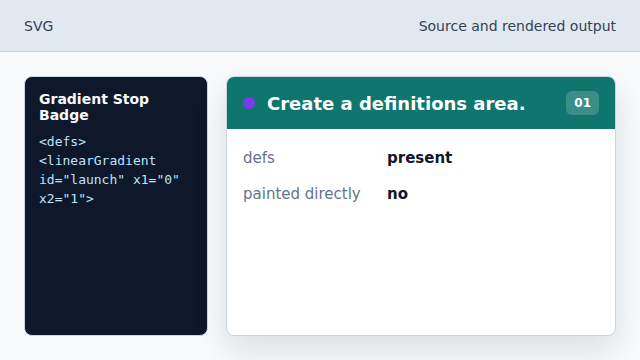
The gradient definition will not draw until a shape references it. Name the gradient.
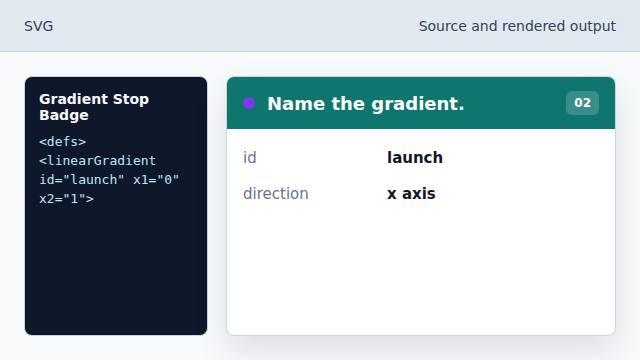
The id becomes the reference target for fill. Set the starting color.
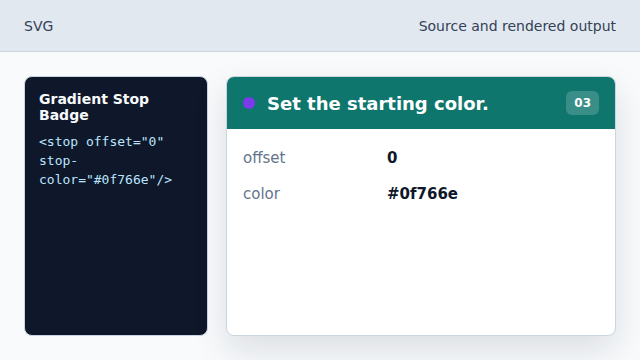
The first stop begins the color ramp. Set the ending color.
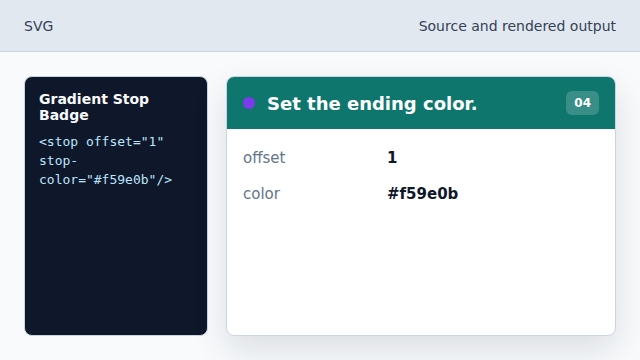
The final stop completes the ramp. Fill the badge with the gradient.
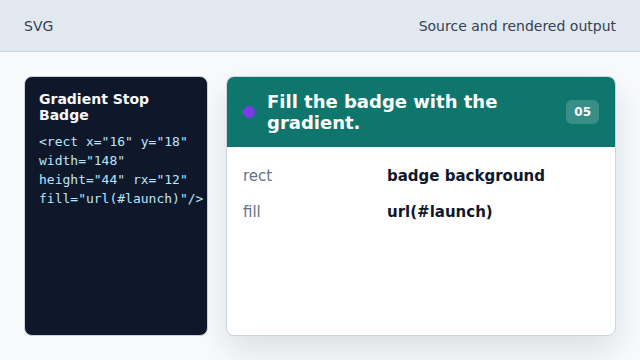
The rounded rectangle now uses the reusable paint server.
defs
defs stores reusable SVG definitions that are not painted directly.
linearGradient
linearGradient interpolates between color stops.