Scheduling and Observers
Request Animation Frame Progress
requestAnimationFrame schedules DOM updates for the next browser paint while a progress bar advances.
Program
requestAnimationFrame is the browser-friendly way to run visual updates because it aligns work with repaint timing.
request_animation_frame_progress.html
Visuals: captured from real browser rendering
<div id="bar"><span></span></div>
<output id="label">0%</output>
<script>
  const barFill = document.querySelector("#bar span");
  const labelEl = document.querySelector("#label");
  let progress = 0;
  function tick() {
    progress += 25;
    barFill.style.width = progress + "%";
    labelEl.textContent = progress + "%";
    if (progress < 100) requestAnimationFrame(tick);
  }
  requestAnimationFrame(tick);
</script>
Start with zero progress.
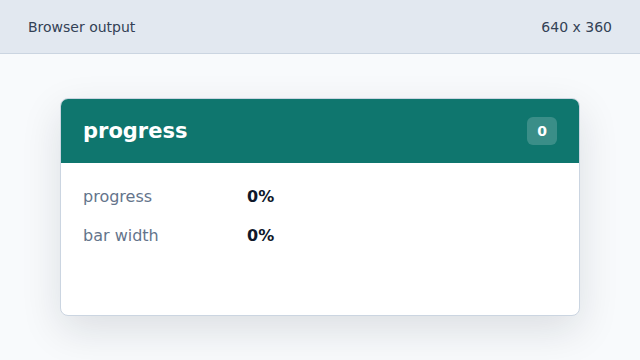
The bar starts empty before the first animation frame. Advance on the frame callback.
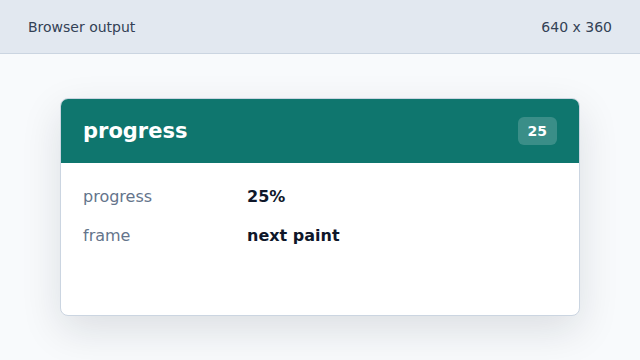
The scheduled tick updates state during a frame. Write the visual width.
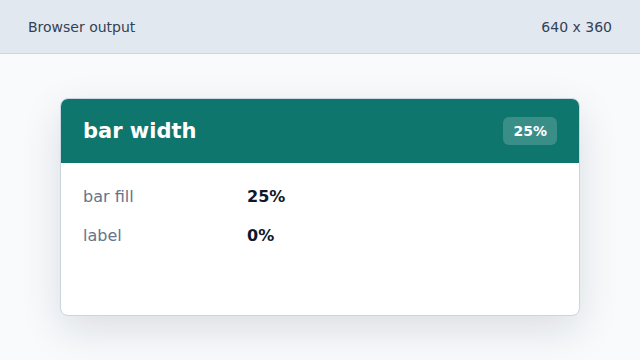
The DOM style update makes progress visible. Update the text label.
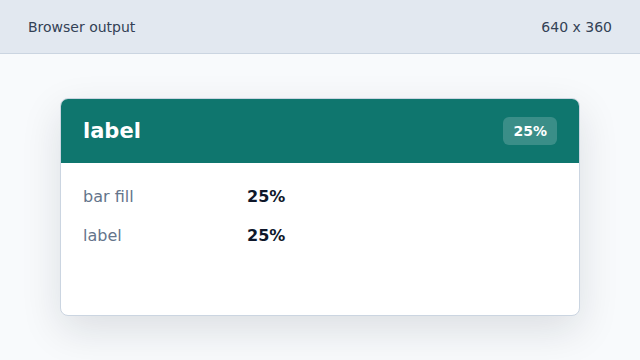
The text label and visual bar show the same state. Schedule the next frame while incomplete.
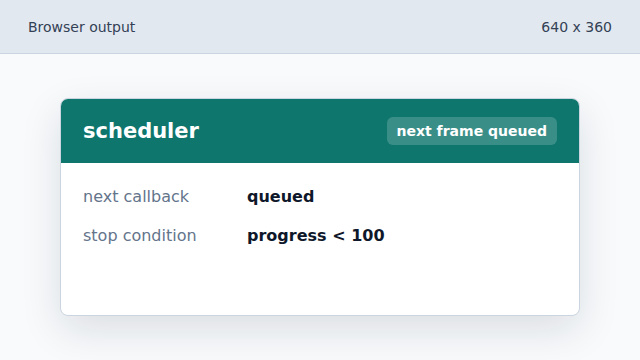
The loop continues until progress reaches 100%.
requestAnimationFrame
requestAnimationFrame schedules visual work before the next repaint.
paint
A paint is the browser step that updates pixels on screen.