Scheduling and Observers
Intersection Observer Lazy Load
IntersectionObserver detects when a card enters the viewport and swaps a placeholder into loaded content.
Program
IntersectionObserver watches visibility without scroll polling. It is commonly used for lazy loading images or sections.
intersection_observer_lazy.html
Visuals: captured from real browser rendering
<article id="card" data-state="placeholder">Loading chart...</article>
<script>
  const cardEl = document.querySelector("#card");
  const observer = new IntersectionObserver(entries => {
    if (!entries[0].isIntersecting) return;
    cardEl.dataset.state = "loaded";
    cardEl.textContent = "Chart loaded";
    observer.disconnect();
  });
  observer.observe(cardEl);
</script>
Create the visibility observer.
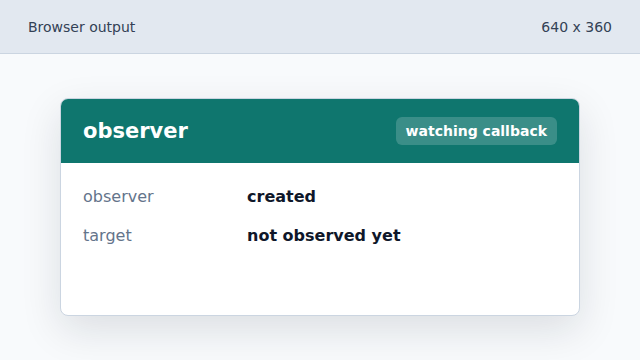
The observer is ready to receive visibility entries. Check whether the card is visible.
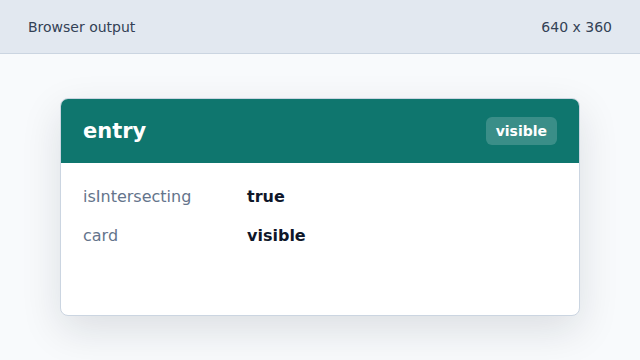
The callback continues only when the card intersects the viewport. Mark the card loaded.
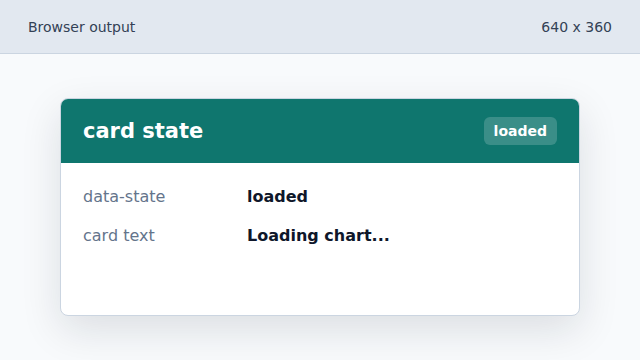
A data attribute records that the lazy content is ready. Render the loaded content.
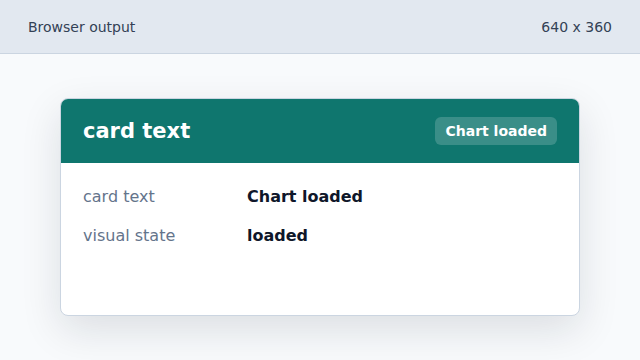
The placeholder is replaced by the loaded chart label. Disconnect after loading.
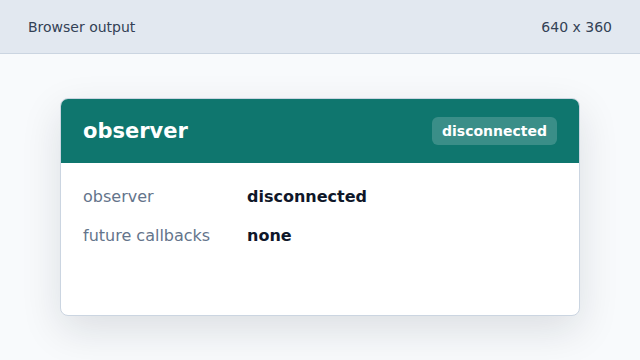
The observer stops after the one-time lazy load.
IntersectionObserver
IntersectionObserver reports when a target enters or leaves a viewport or root element.
lazy loading
Lazy loading waits to load or render content until it is likely needed.